
Project Trailer
Week 1
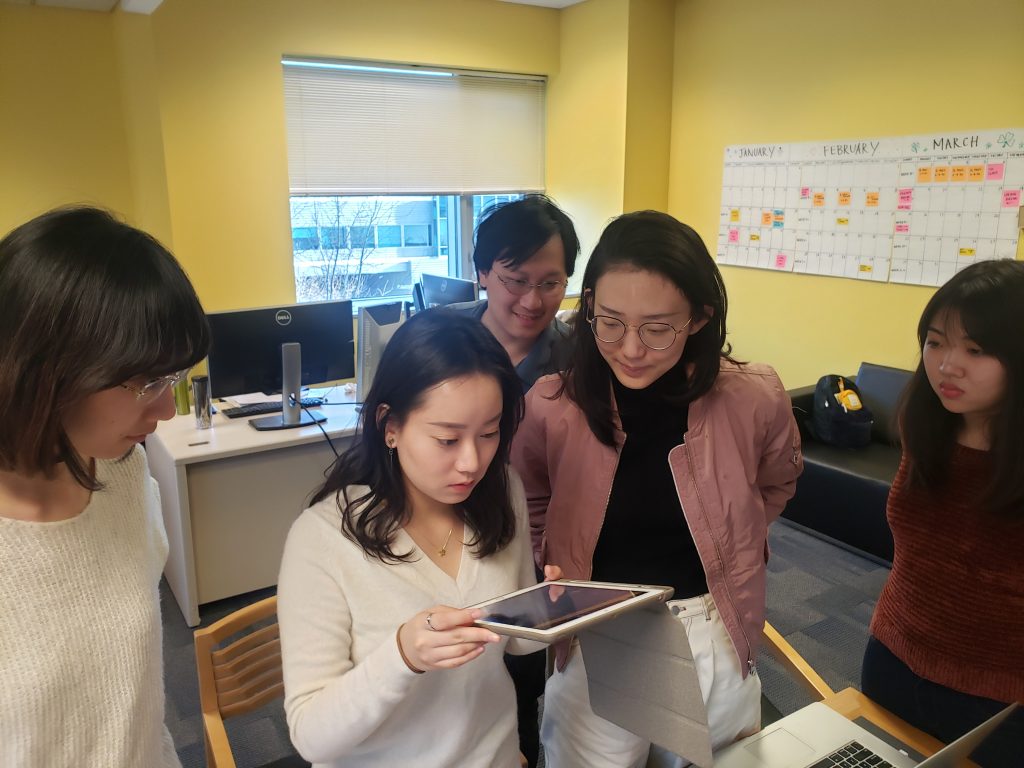
Team STEAMineer playtesting an AR interaction 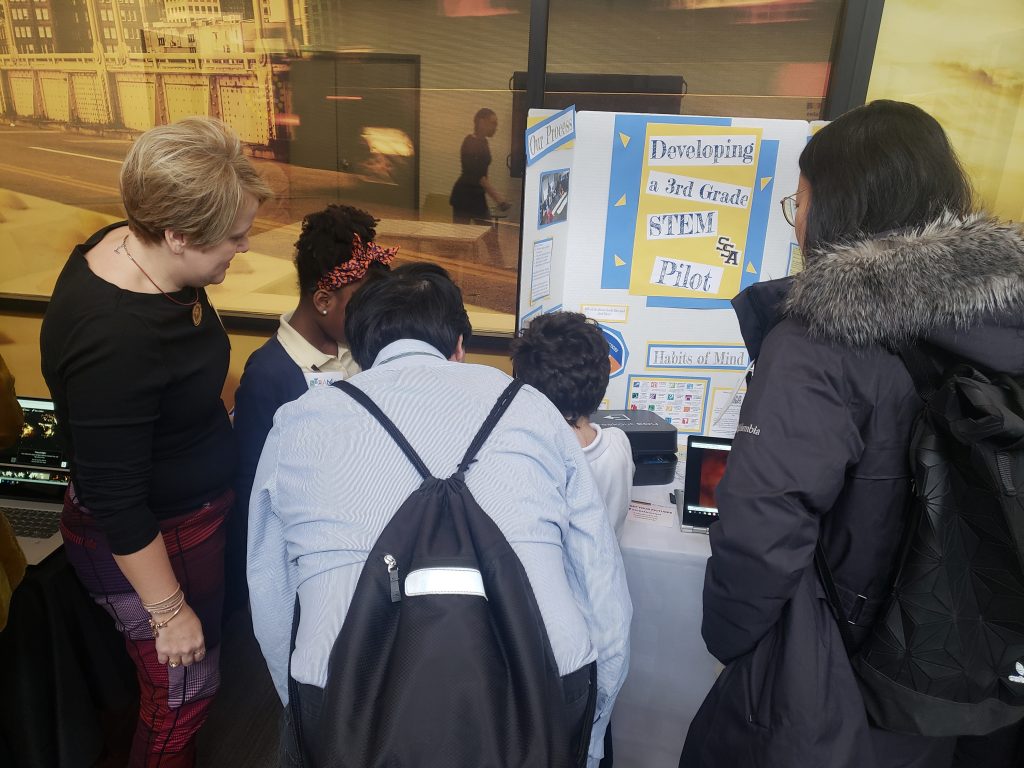
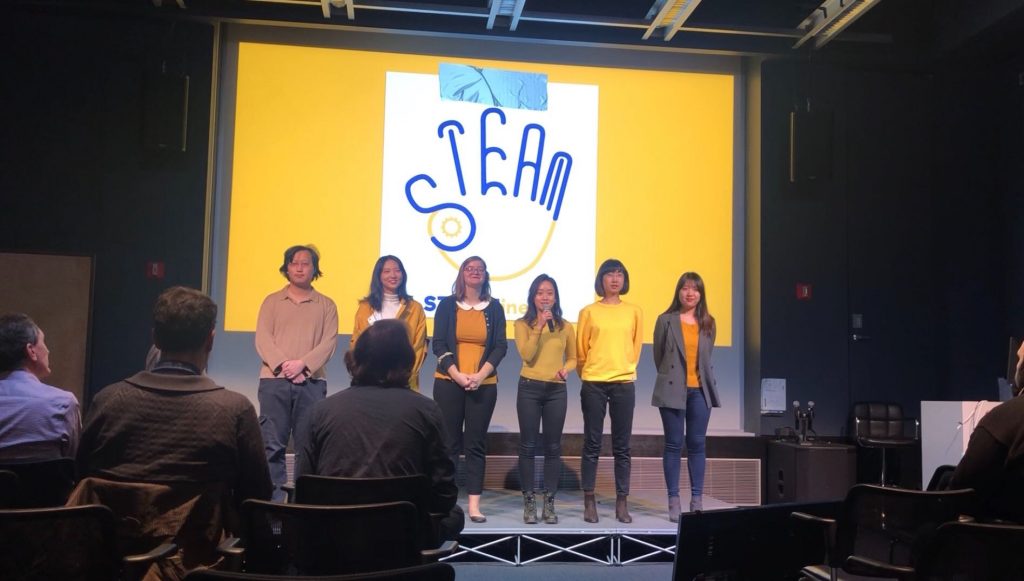
Seeing Student work at the STEAM Summit 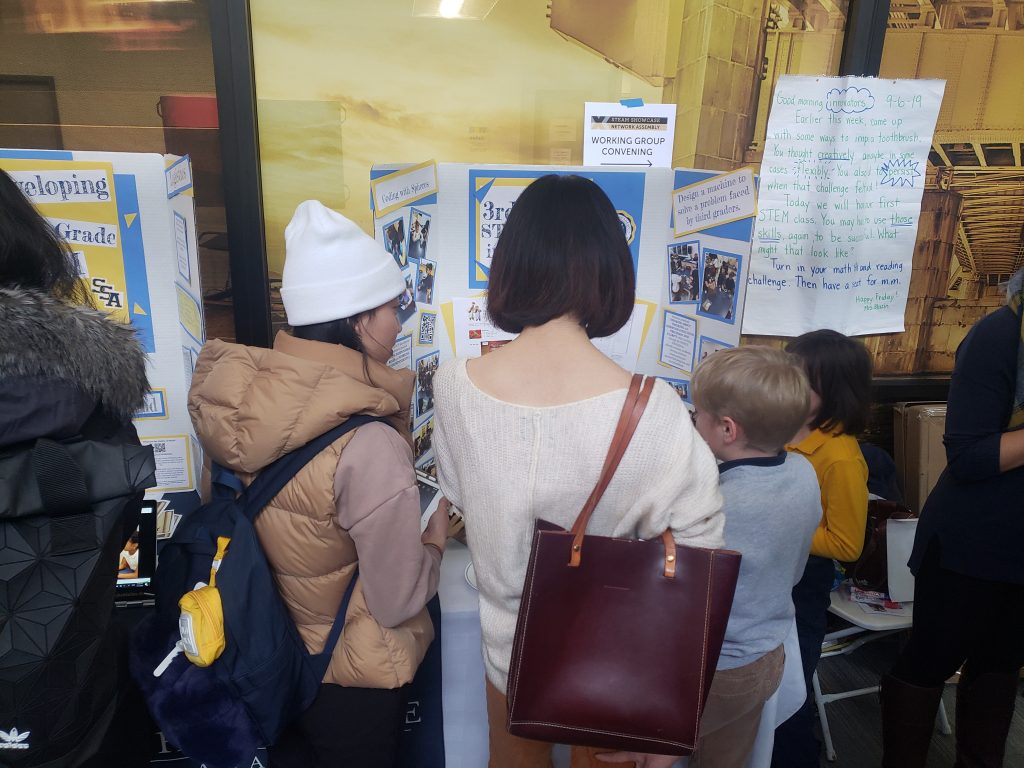
Seeing Student Work at the STEAM Summit 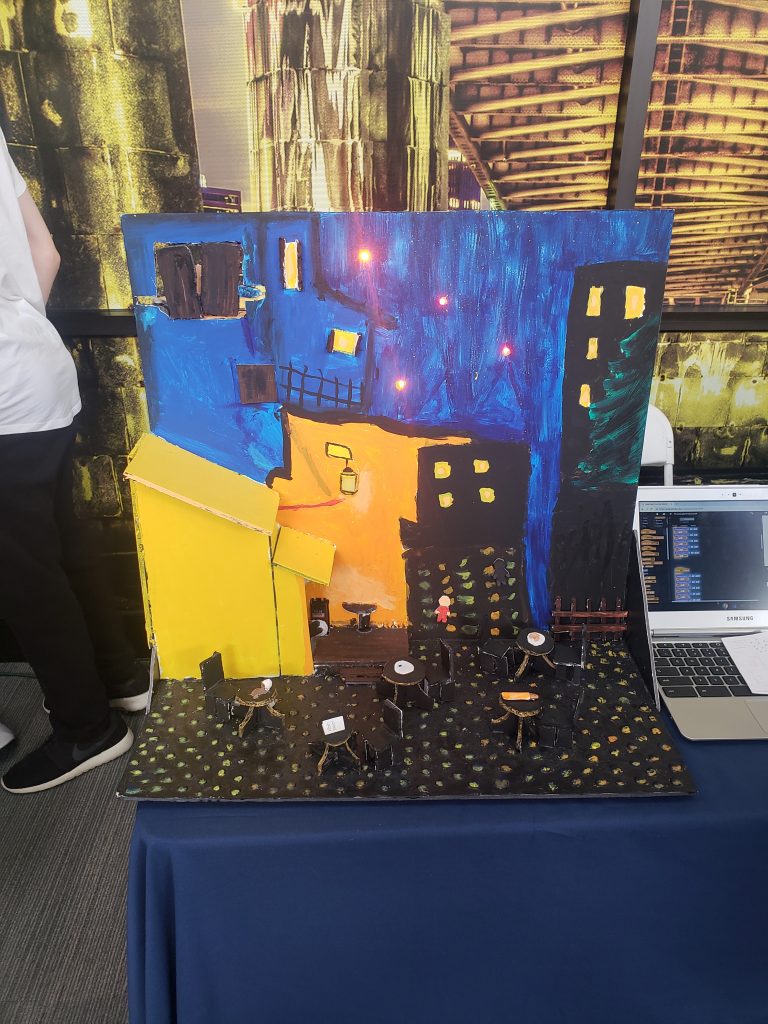
Student work inspired by Van Gogh at the STEAM Summit 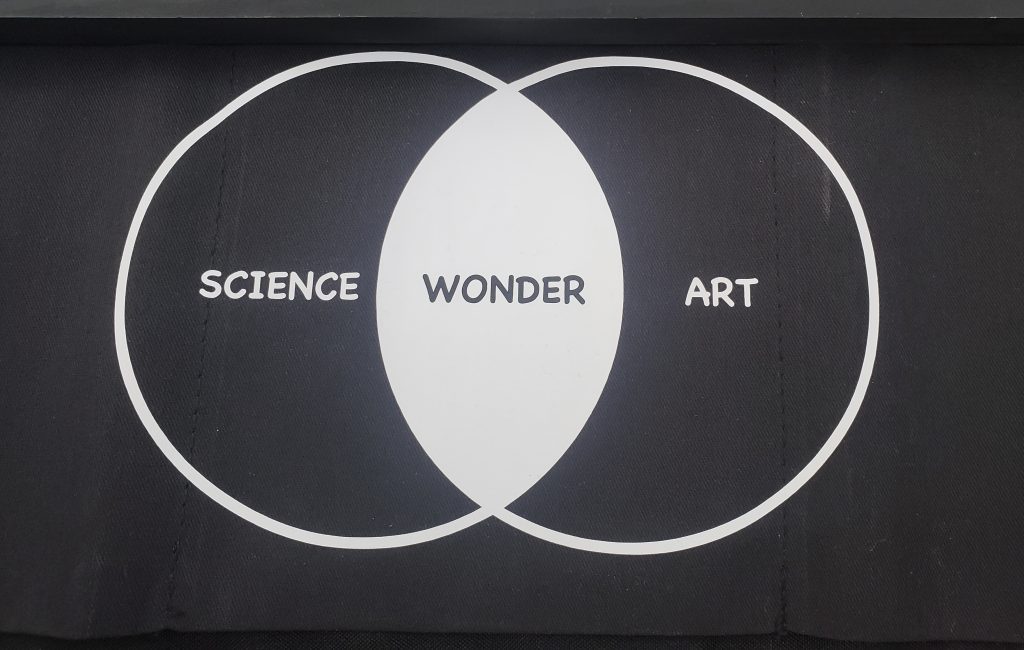
From the STEAM Summit 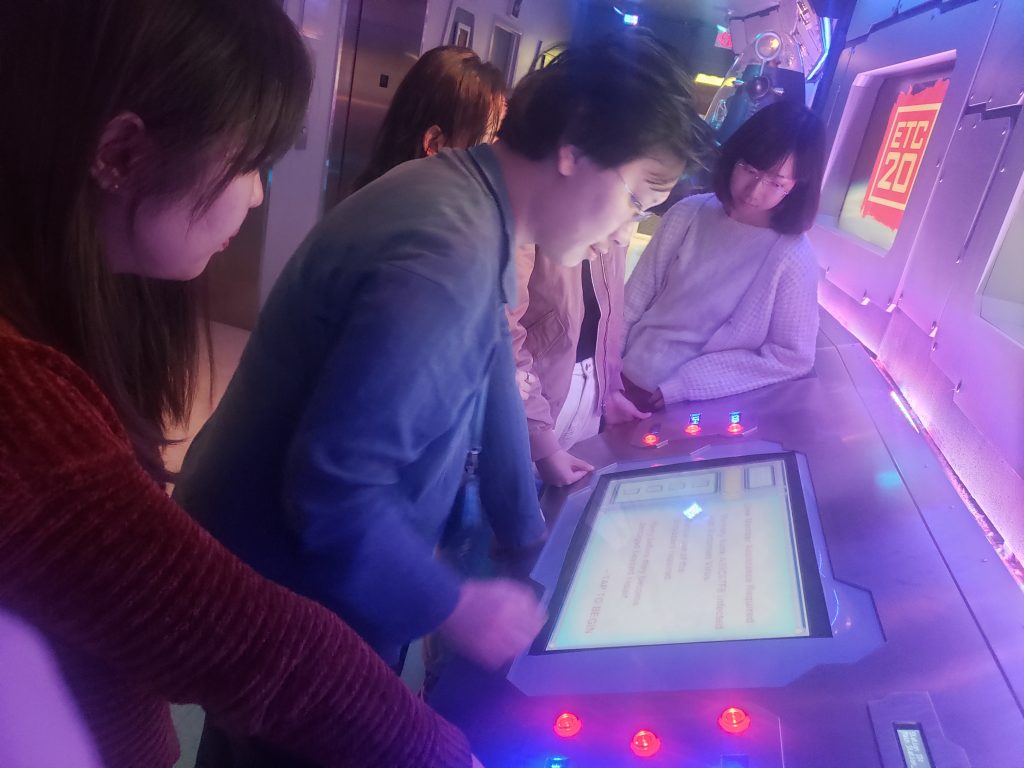
Playing games in the ETC Bridge for Research 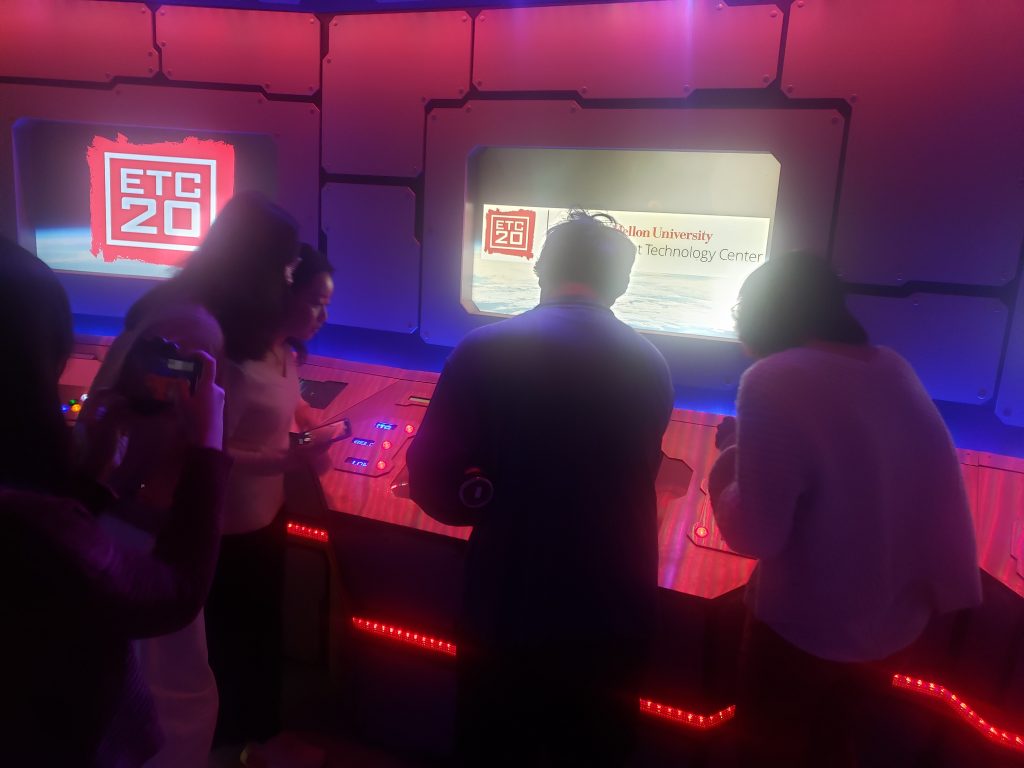
Playing games in the ETC Bridge for Research 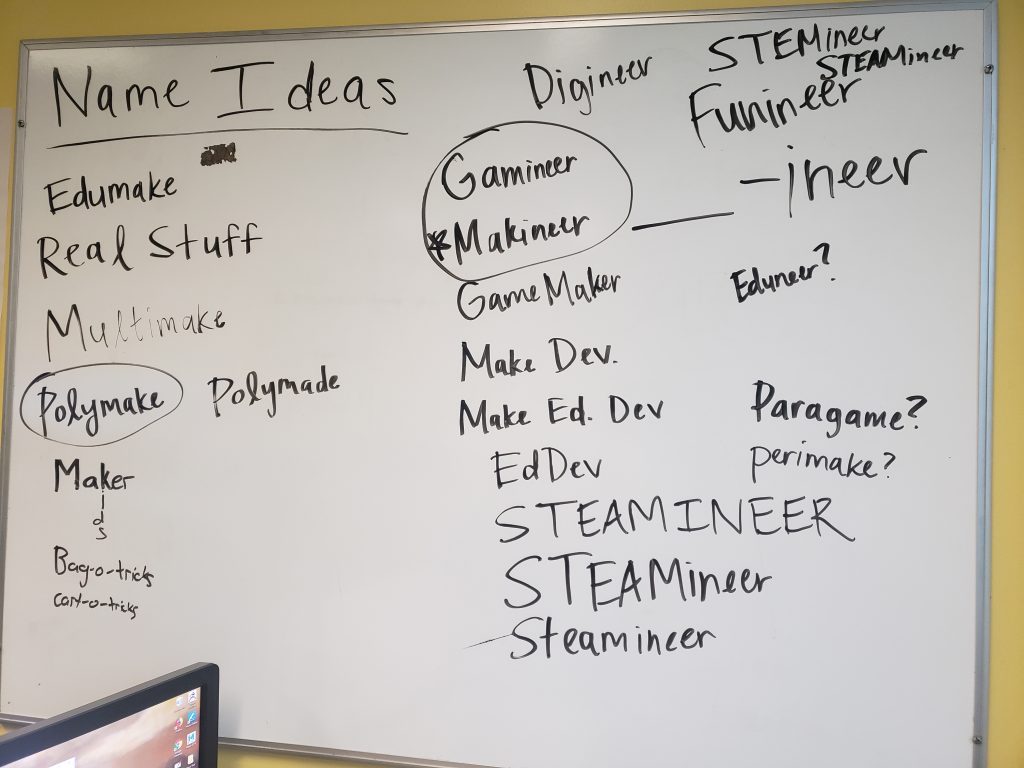
Trying to name our team 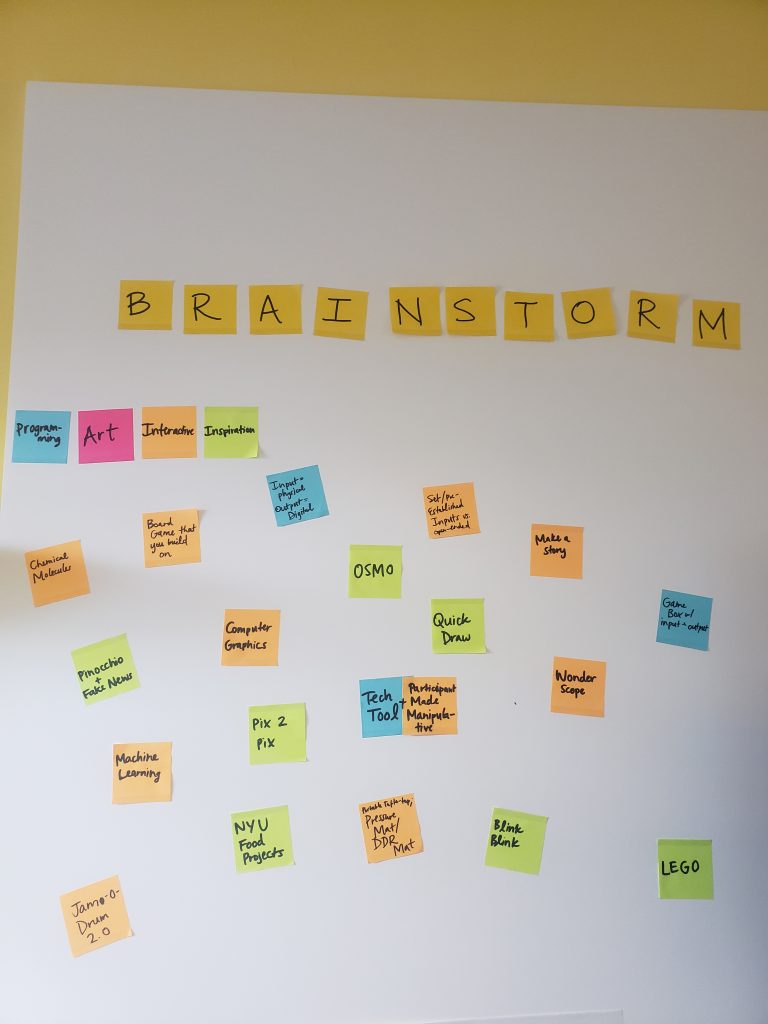
Recording ideas we like and might want to incorporate in our project 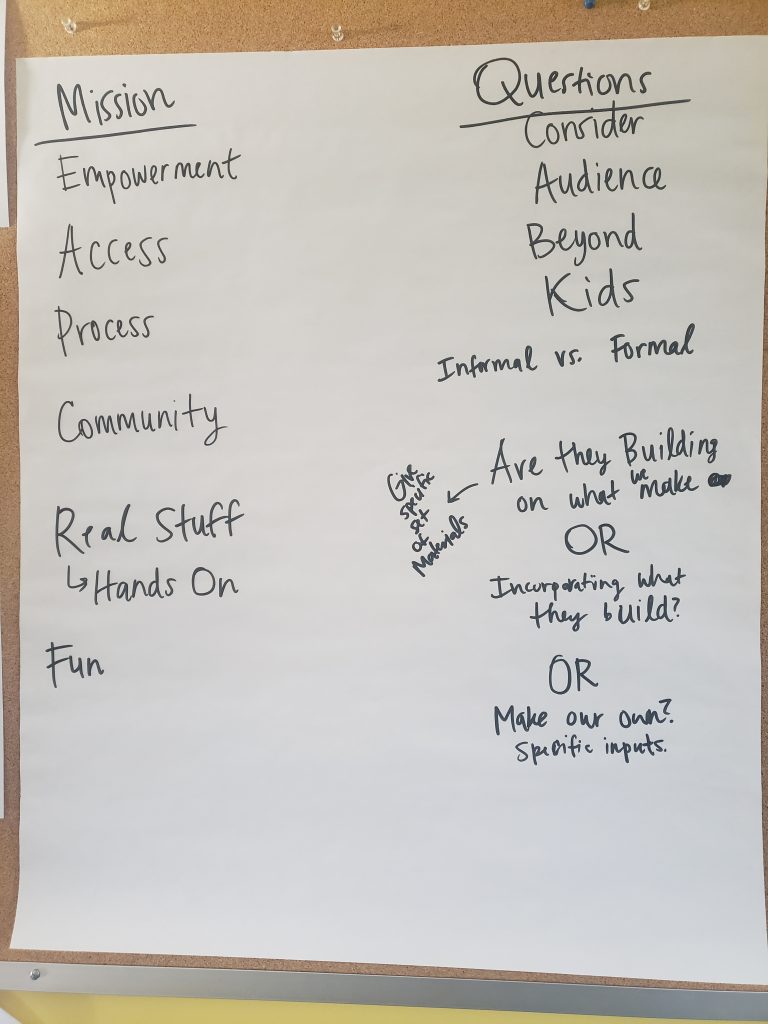
Trying to clarify our Mission and Direction 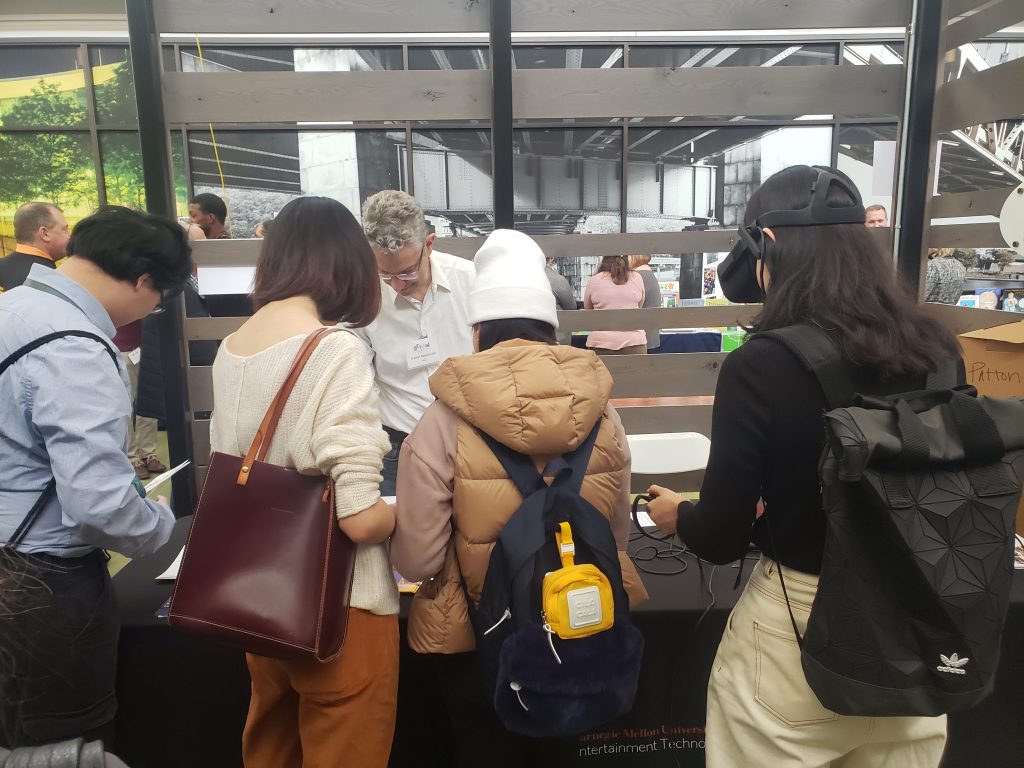
Visiting the ETC Alice Team at the STEAM Summit
Week 2
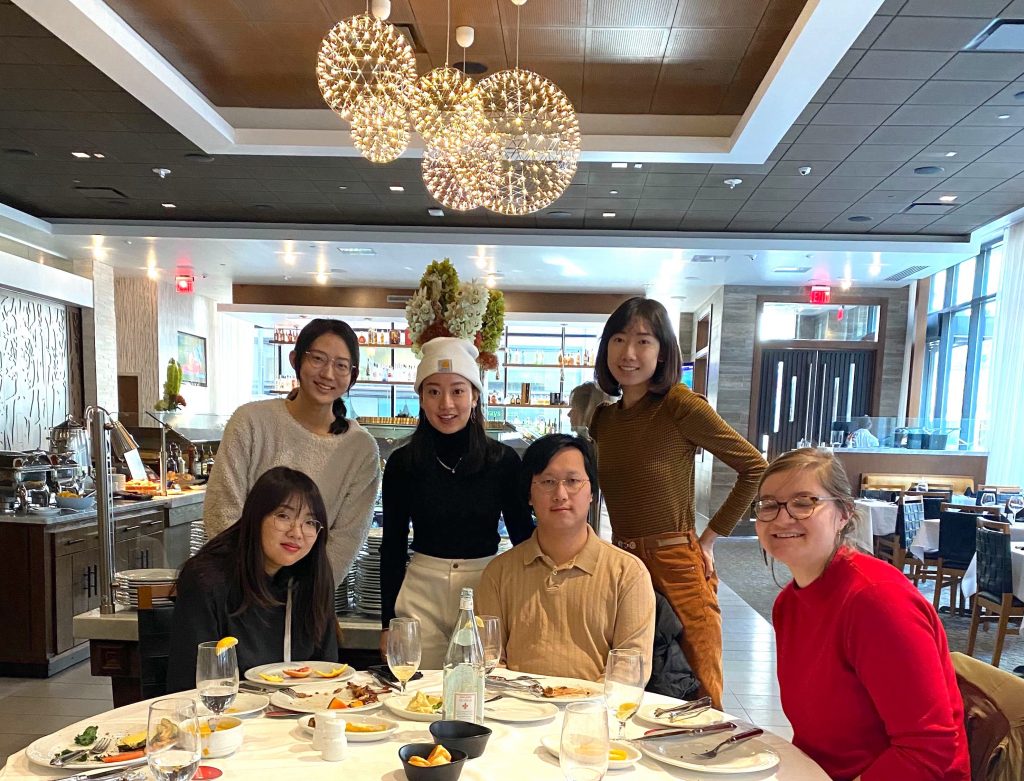
Team Lunch at Fogo de Chao 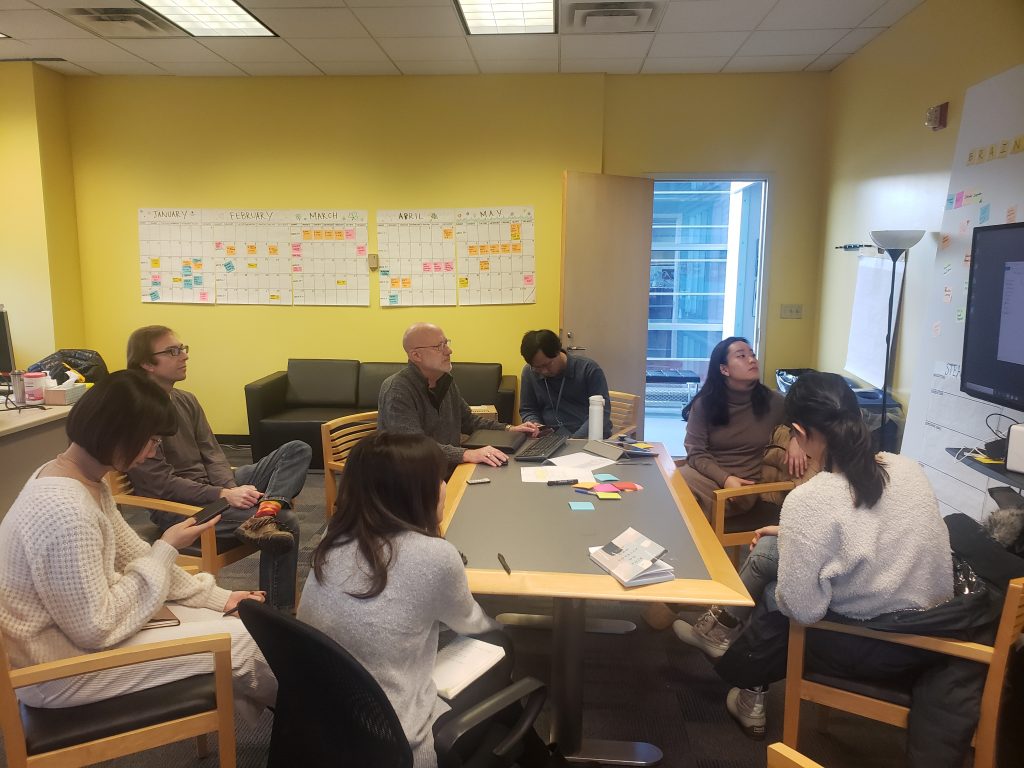
STEAMineer Team Faculty Meeting 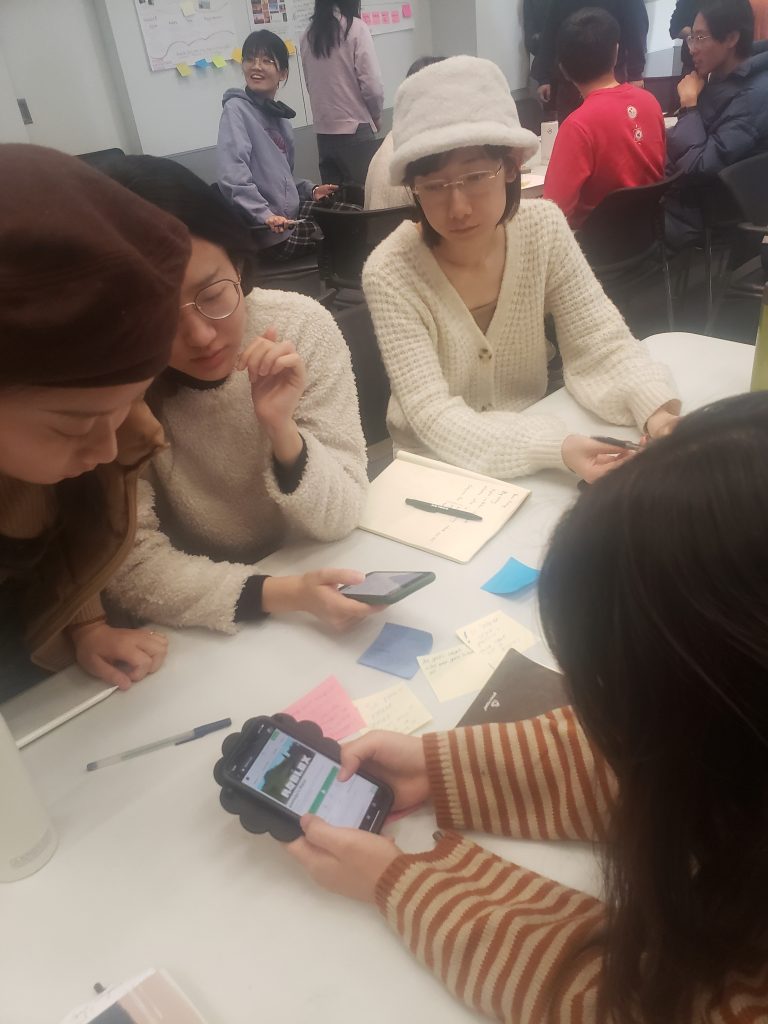
Brainstorming at the Playtest to Explore Workshop 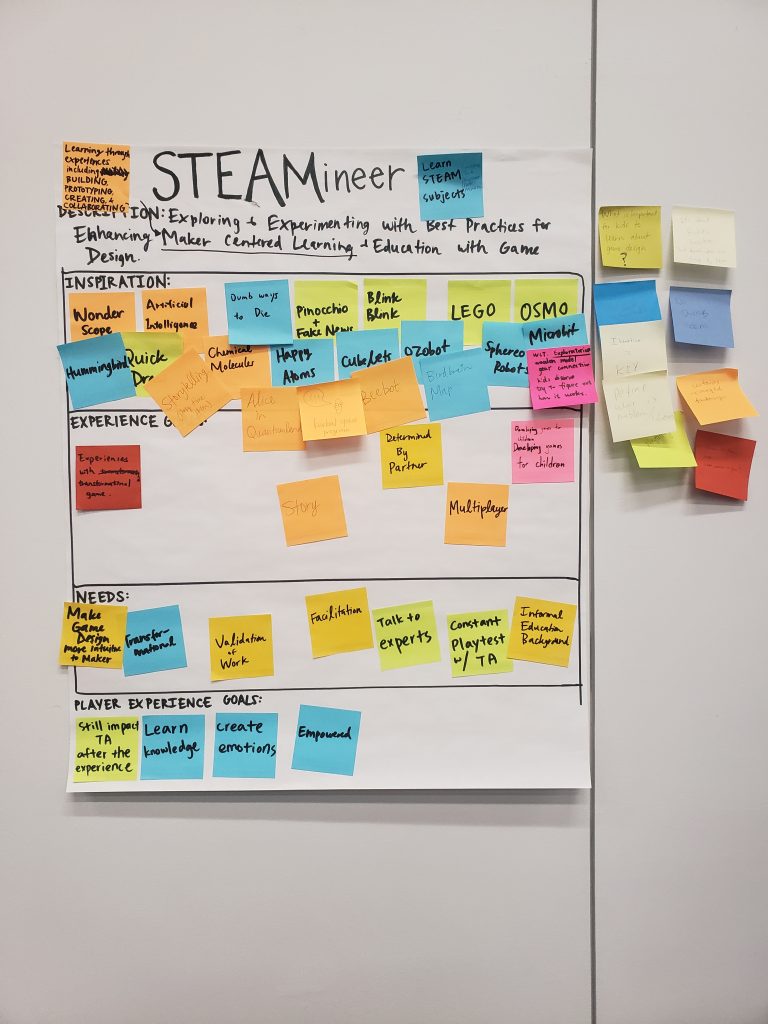
Our Composition Box from the Playtest to Explore Workshop 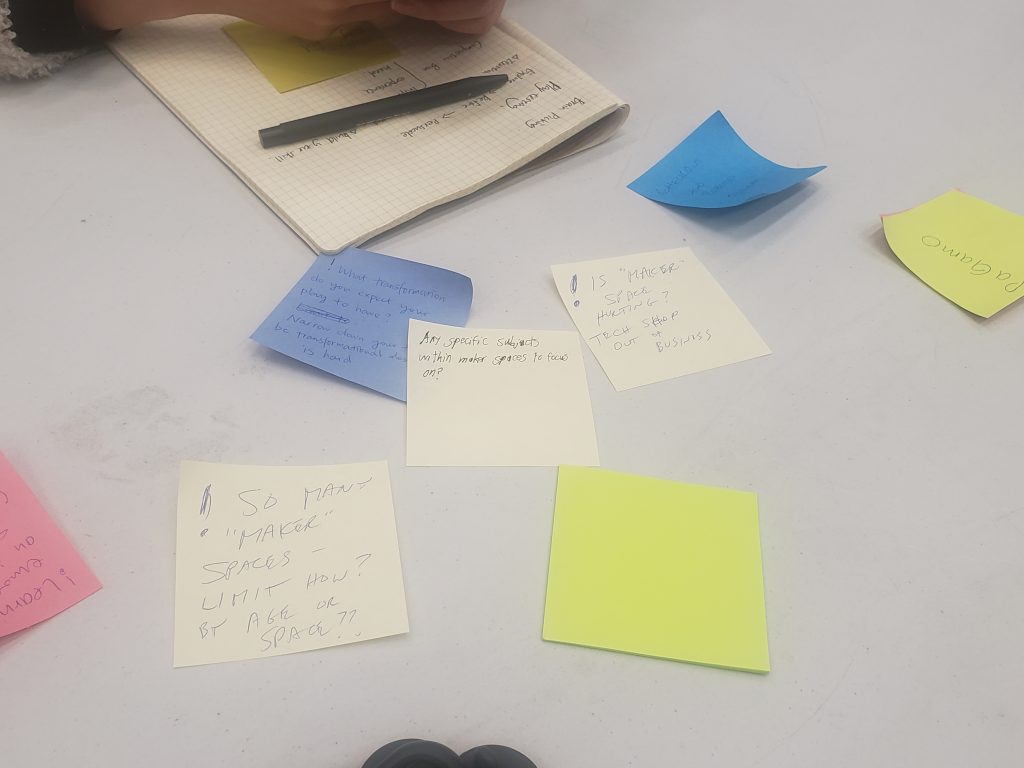
Peer Feedback from the Playtest to Explore Workshop 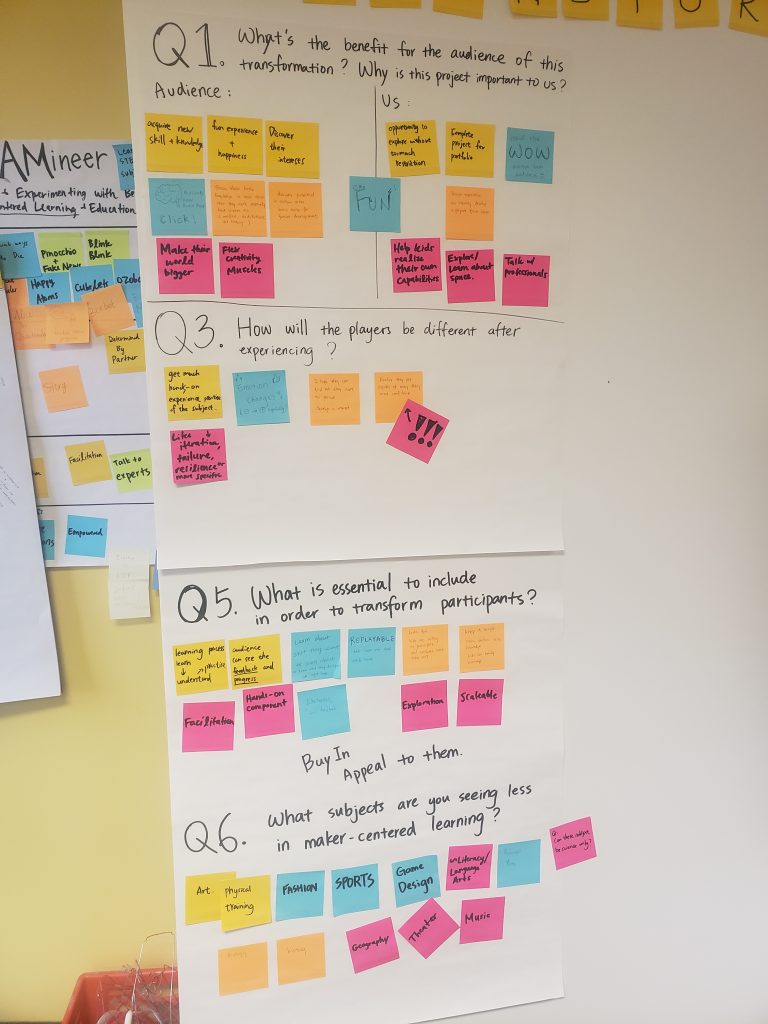
Responding to prompts based on the Transformation Framework 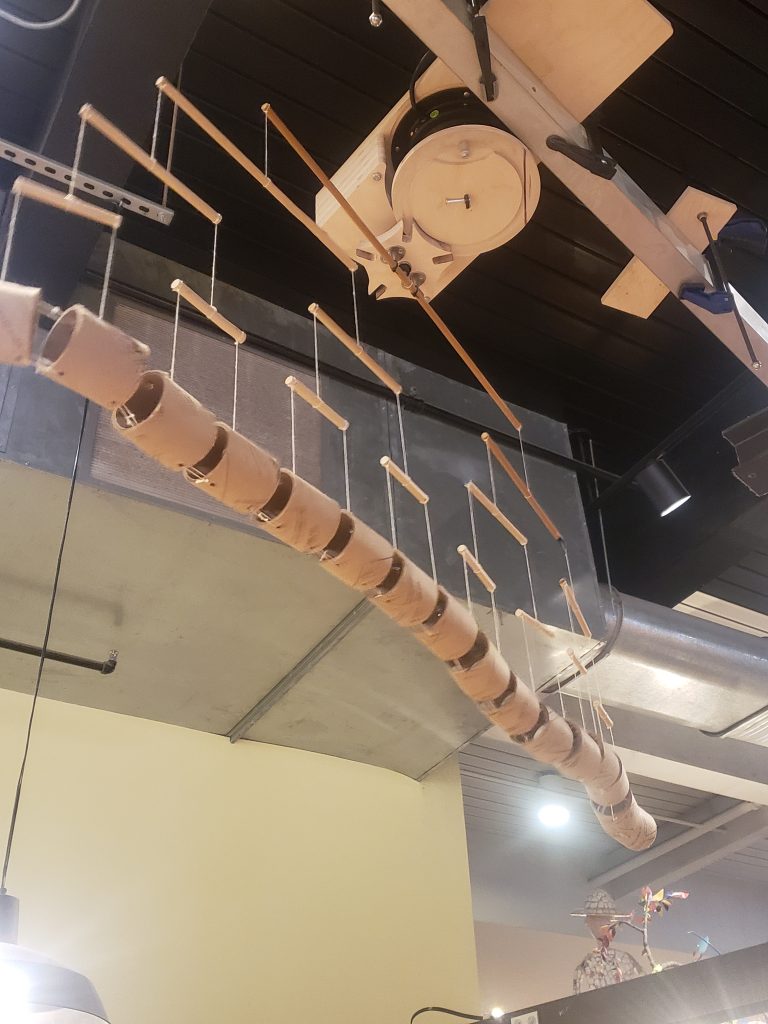
A mechanical cardboard installation at the CMP MAKESHOP 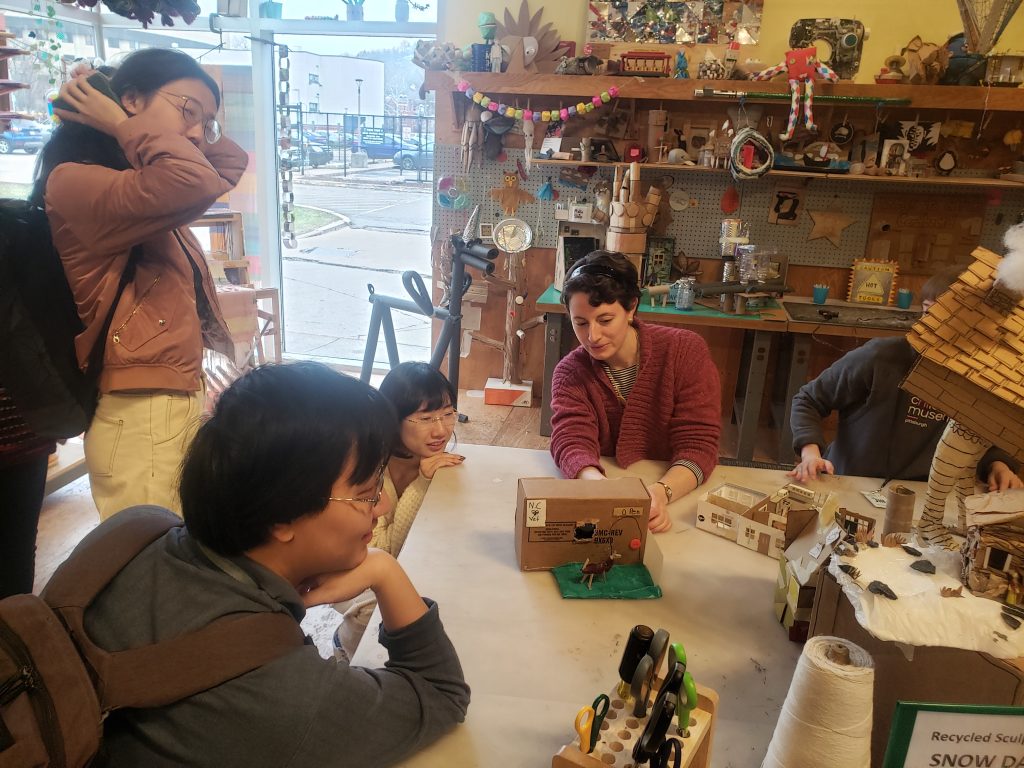
Talking with Sarah from the CMP MAKESHOP 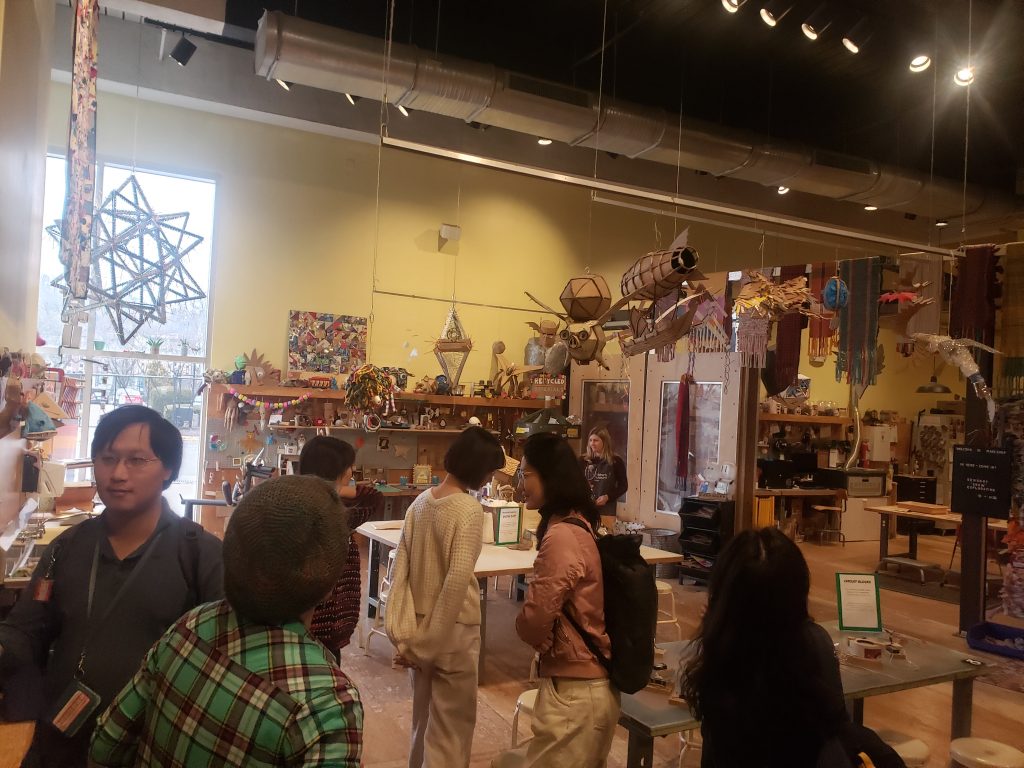
Visiting the CMP MAKESHOP 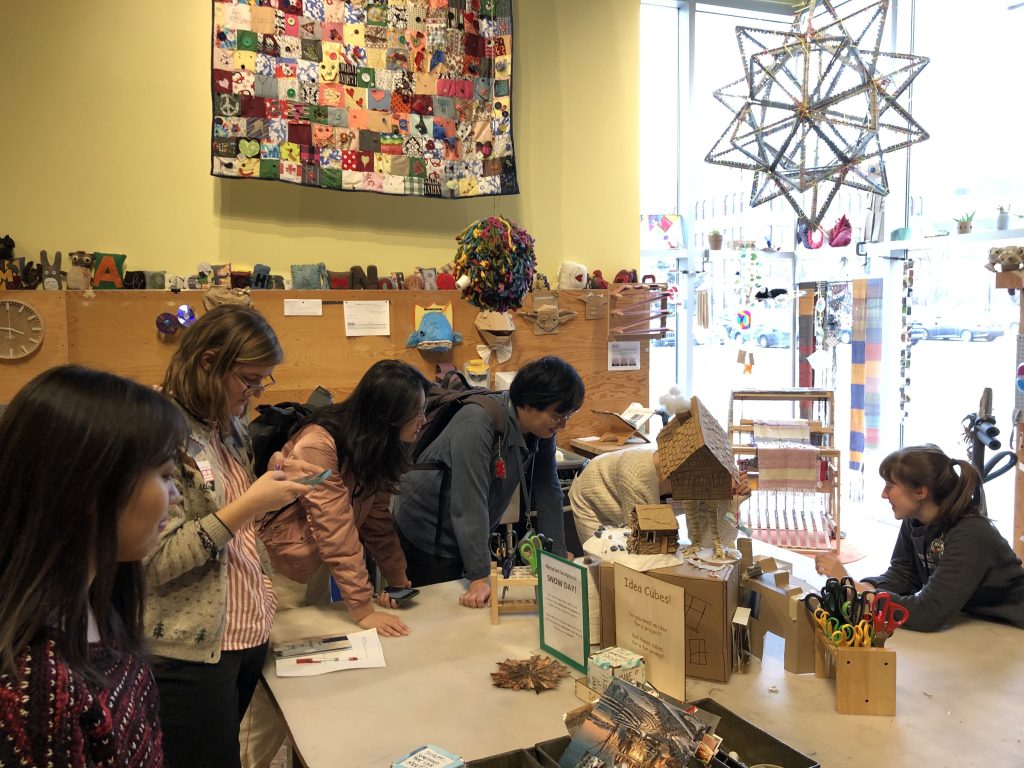
CMP MAKESHOP 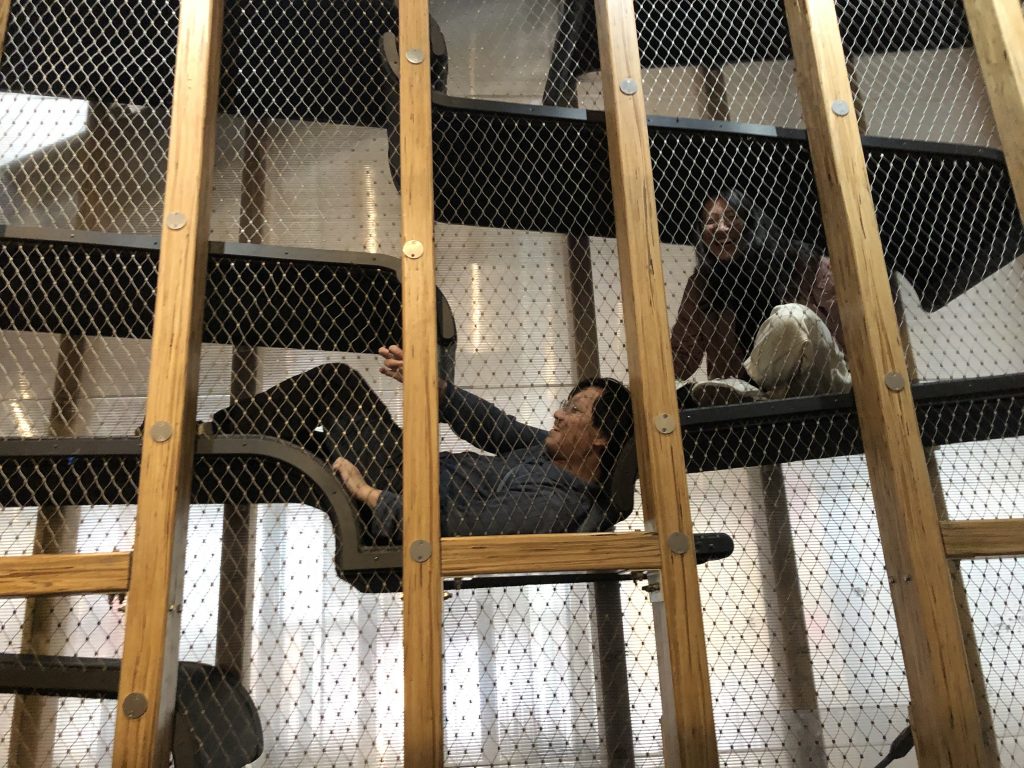
Climbing Space at CMP 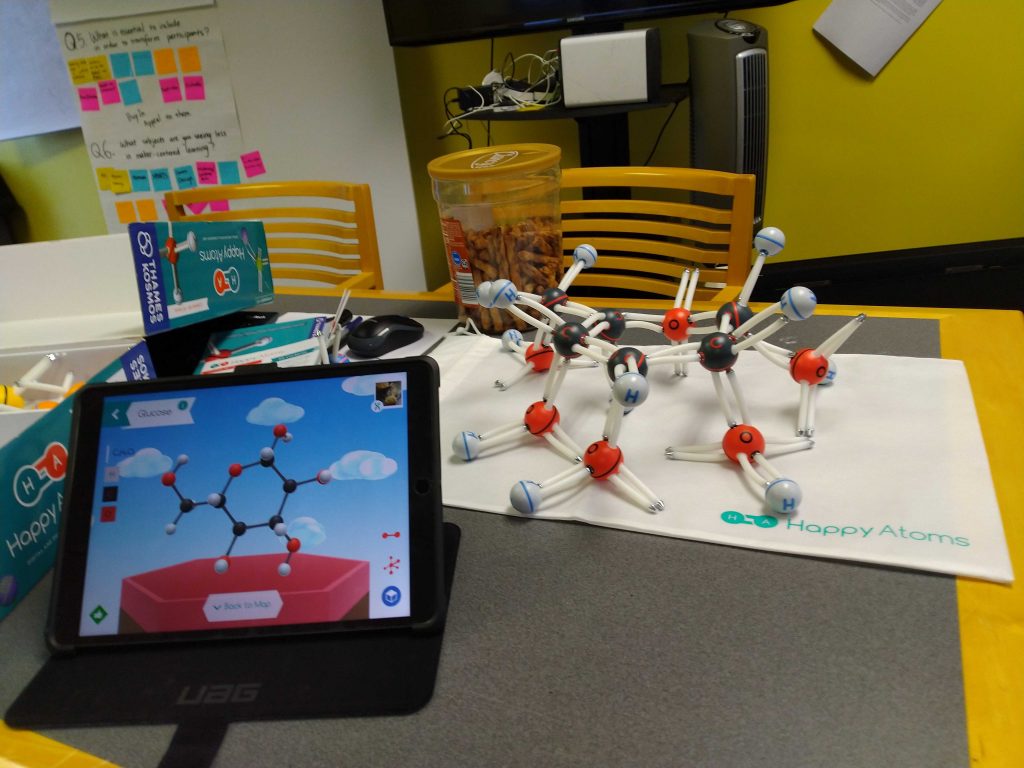
Happy Atoms Game from Schell Games 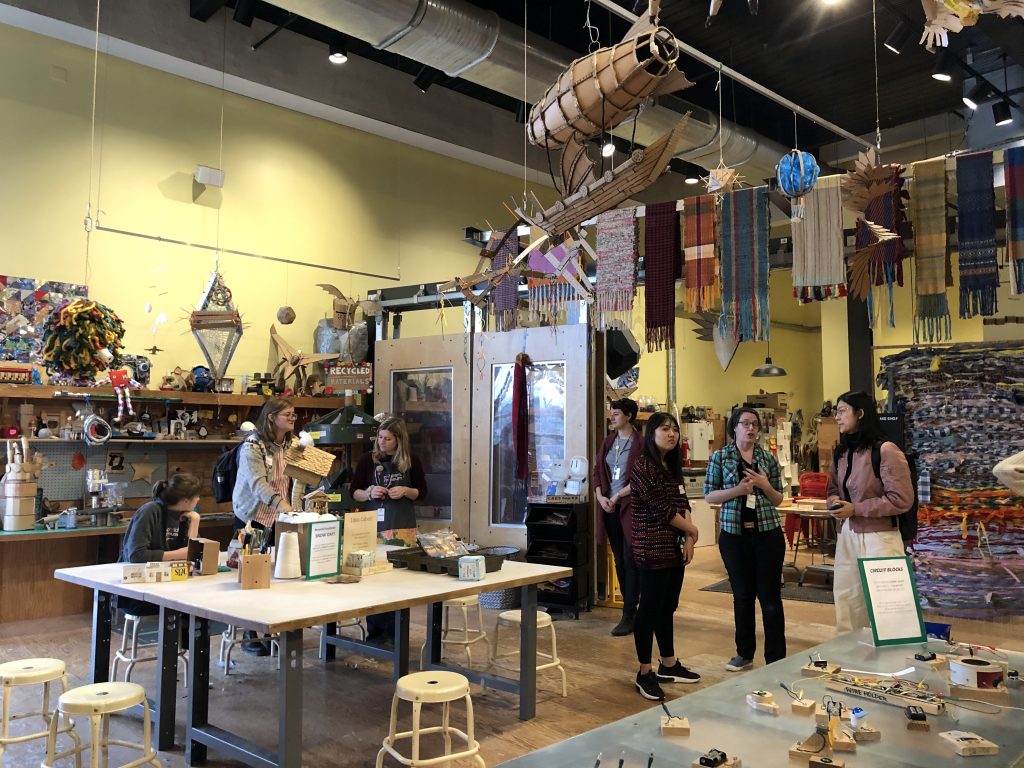
MAKESHOP at CMP
Week 3
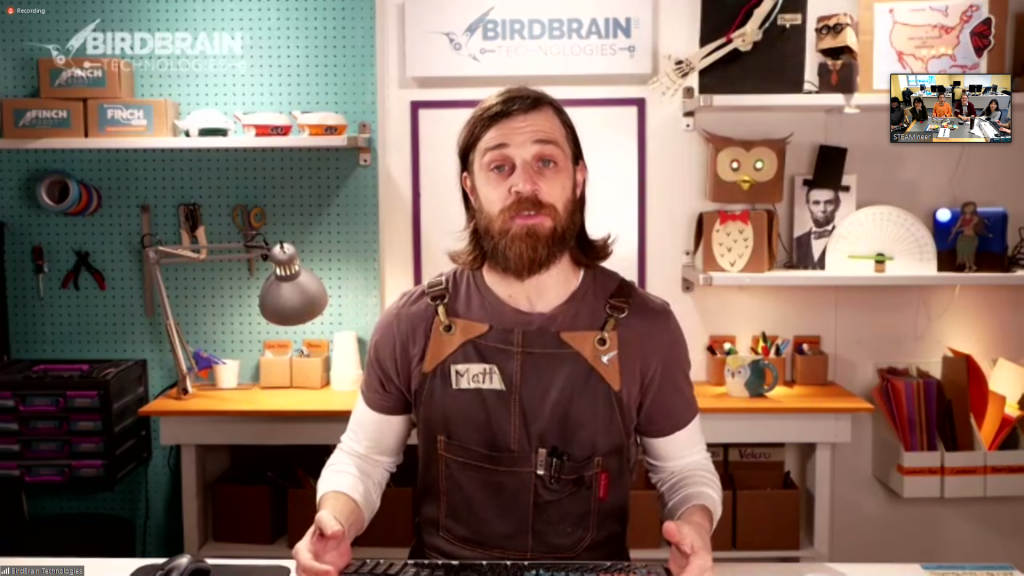
Matt Chilbert from Birdbrain Technologies 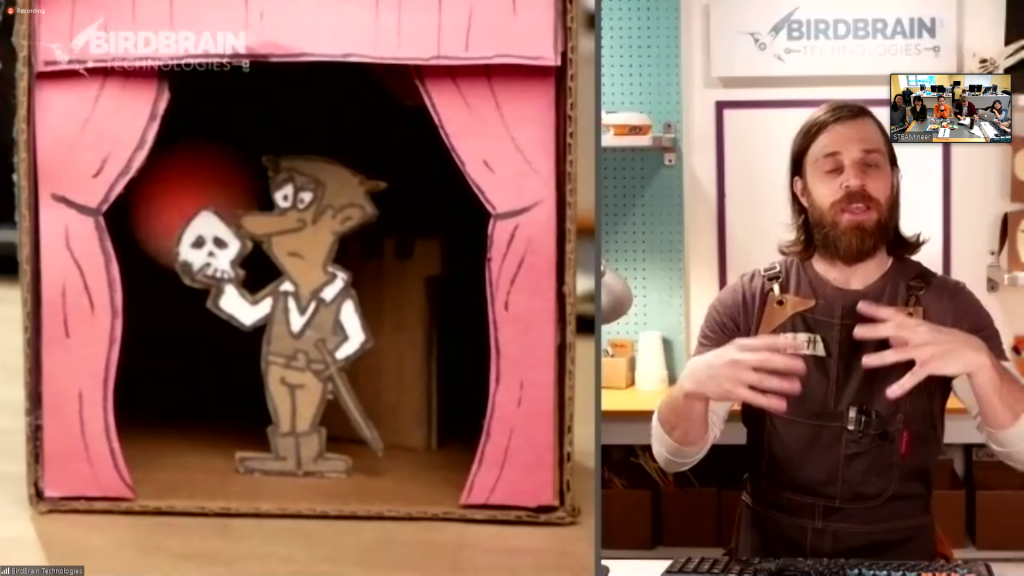
Matt demonstrating a Maker Project 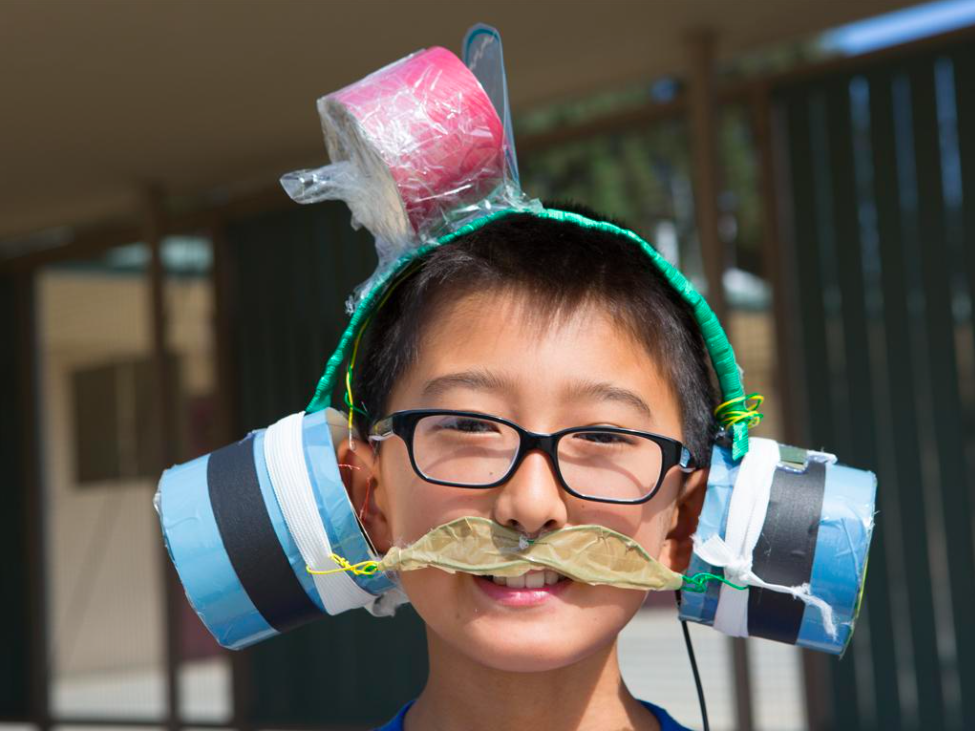
Two Bit Circus Foundation “Beats By Me” 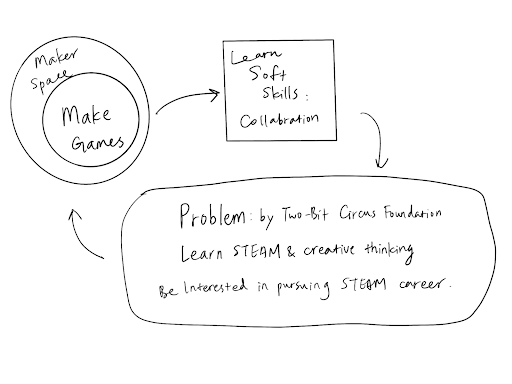
Diagram of Activity Objective and outcomes 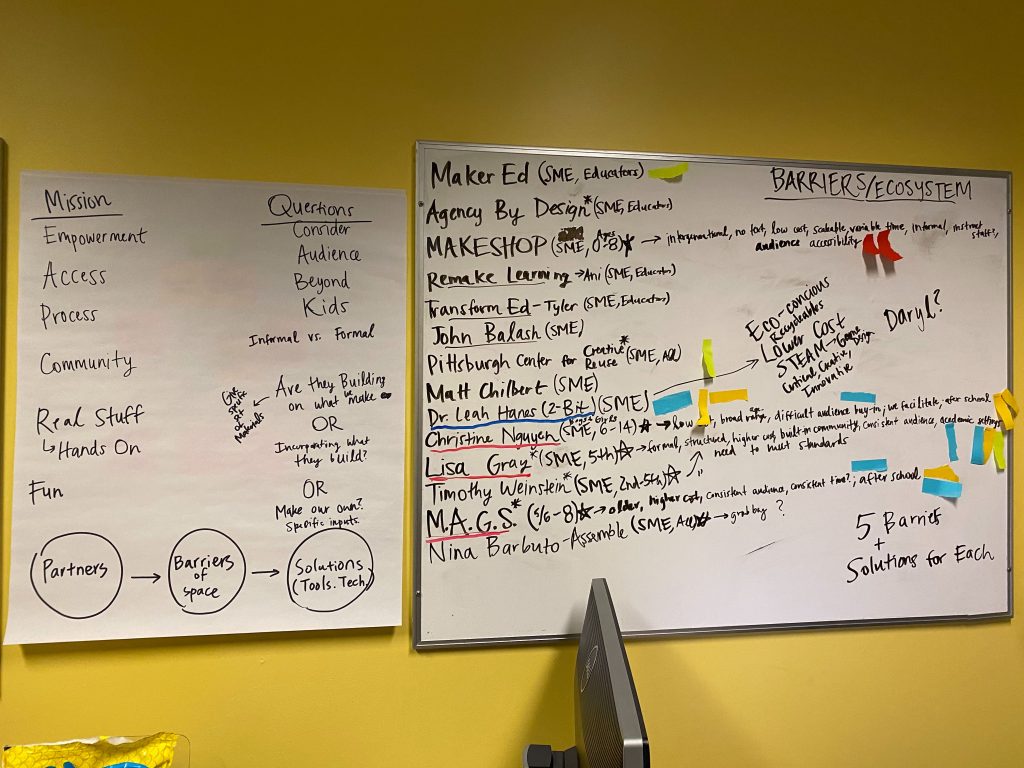
List of potential partners 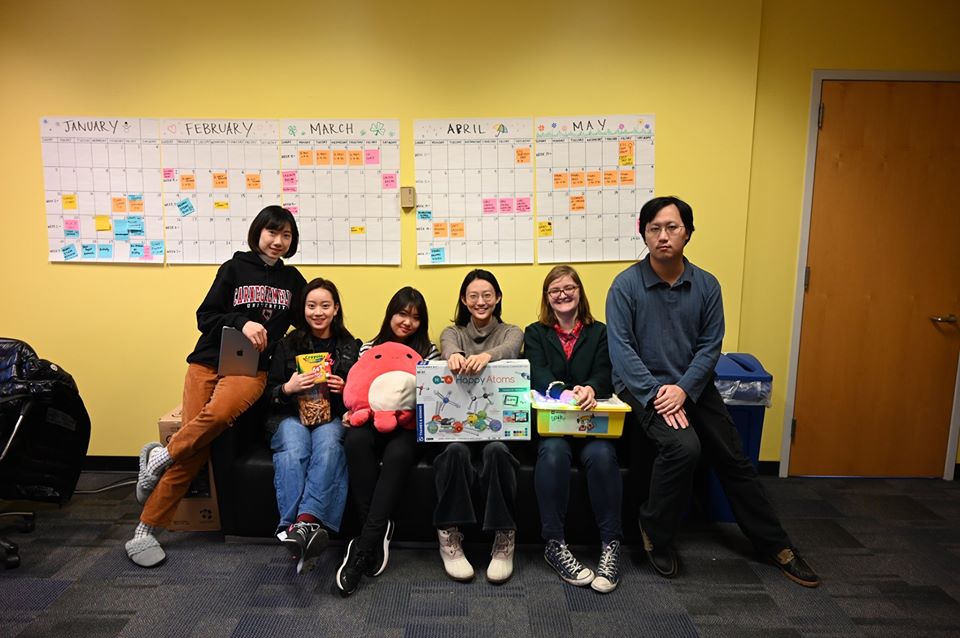
Team Photo for ETC Social Media
Week 4
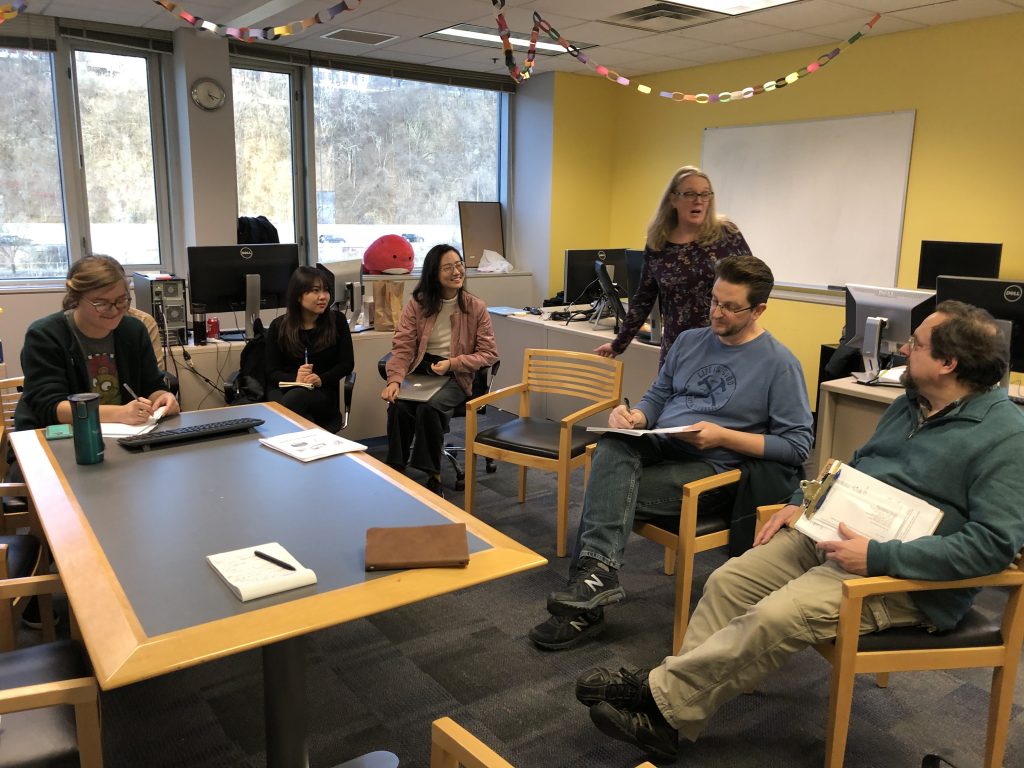
Quarter Walk-Arounds 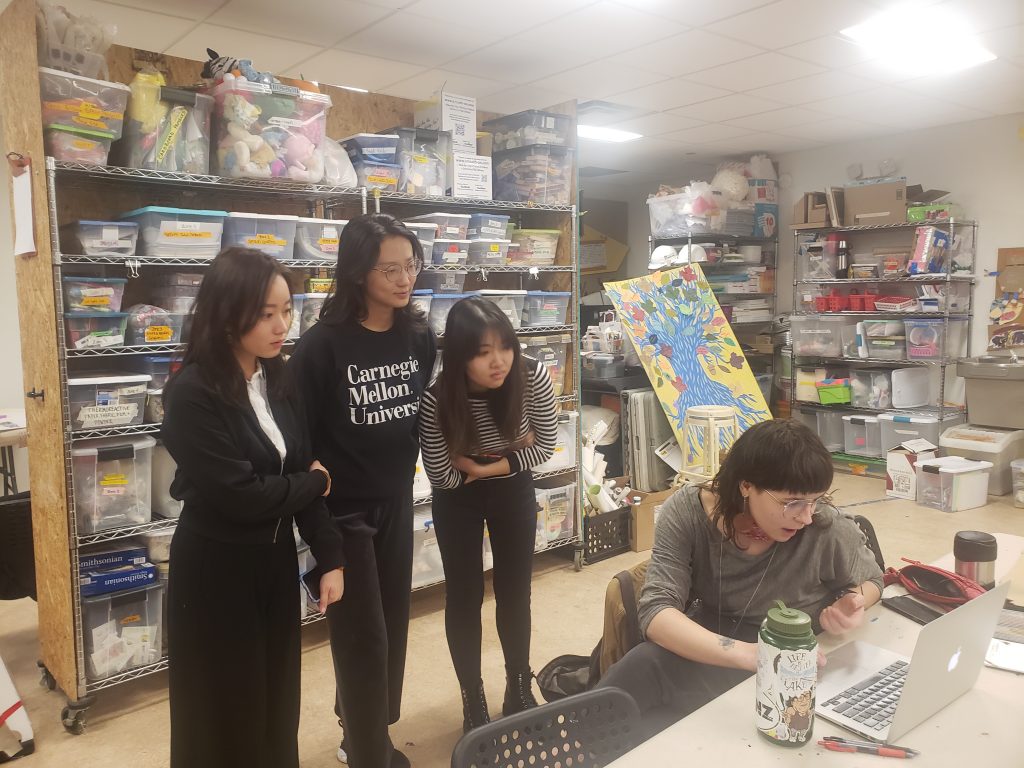
Learning from Faciltators at Assemble 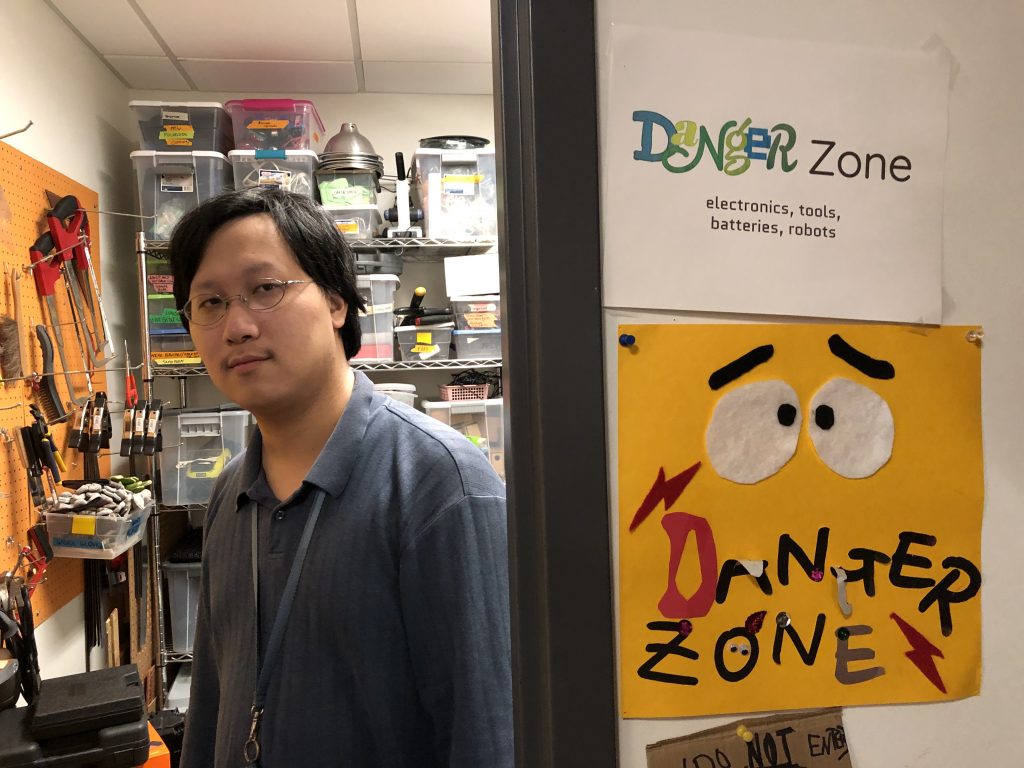
Max in the “Danger Zone” at Assemble 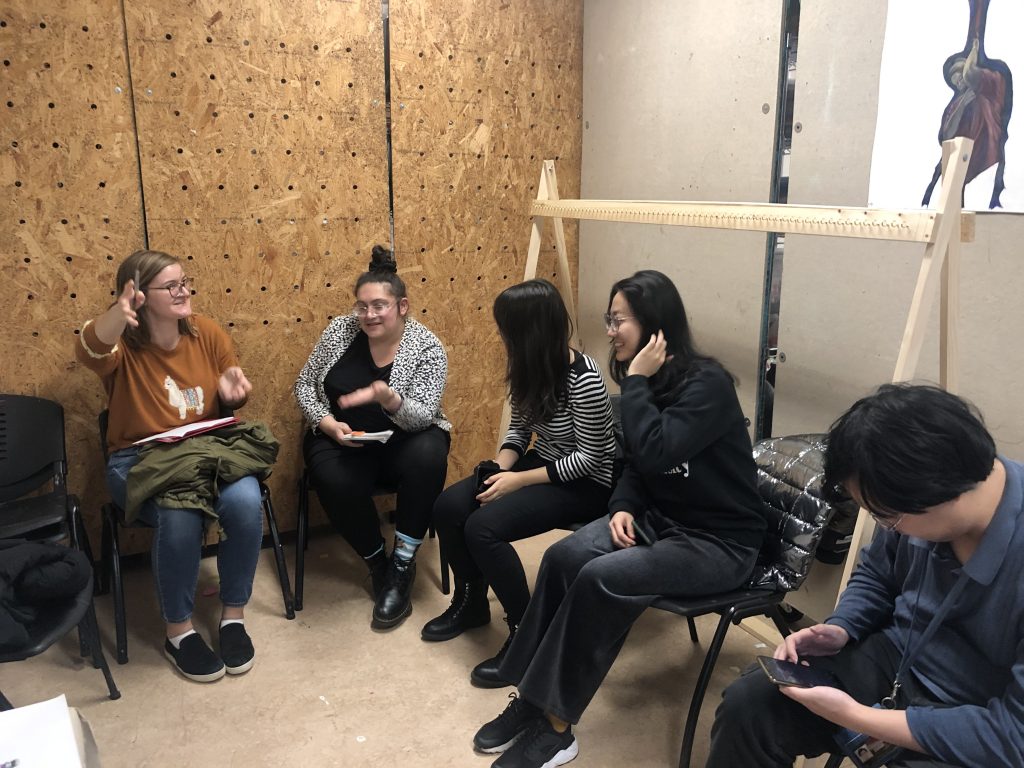
Meeting with Nina Barbuto (second from Left) at Assemble 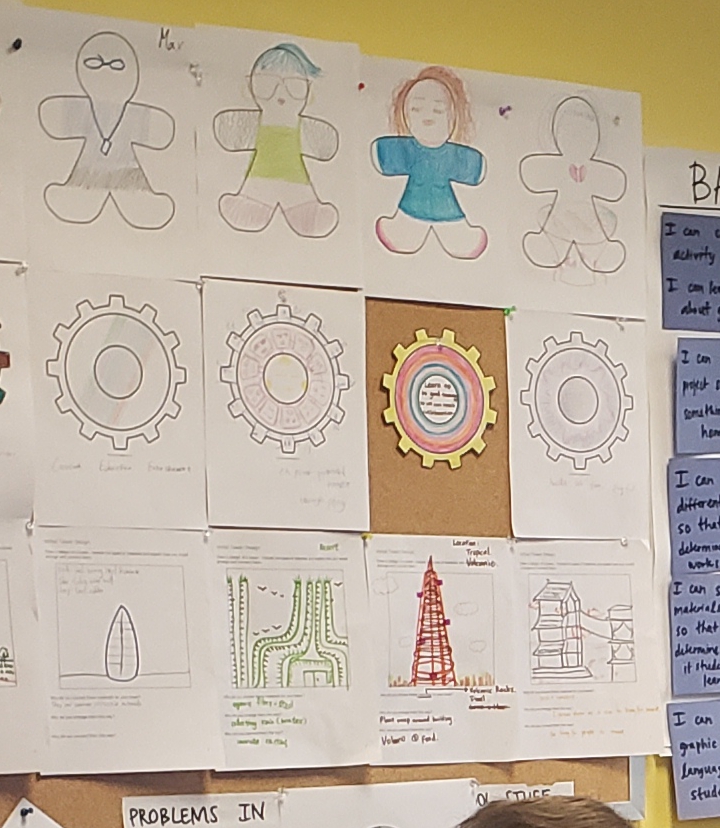
Pictures created during Camp STEAMineer 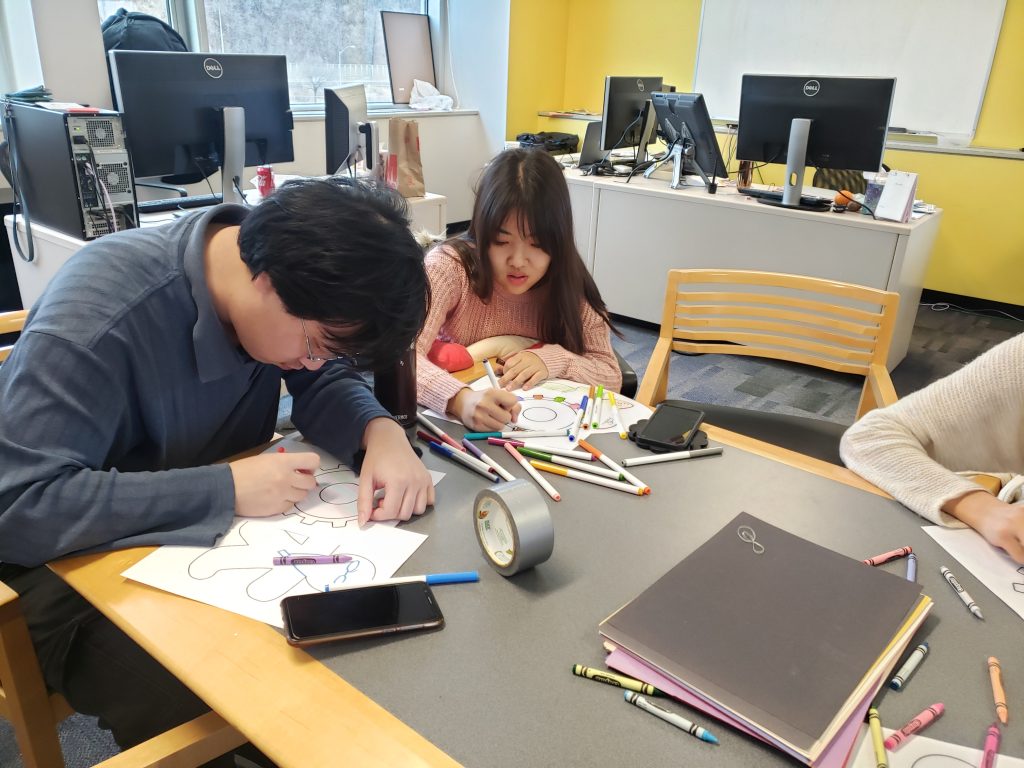
Coloring during Camp STEAMineer 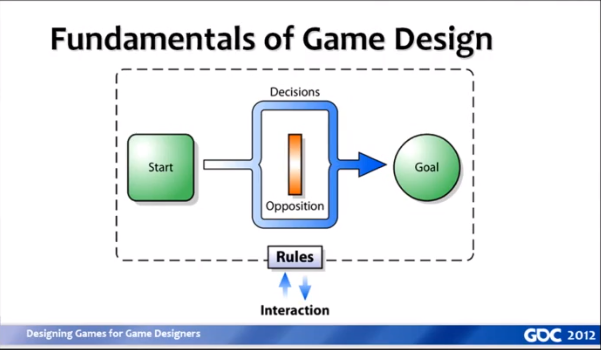
Stone Librande’s Game Design Diagram 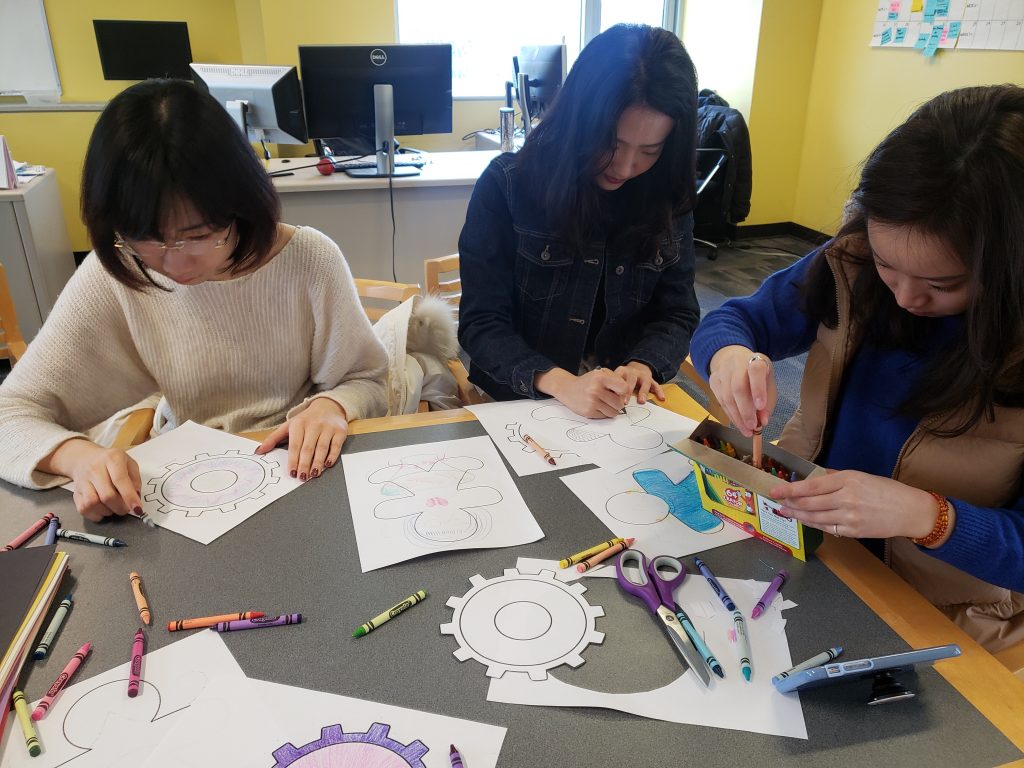
Coloring during Camp STEAMineer 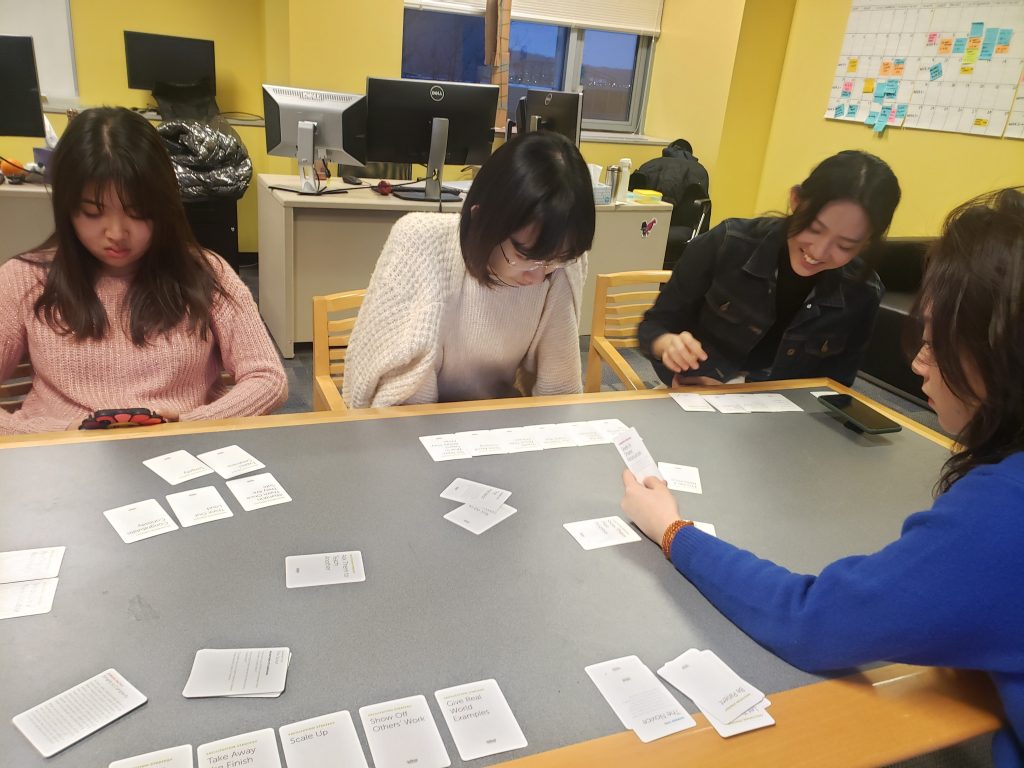
Playing “Making Connections” during Camp STEAMineer 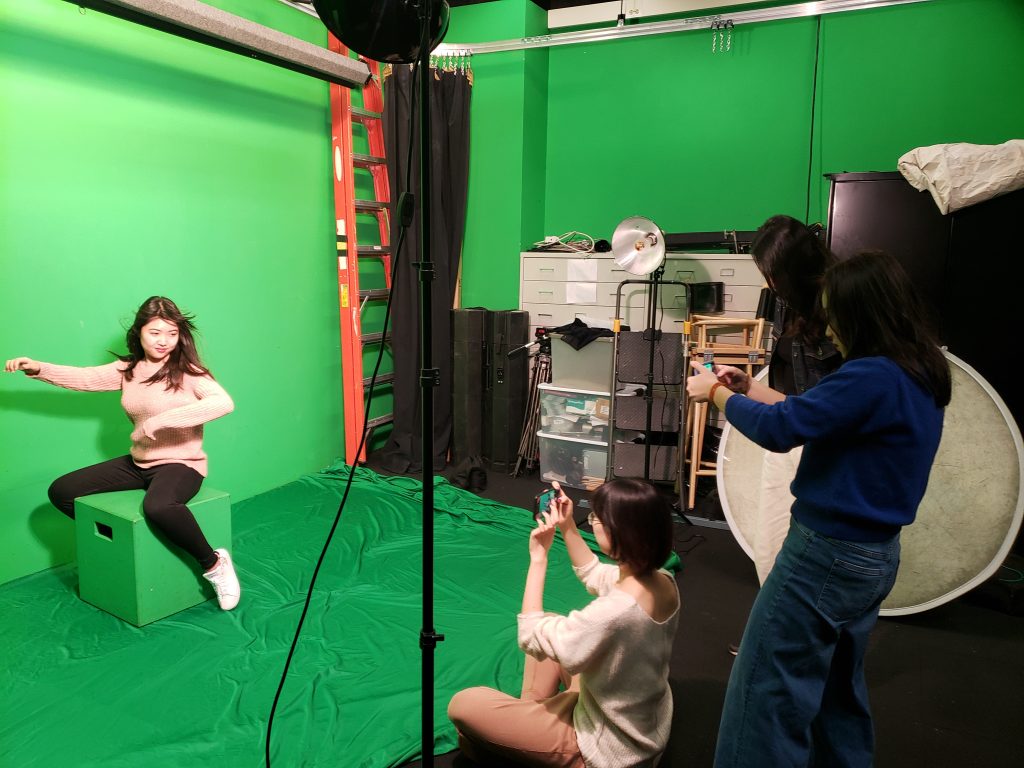
Team Photo Photoshoot 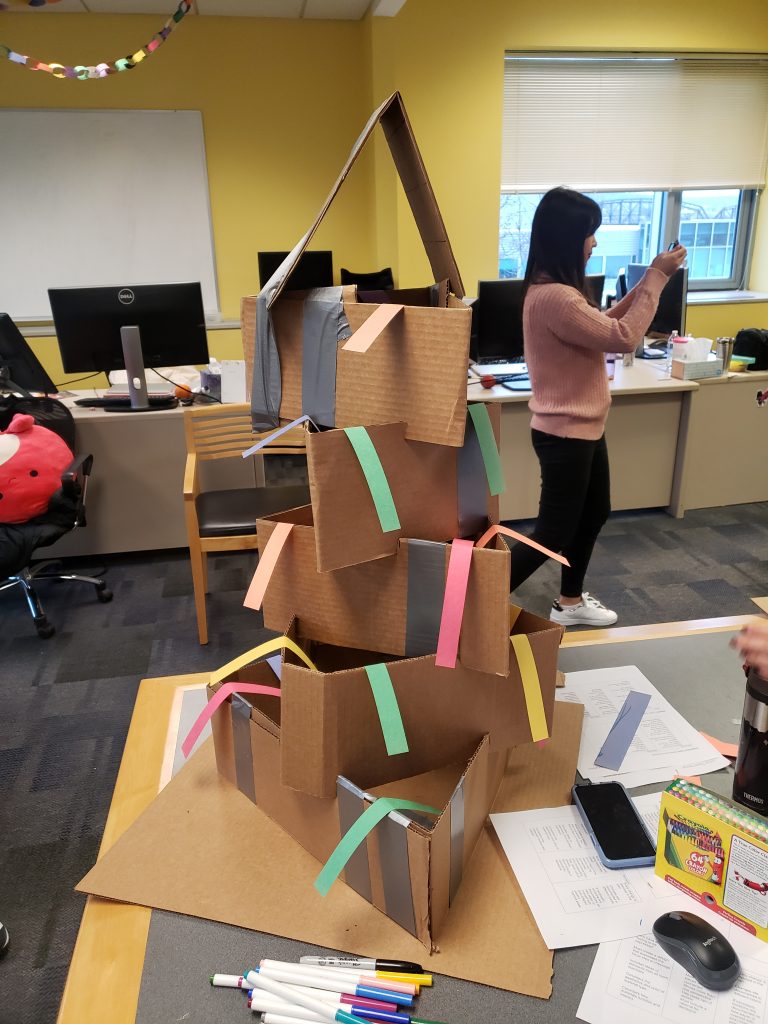
Max, Mimi, and Marissa’s Cardbaord Tower from Camp STEAMineer 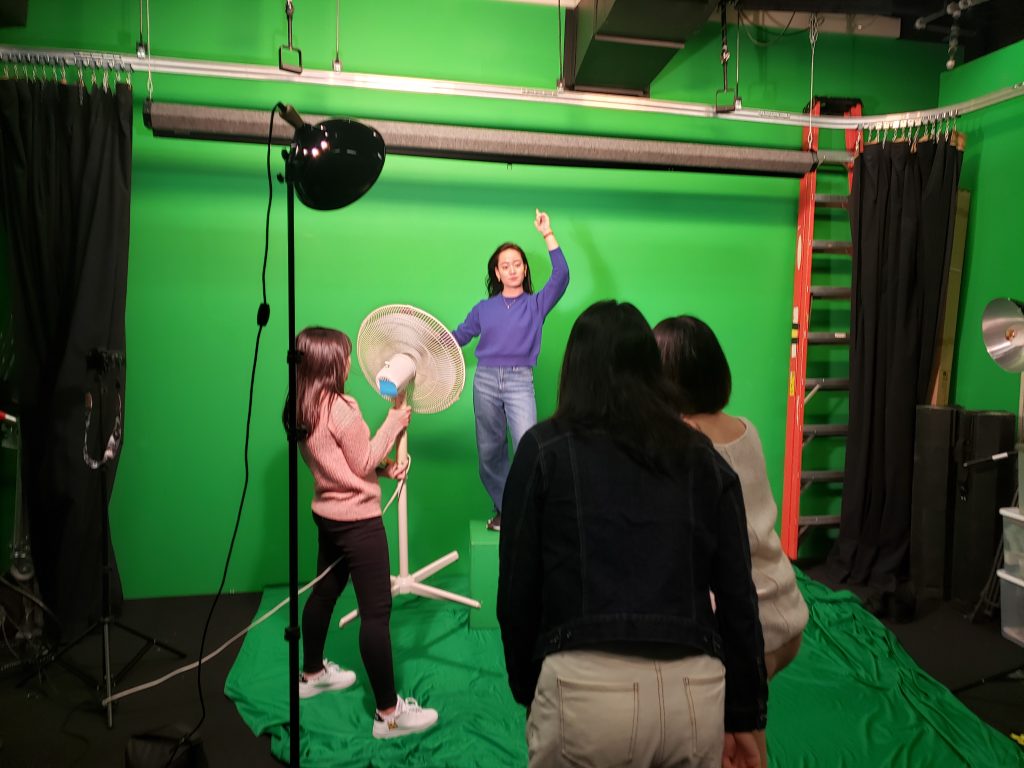
Team Photo Photoshoot 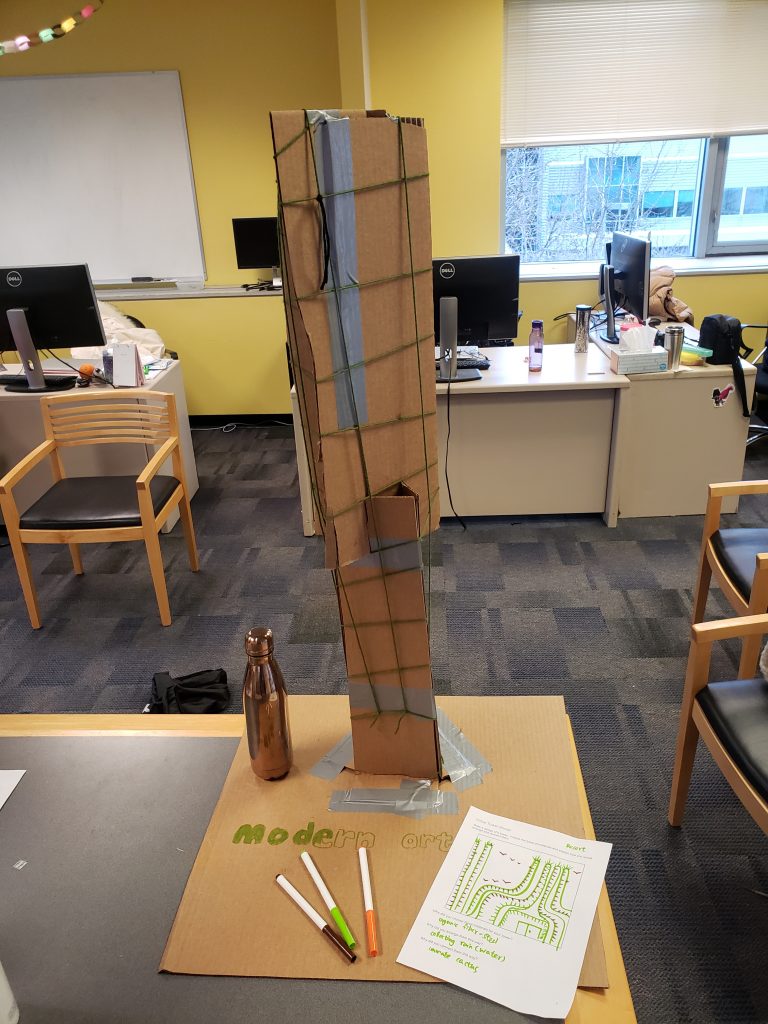
Mia, Yifan, and Isabel’s Cardboard Tower from Camp STEAMineer 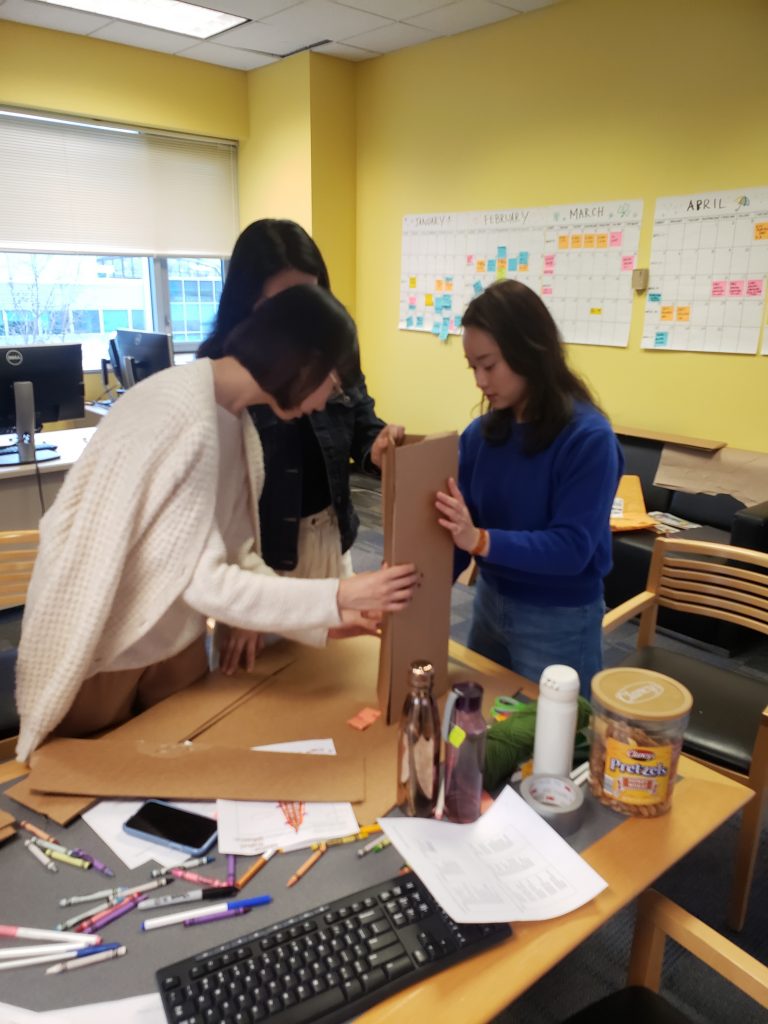
Mia, Yifan, and Isabel building their Cardboard Tower 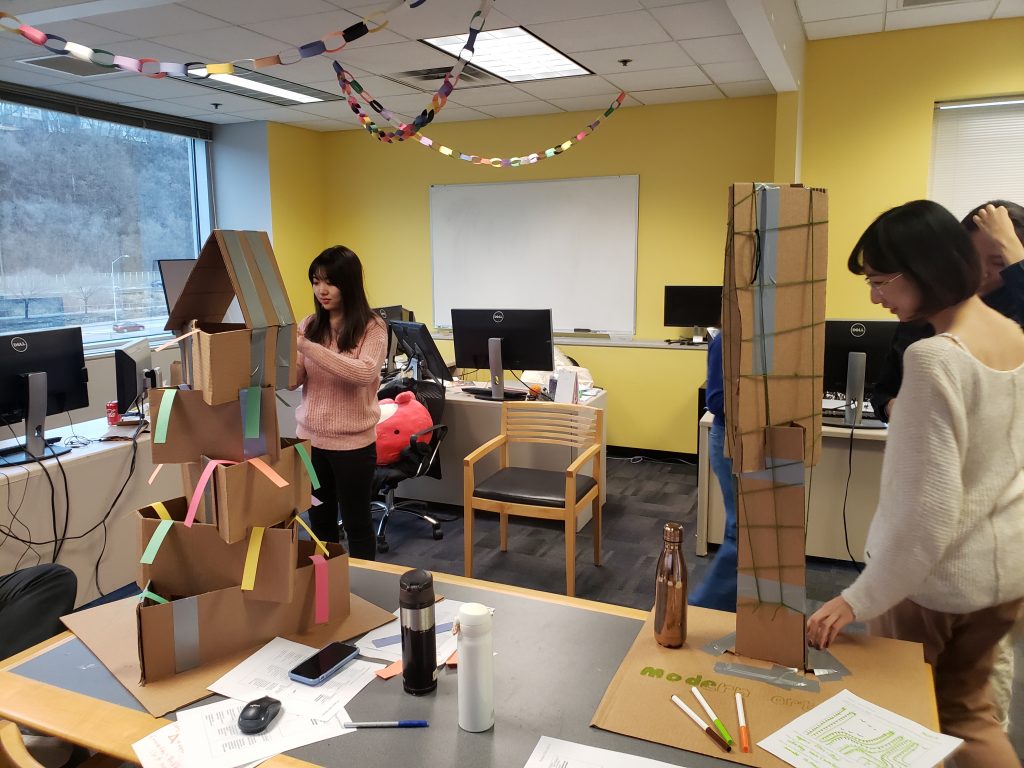
Team STEAMineer’s Cardboard Tower Creations
Week 5
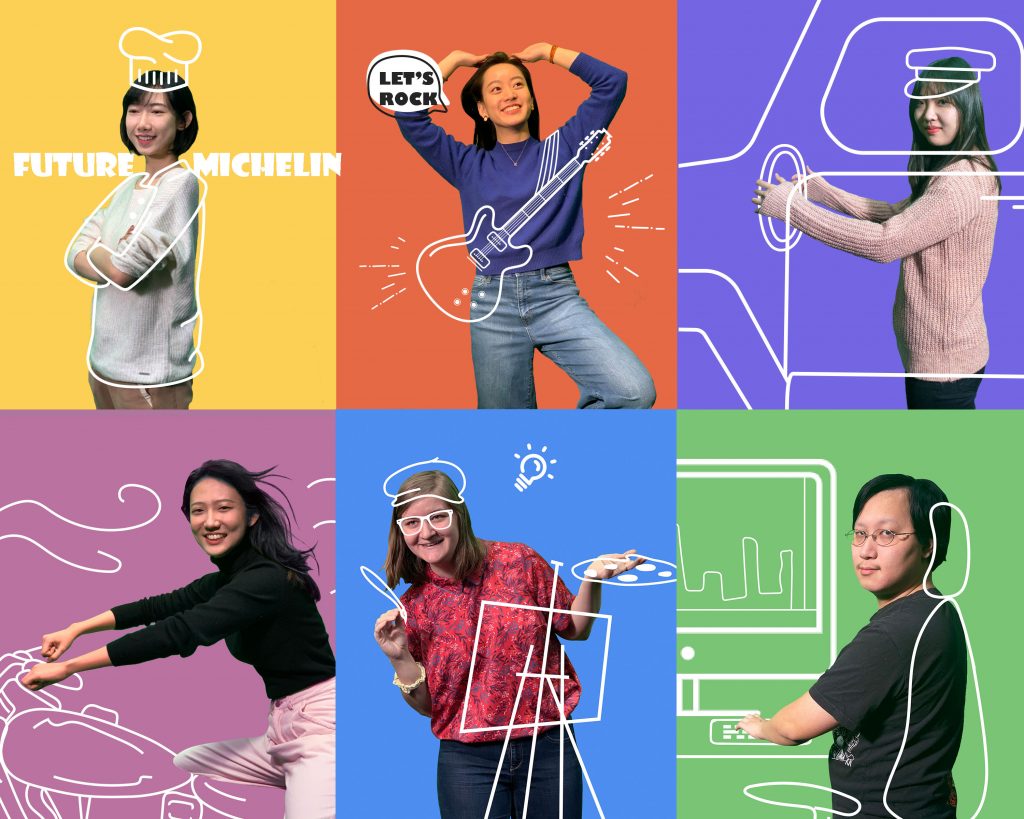
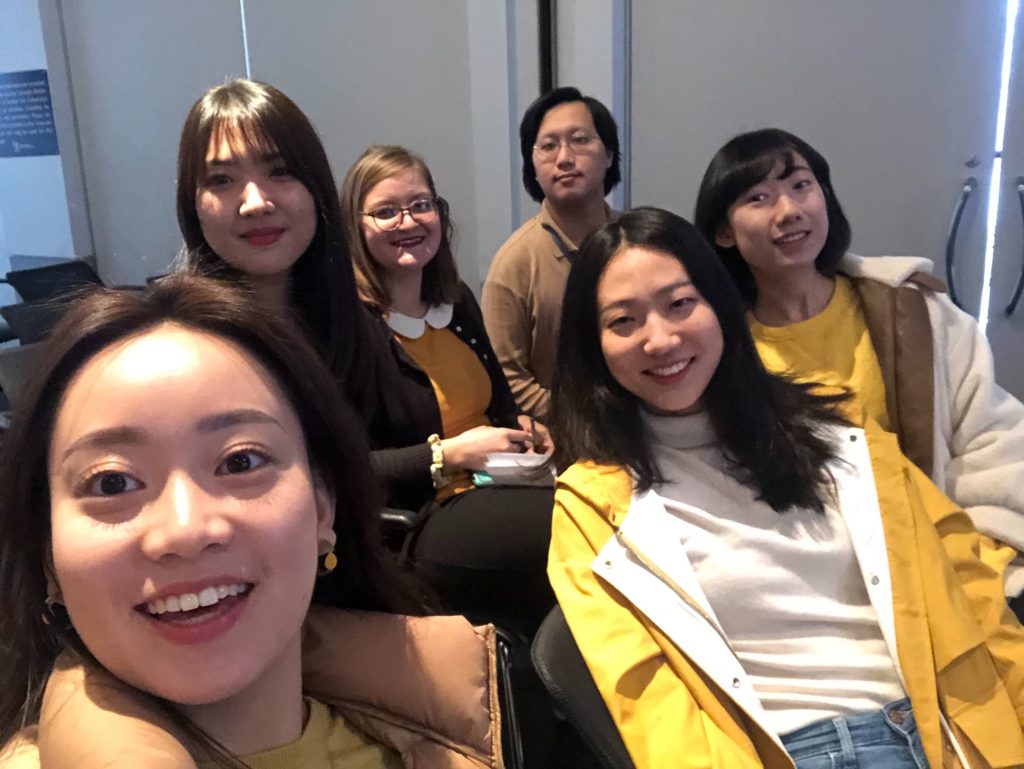
Team STEAMineer Team Photo 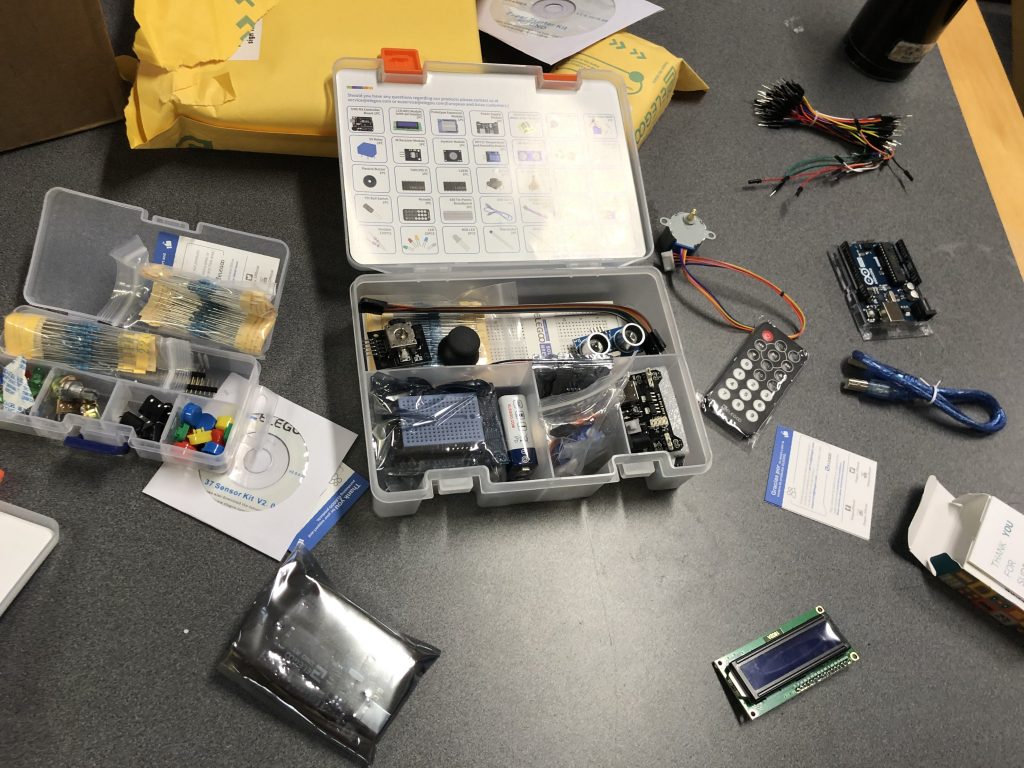
Arduino Kit 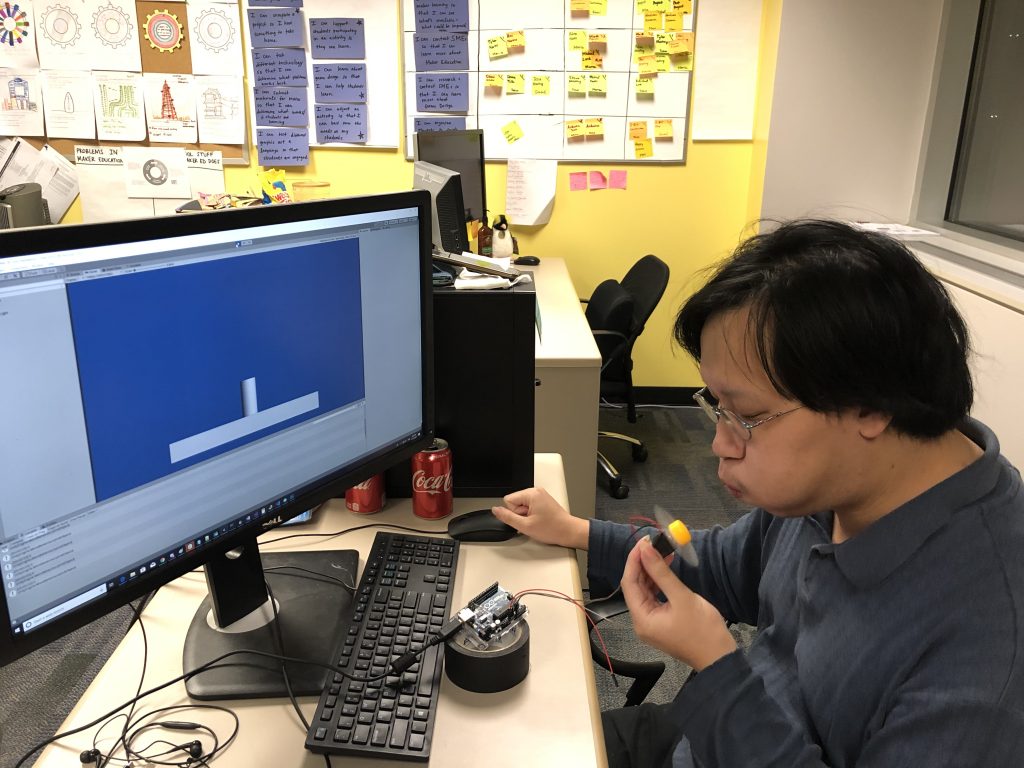
Max testing the fan/motor Arduino Input 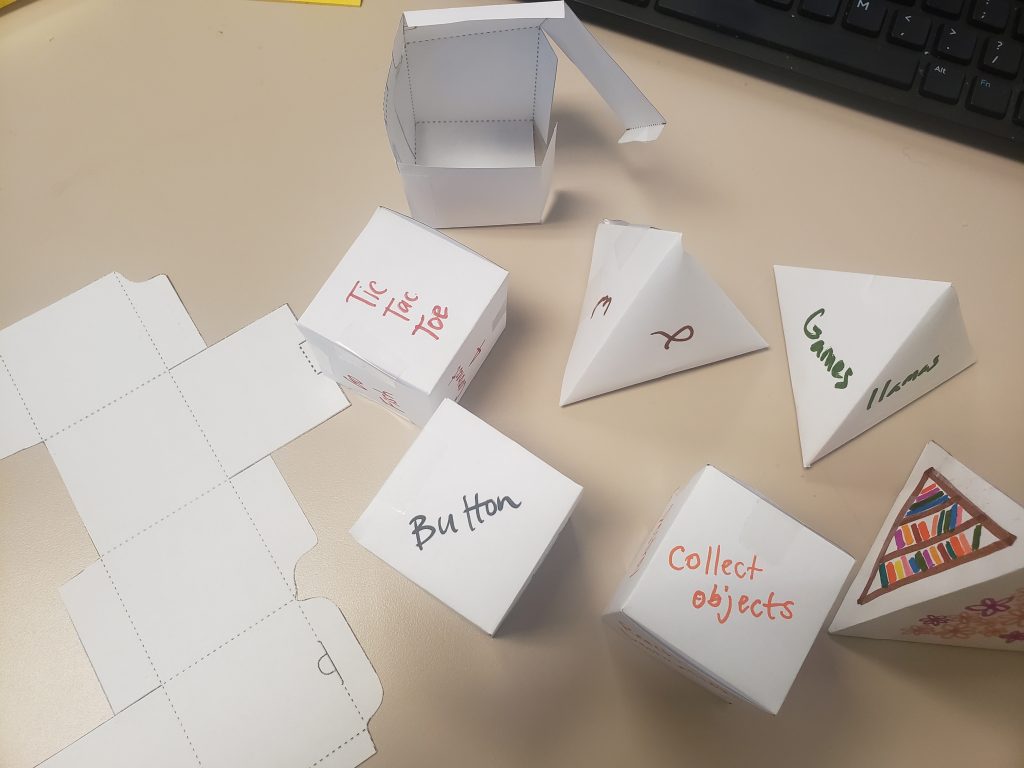
Brainstorming Blocks Prototype 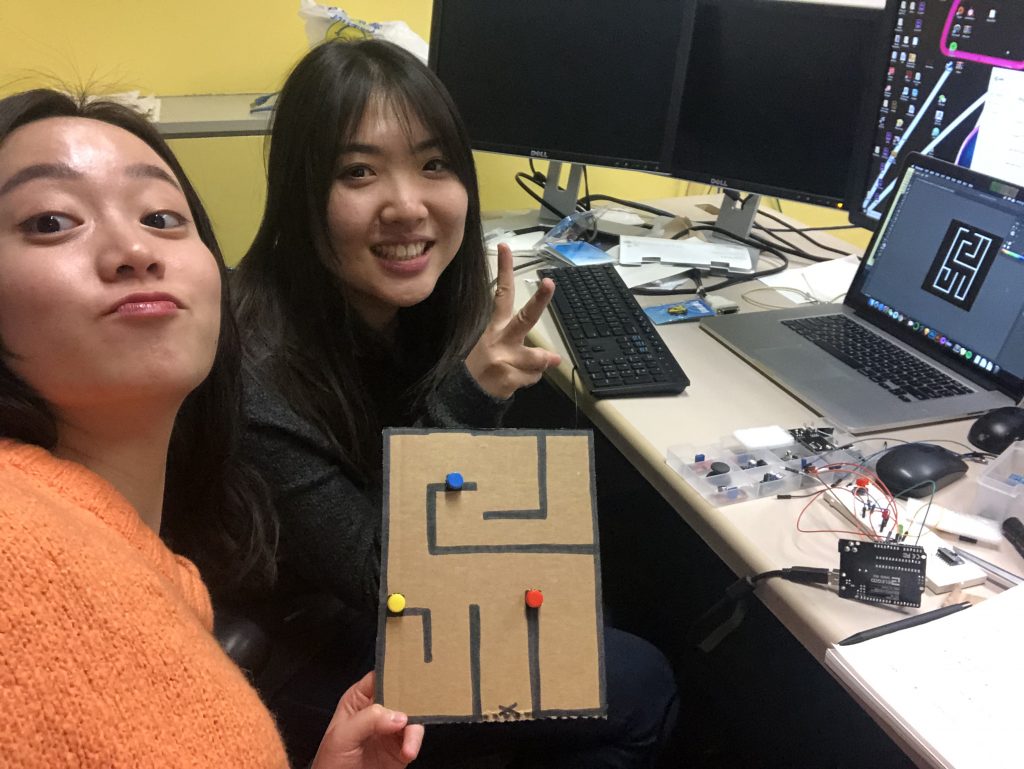
Isabel and Mimi with their Asymmetrical Maze Prototype 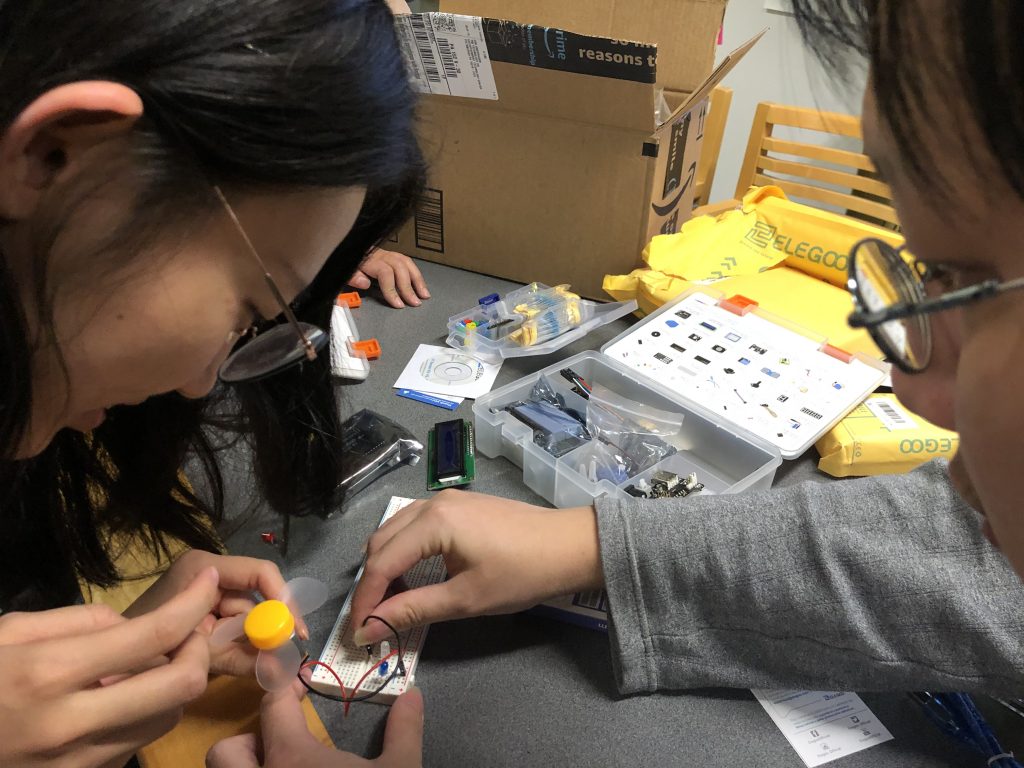
Max and Gloria using the motor to illuminate an LED 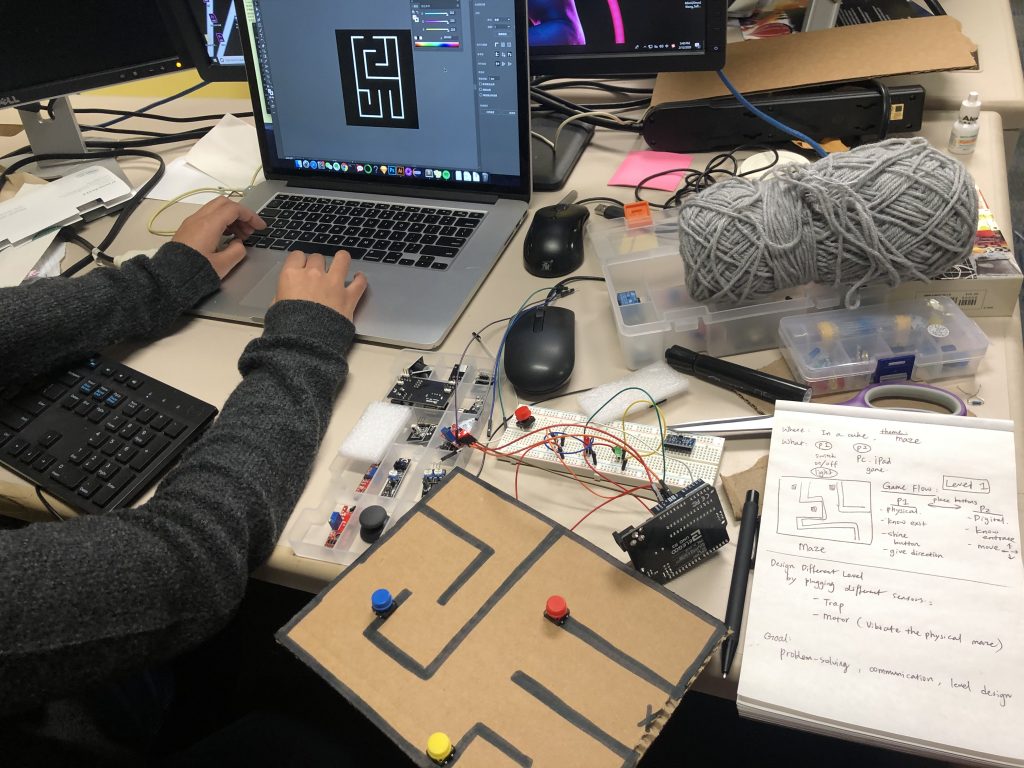
Isabel and Mimi’s Maze Prototype 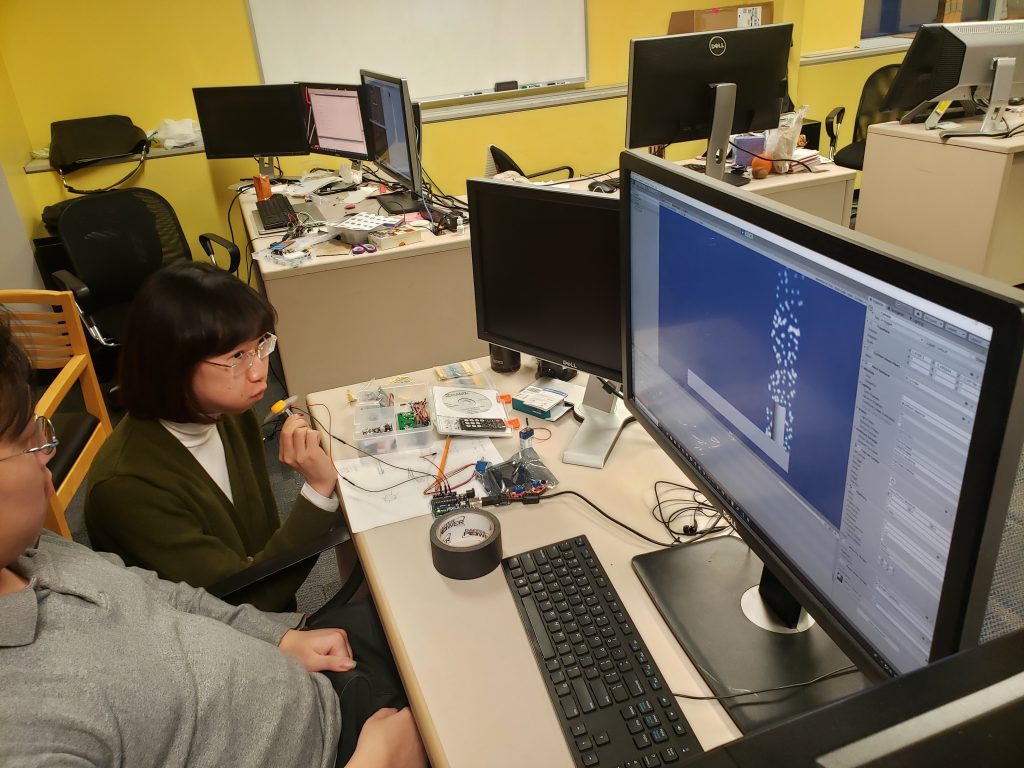
Mia playtesting the Arduino fan/motor input 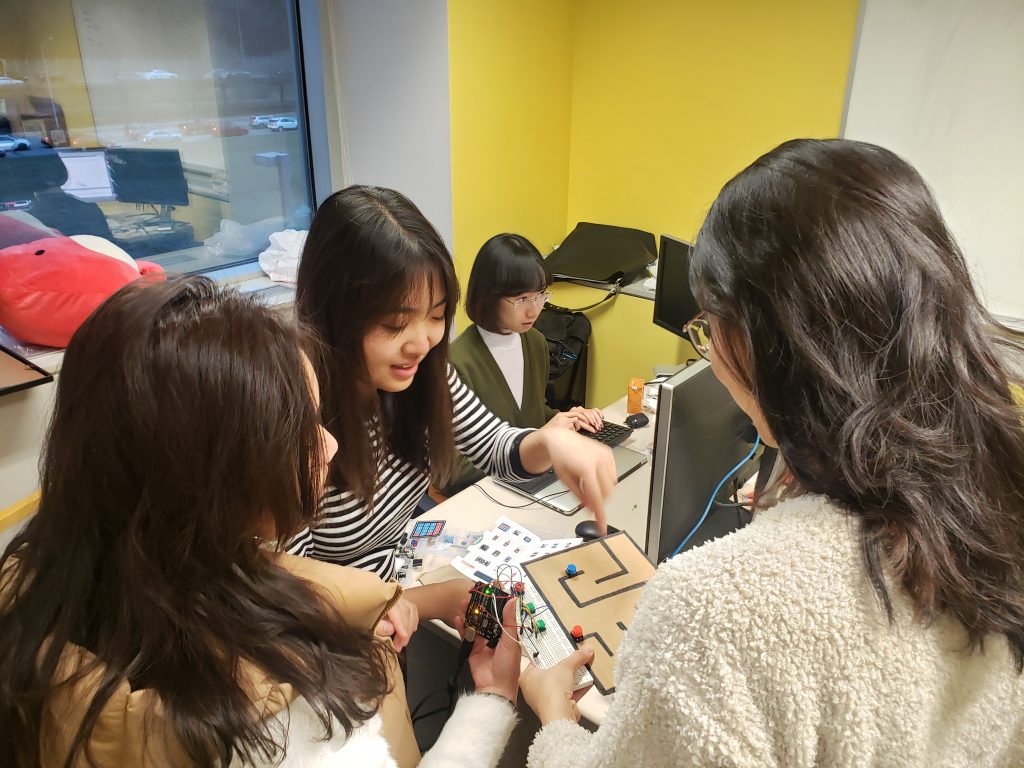
Mia and Yifan playtesting the maze prototype 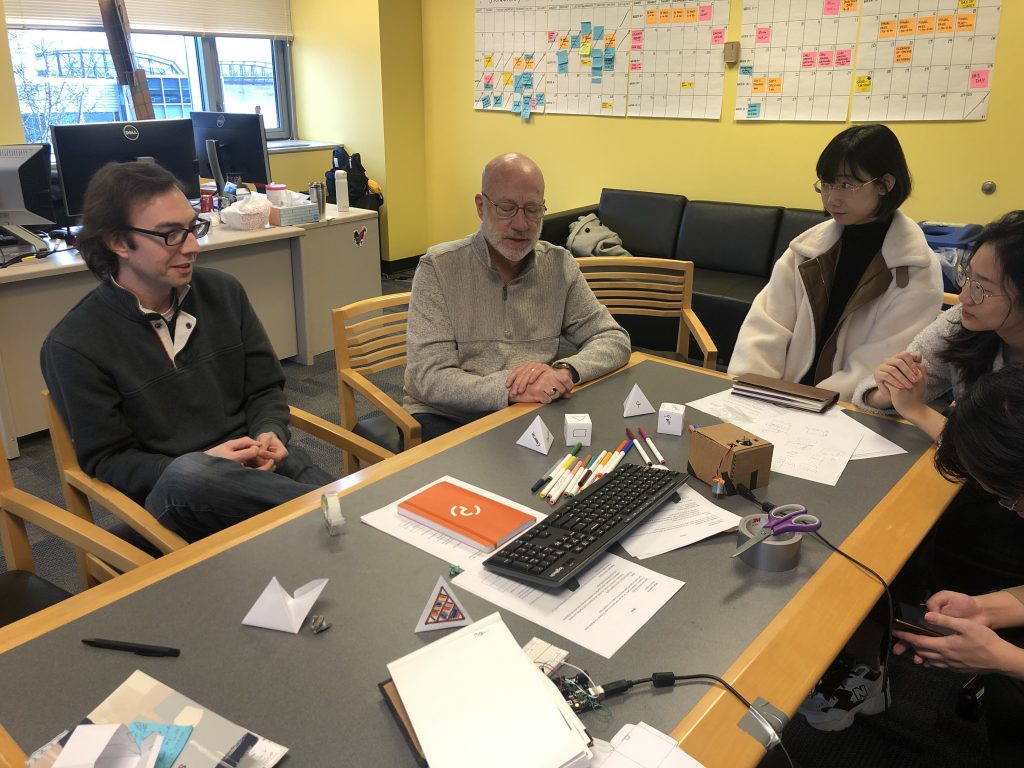
Dave and Scott playtesting Brainstorming Blocks 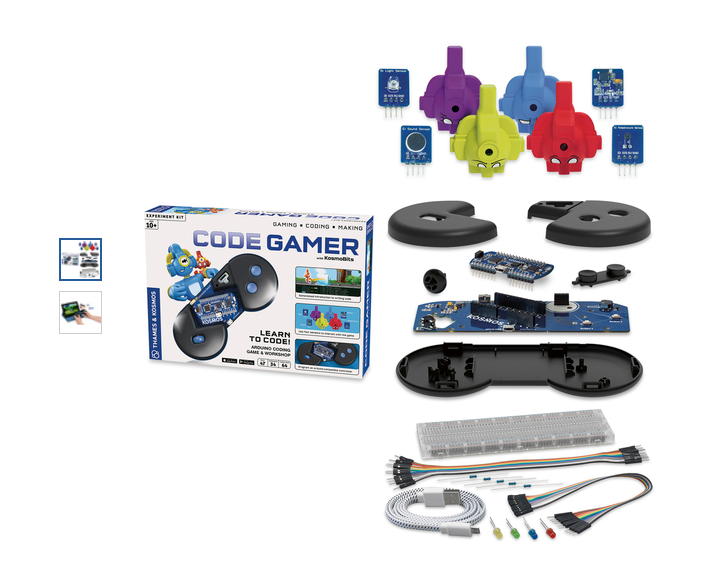
Code Gamer from Thames and Kosmos 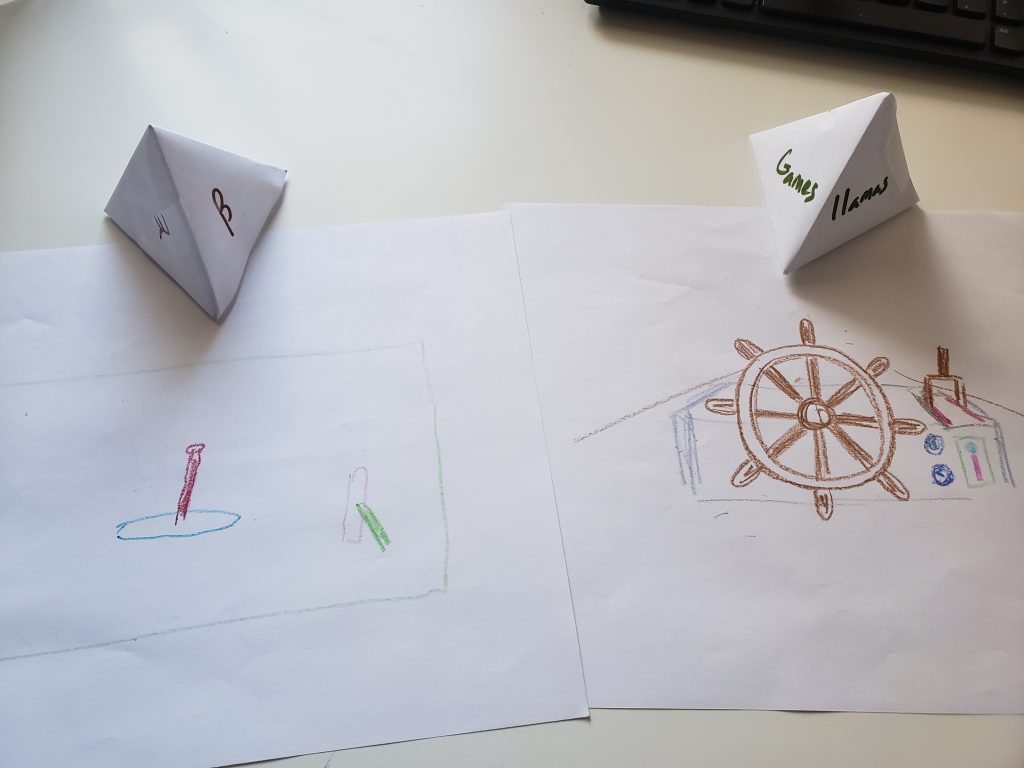
Scott and Dave’s Brainstorm Results 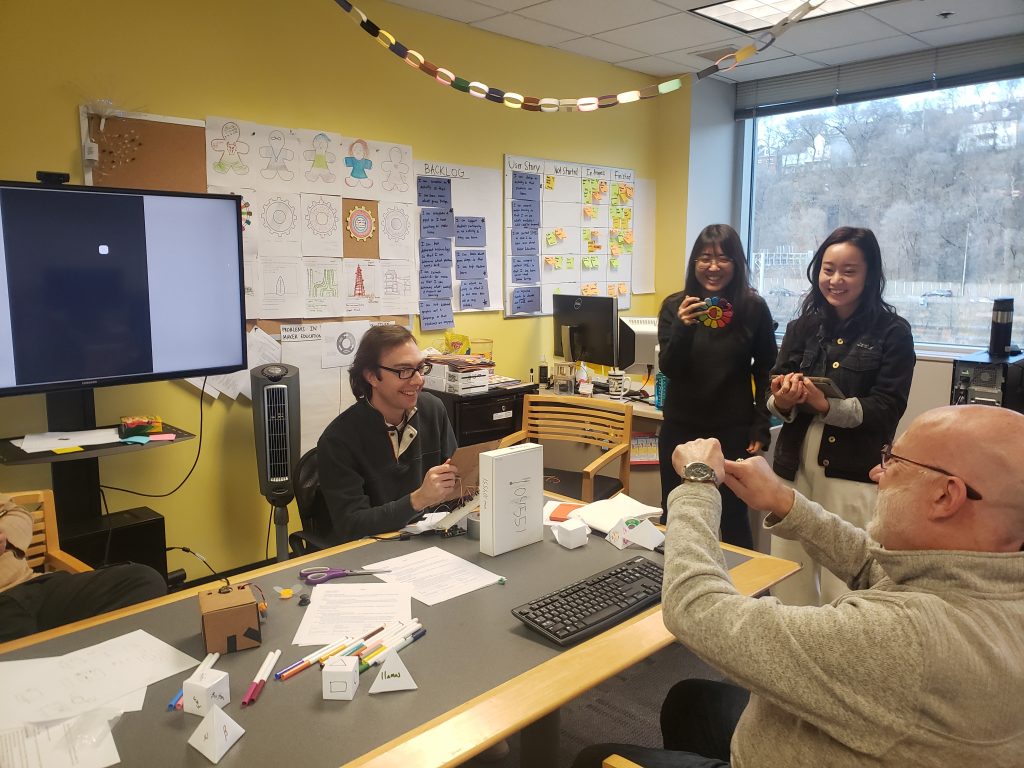
Dave and Scott Playtesting the Asymmetrical Maze Activity
Week 6
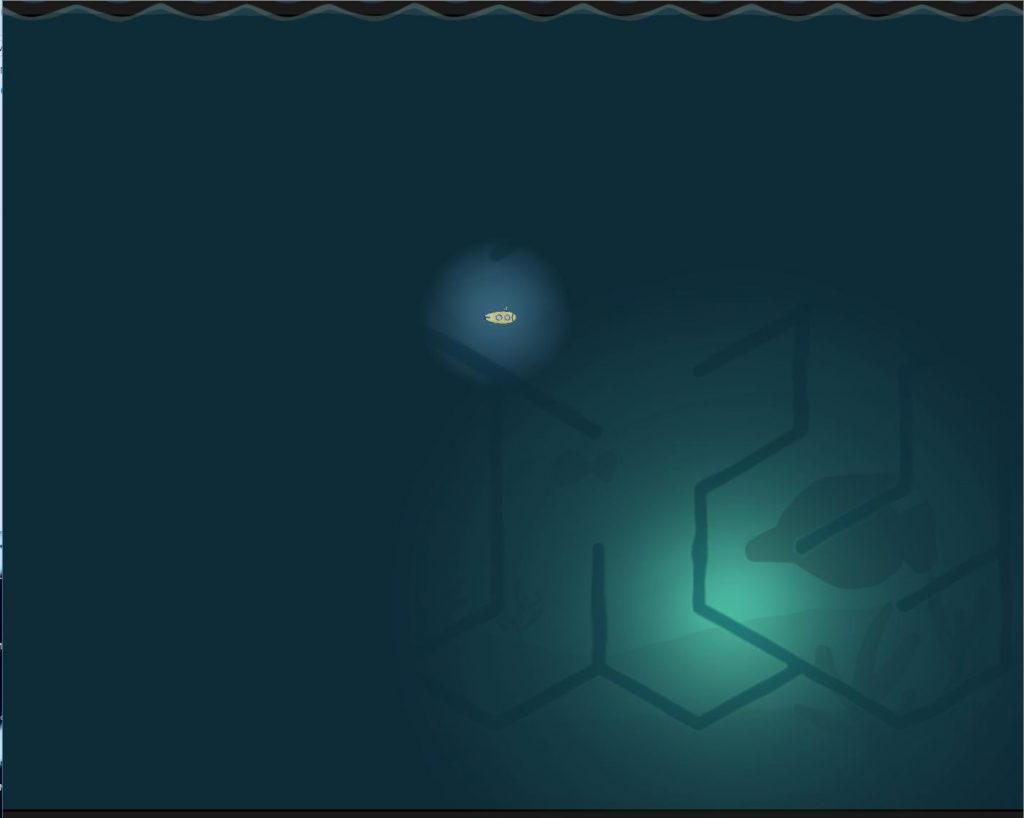
Gameplay screen of the Submarine Maze Interaction with one light 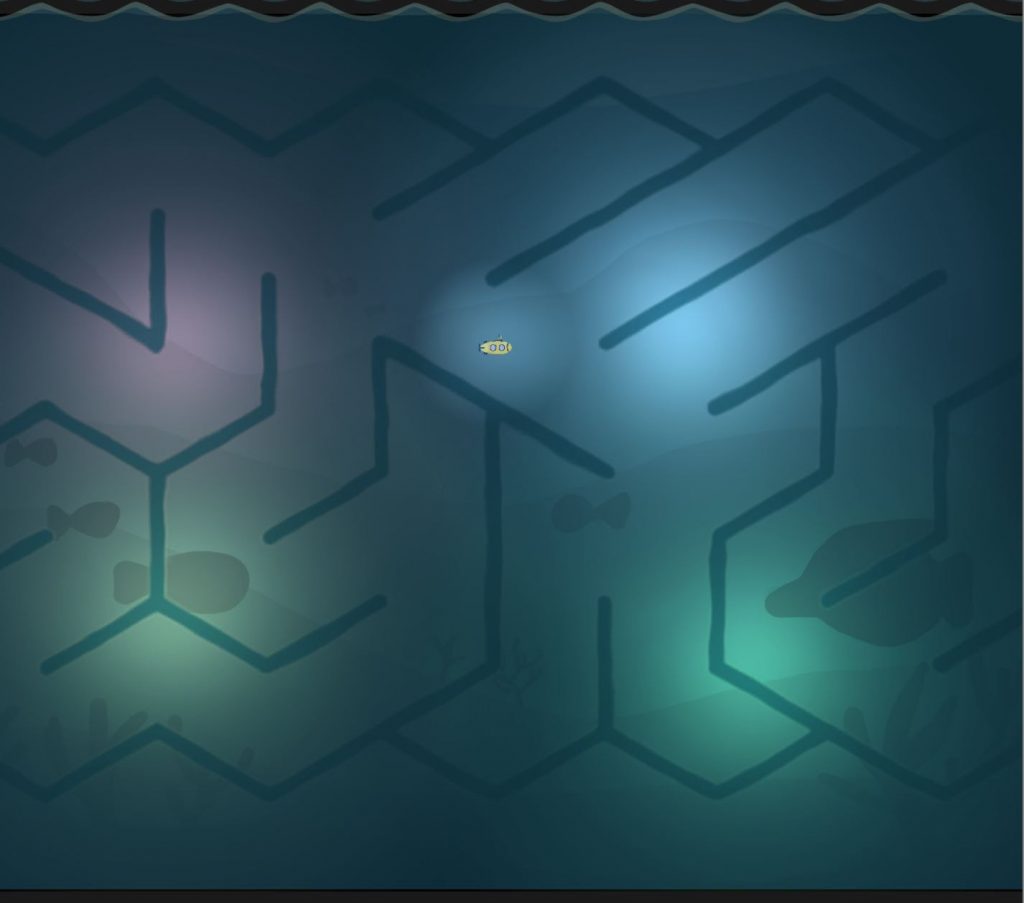
Gameplay screen of the Submarine Maze Interaction with all 4 lights 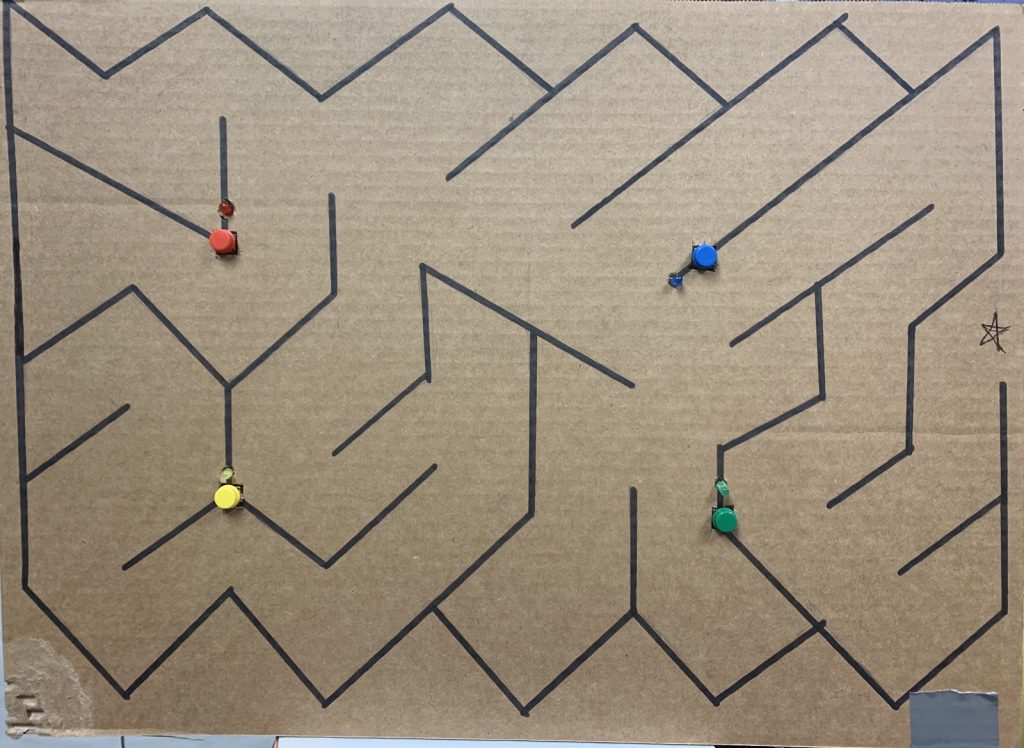
Light Board used by the Navigator to illuminate the Gameplay screen 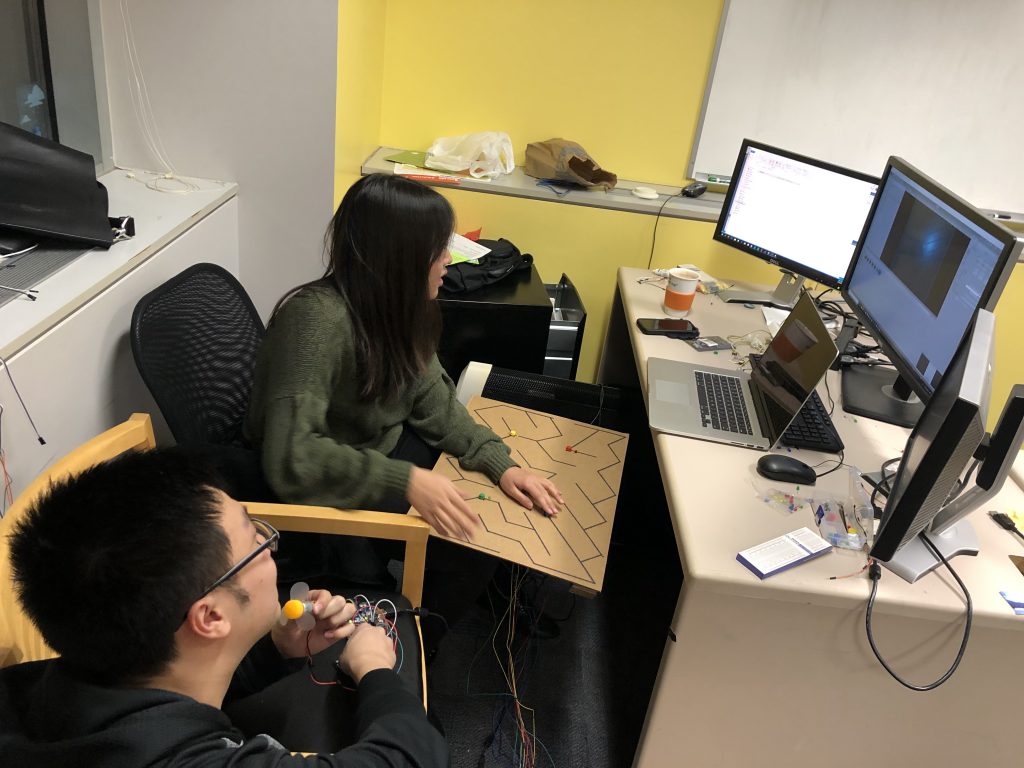
Mimi playtesting the Asymmetrical Maze Interaction 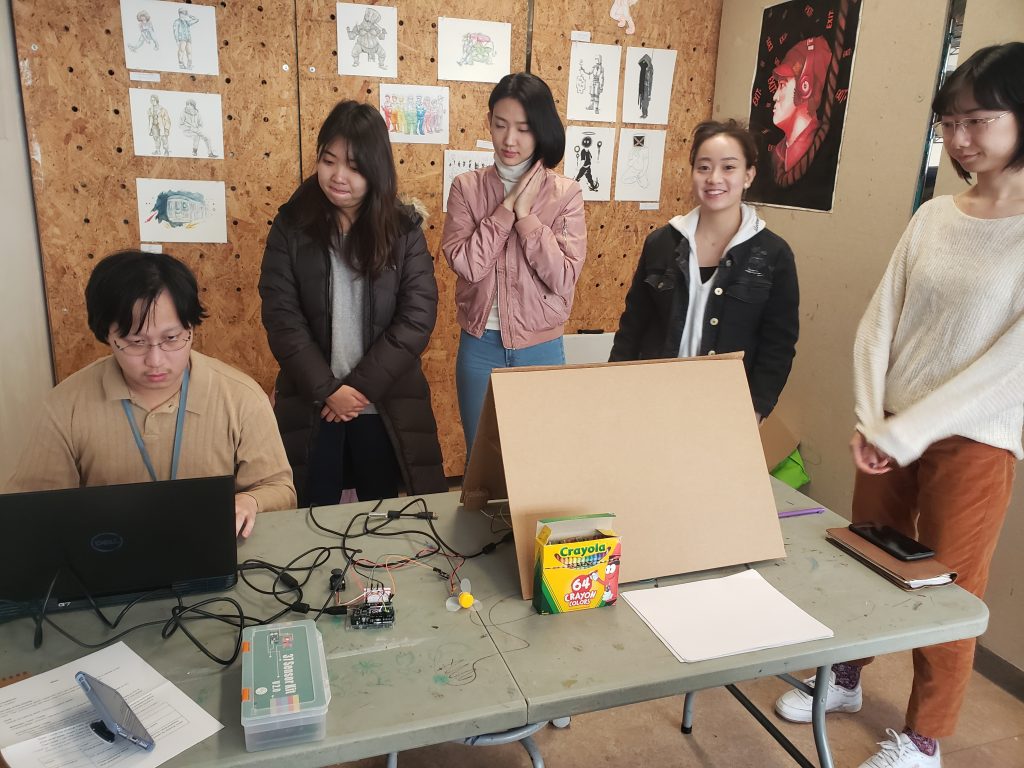
Team STEAMineer setting up for our first playtest at Assemble 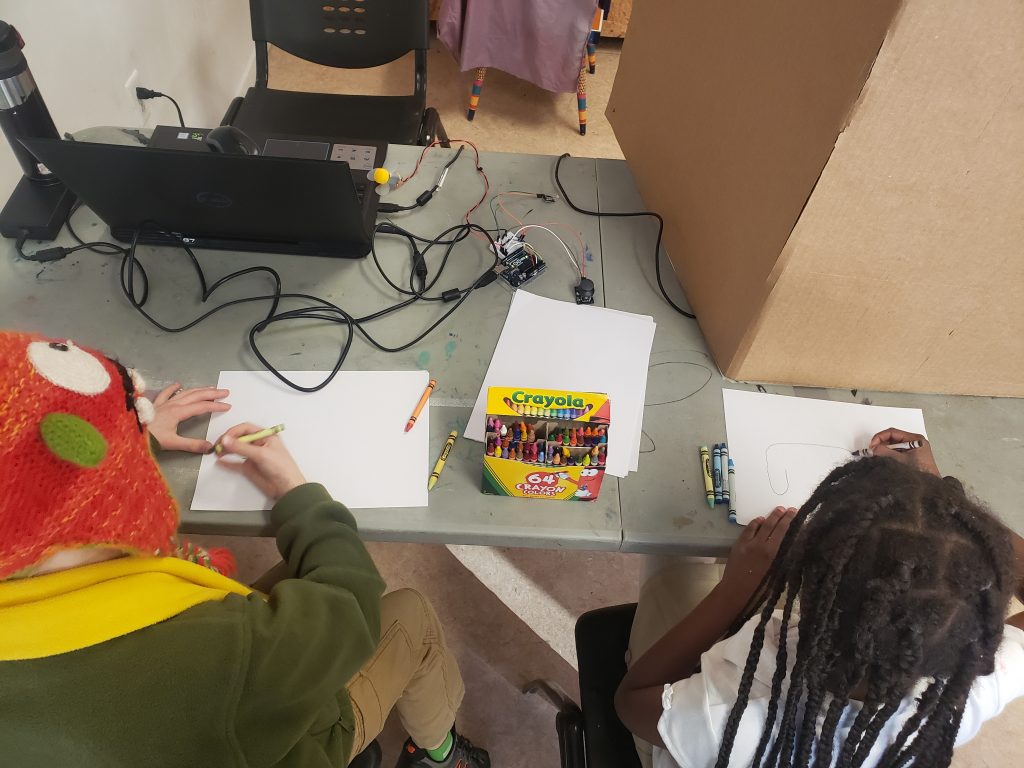
Our first two playtesters at Assemble 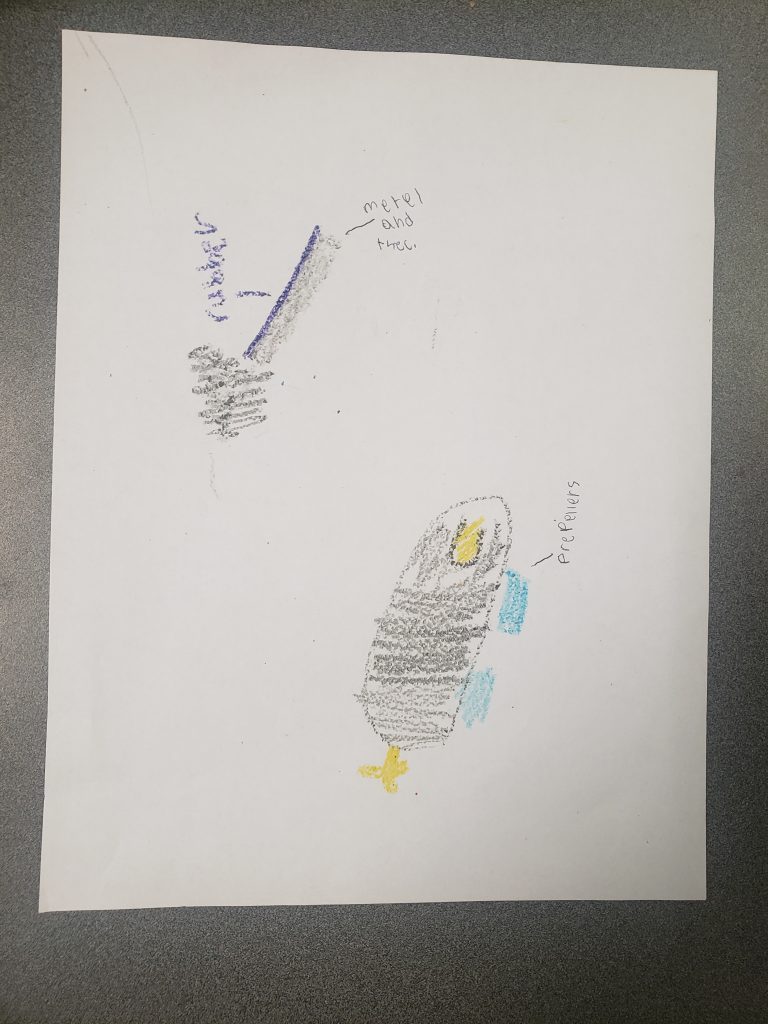
Playtester illustration of a control panel to transport a crew underwater 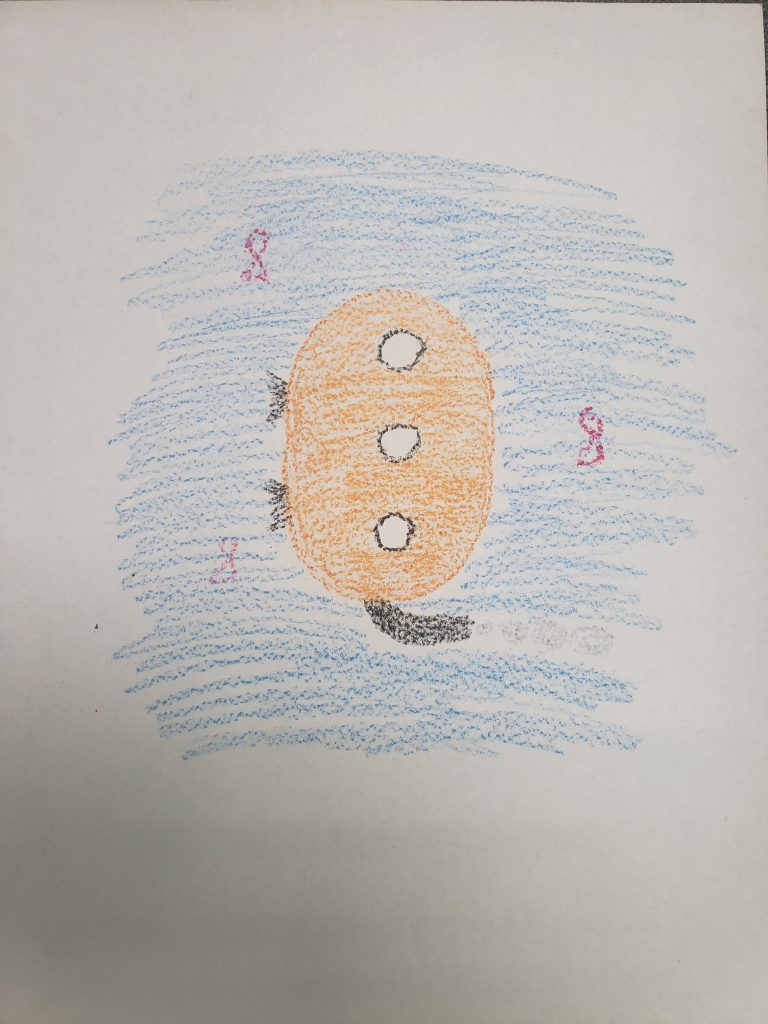
Playtester illustration of a submarine 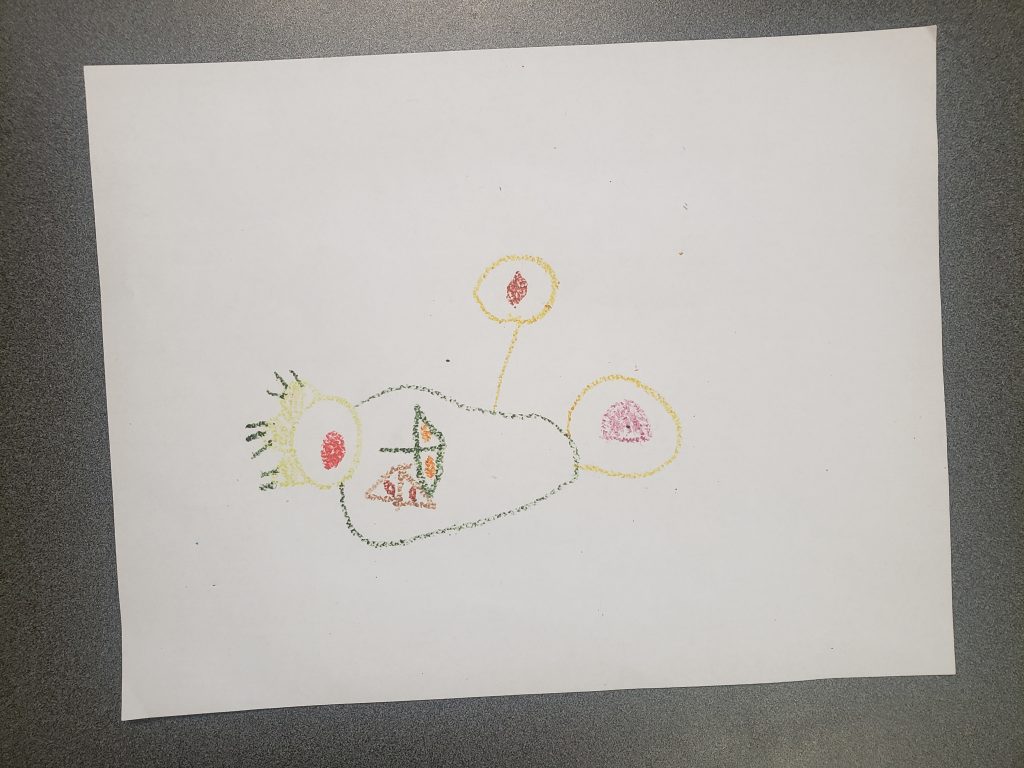
Playtester illustration of a control panel to transport a crew underwater 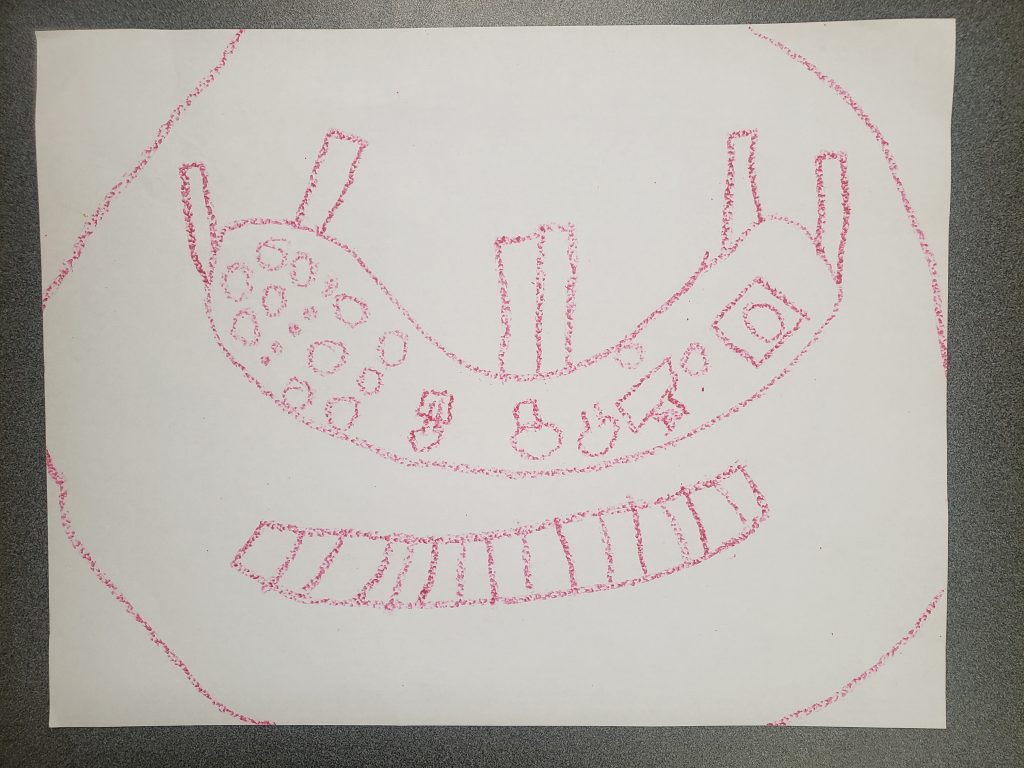
Playtester illustration of a control panel to transport a crew underwater 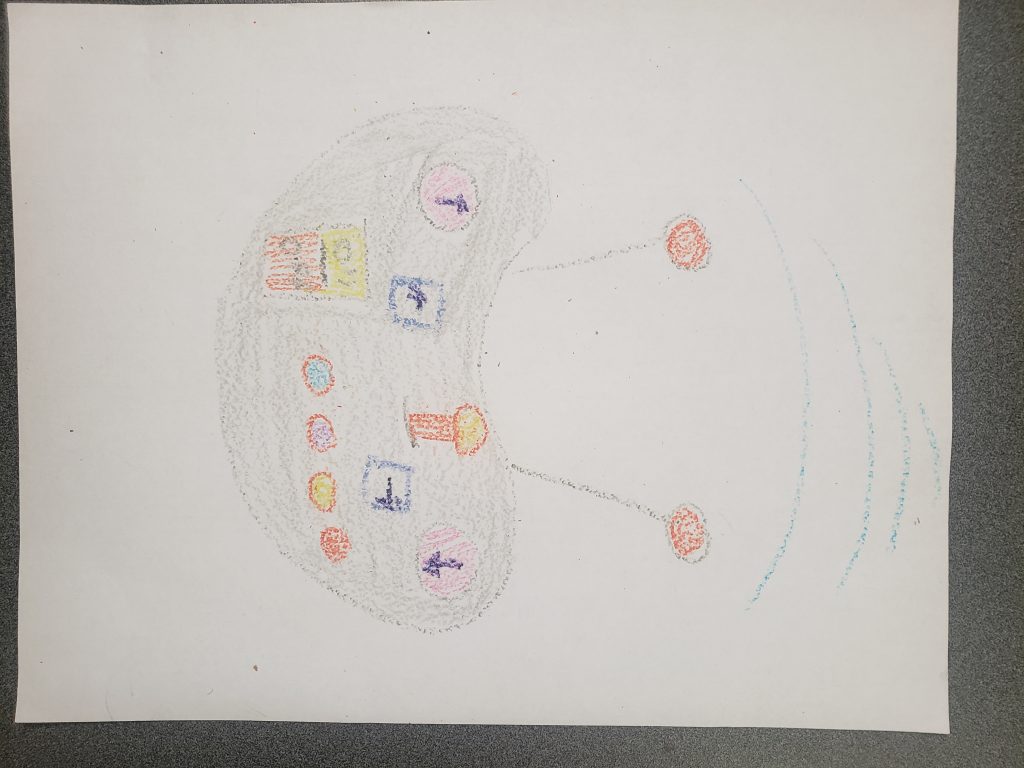
Playtester illustration of a control panel to transport a crew underwater 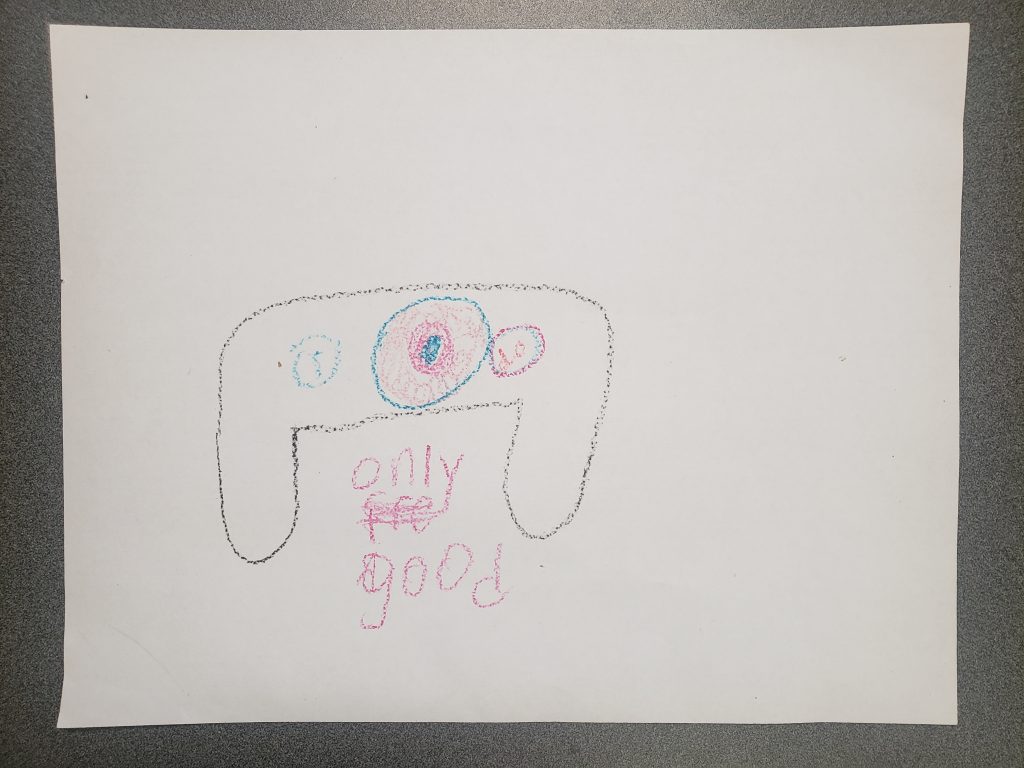
Playtester illustration of a control panel to transport a crew underwater 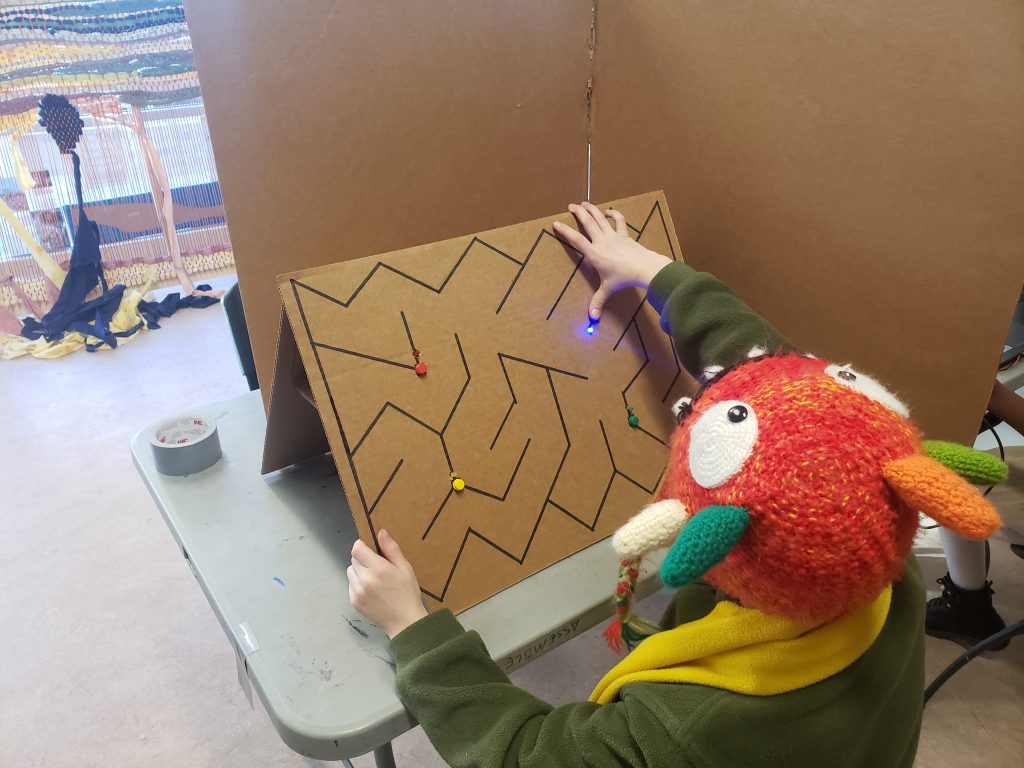
Playtester in the navigation position 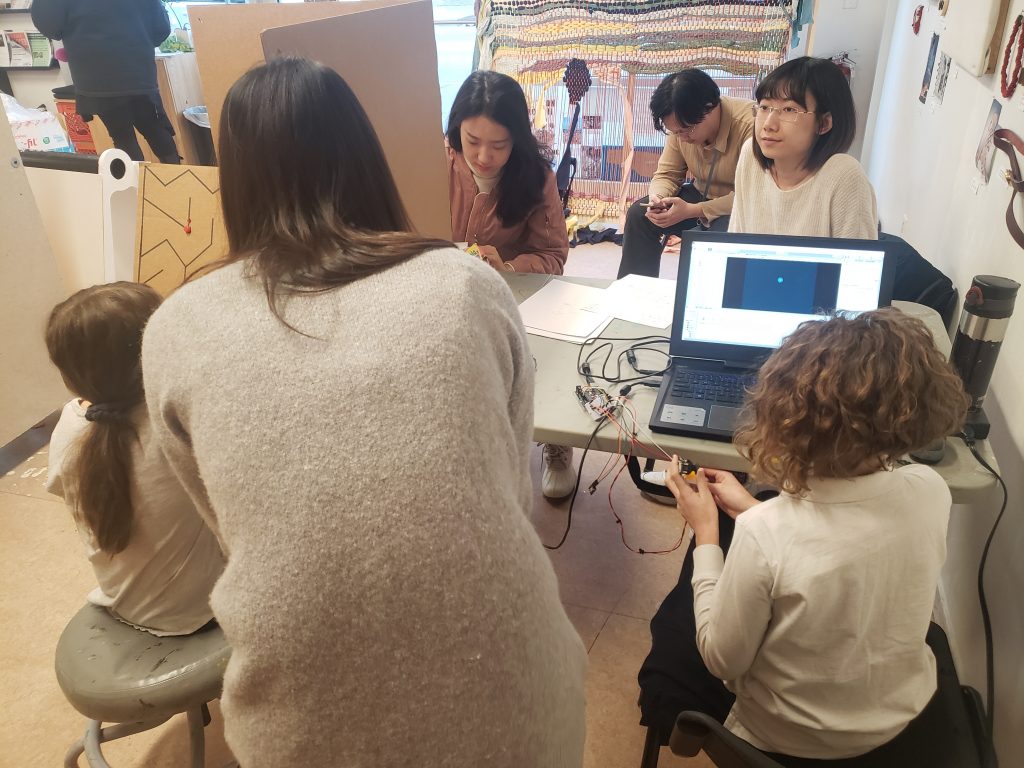
Mimi assisting playtesters 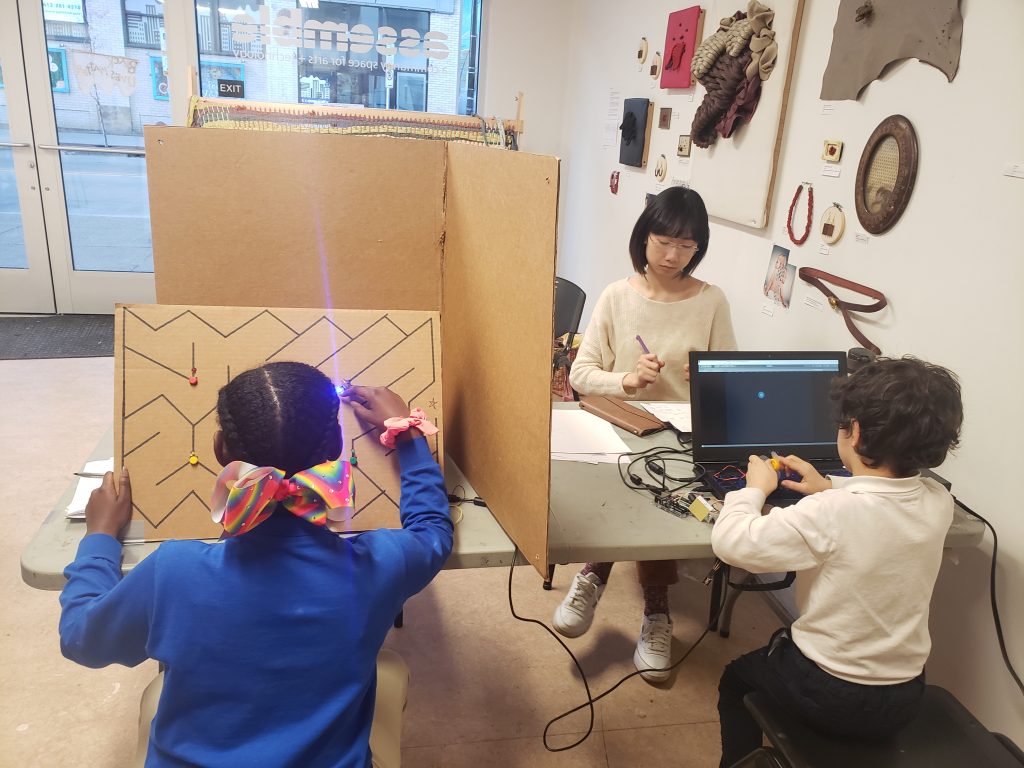
Students from our first playtest at Assemble Makerspace
Week 7
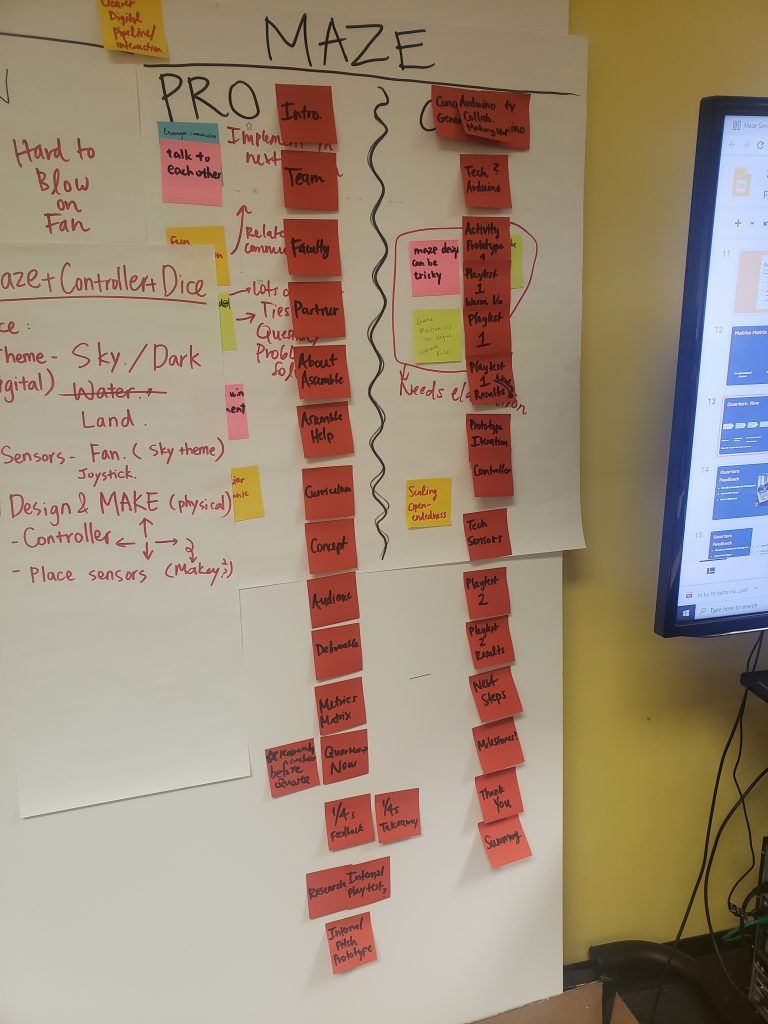
Working on the order of events for hour Halves Presentation 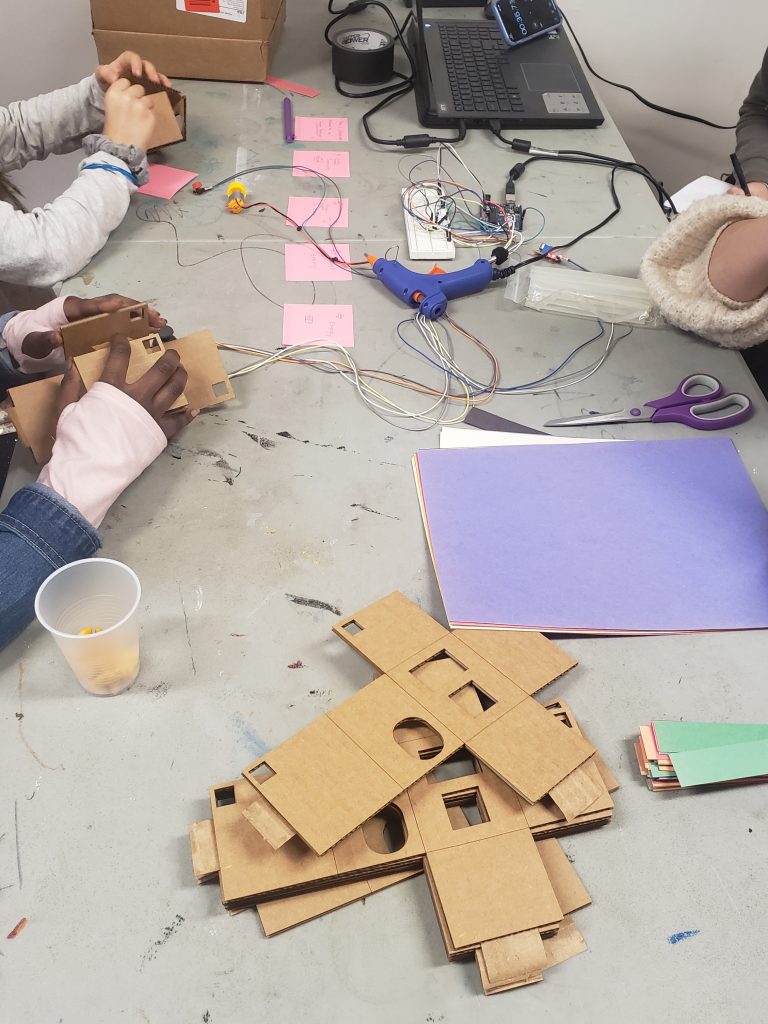
Maker Materials from our second playtest 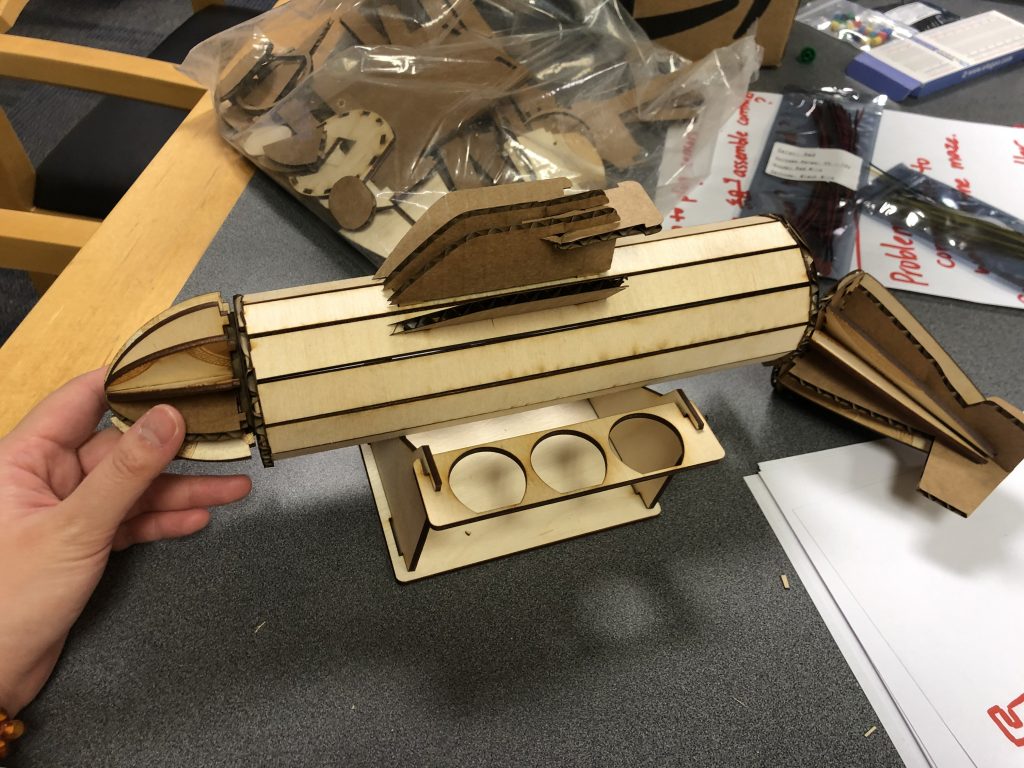
A submarine prototype designed and constructed by Mia 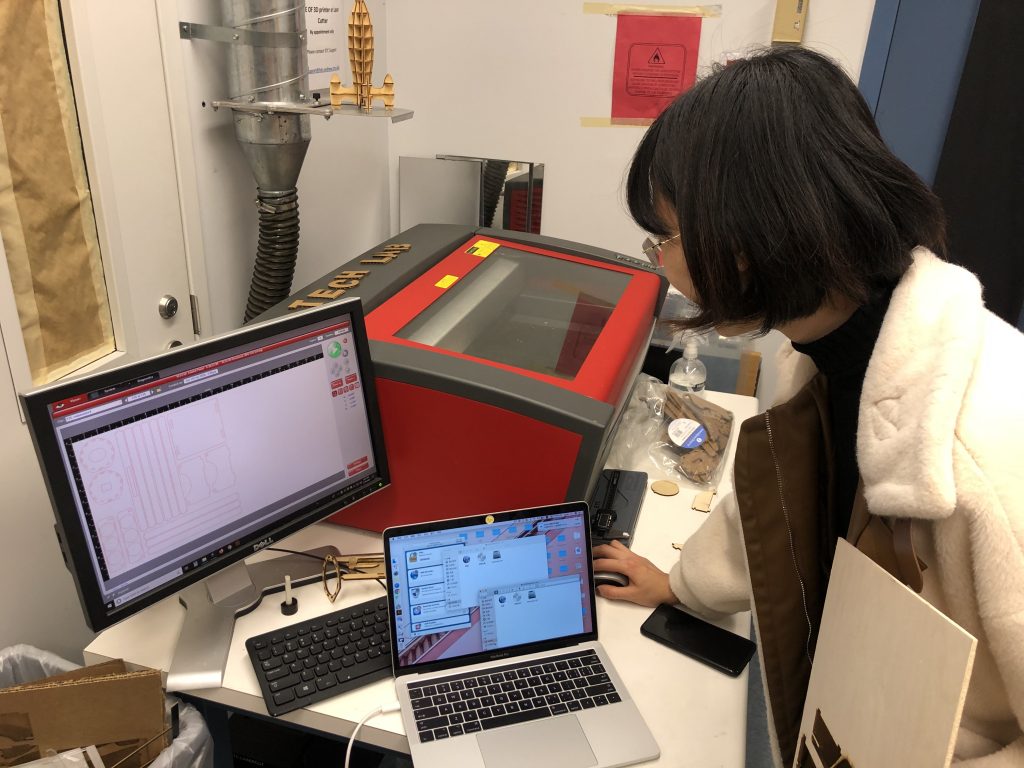
Mia at the Laser Cutter for prototyping 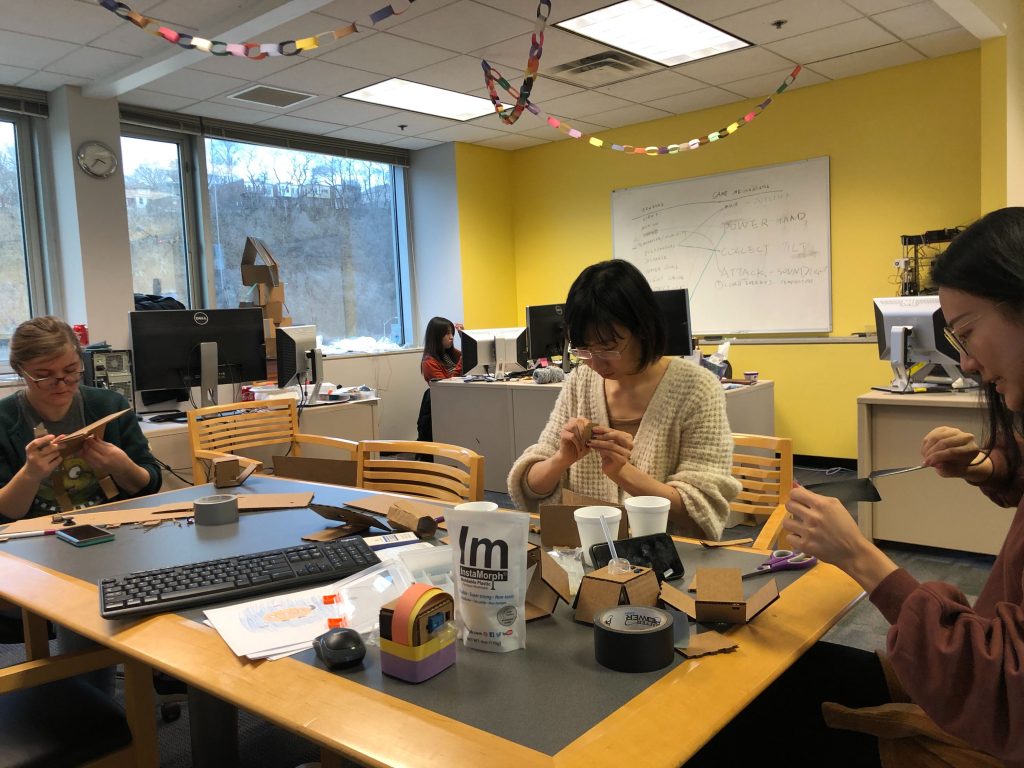
Team playtest with the new control box 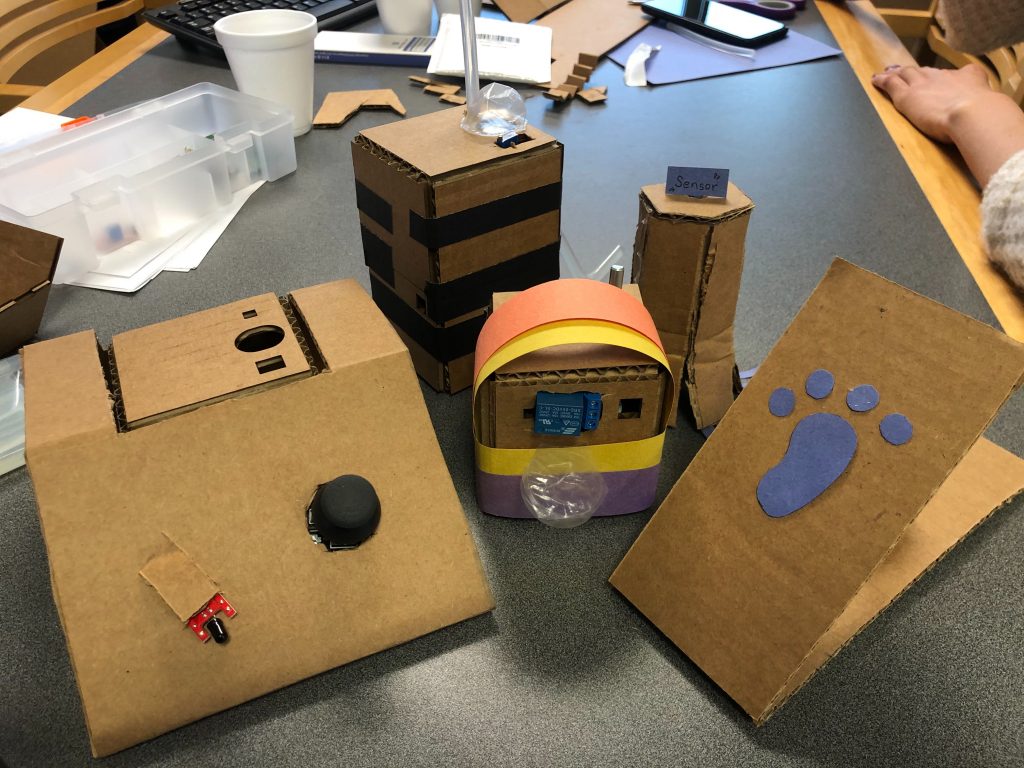
Controller box Results of Team Playtest 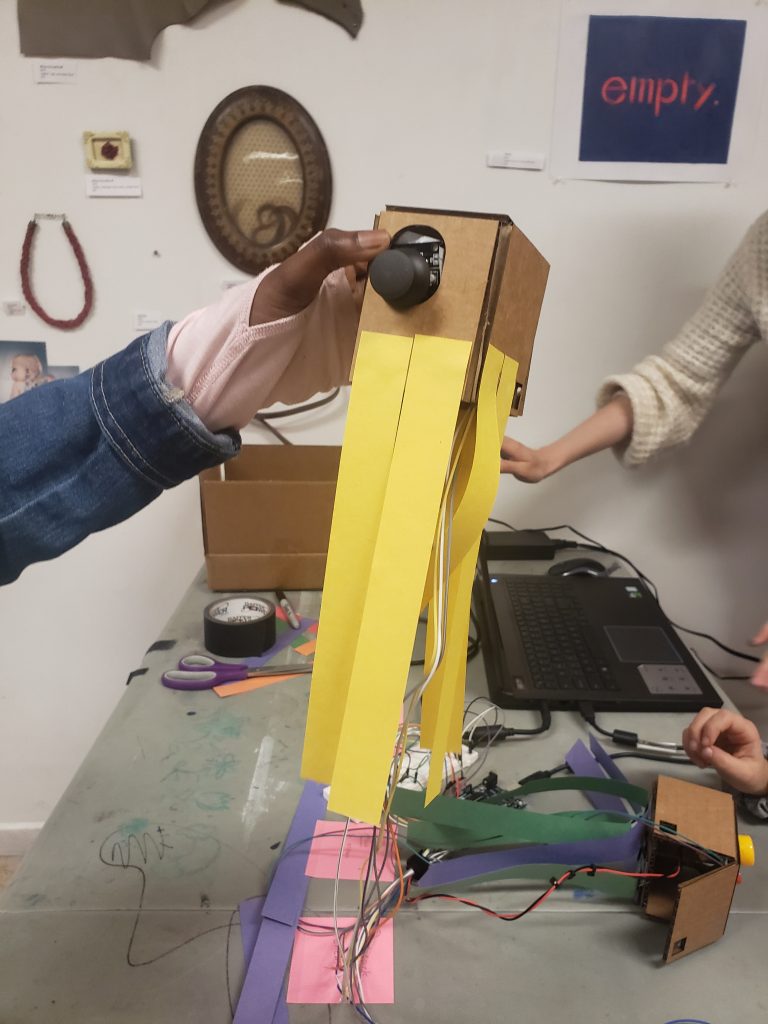
A playtester made her controller into an octopus 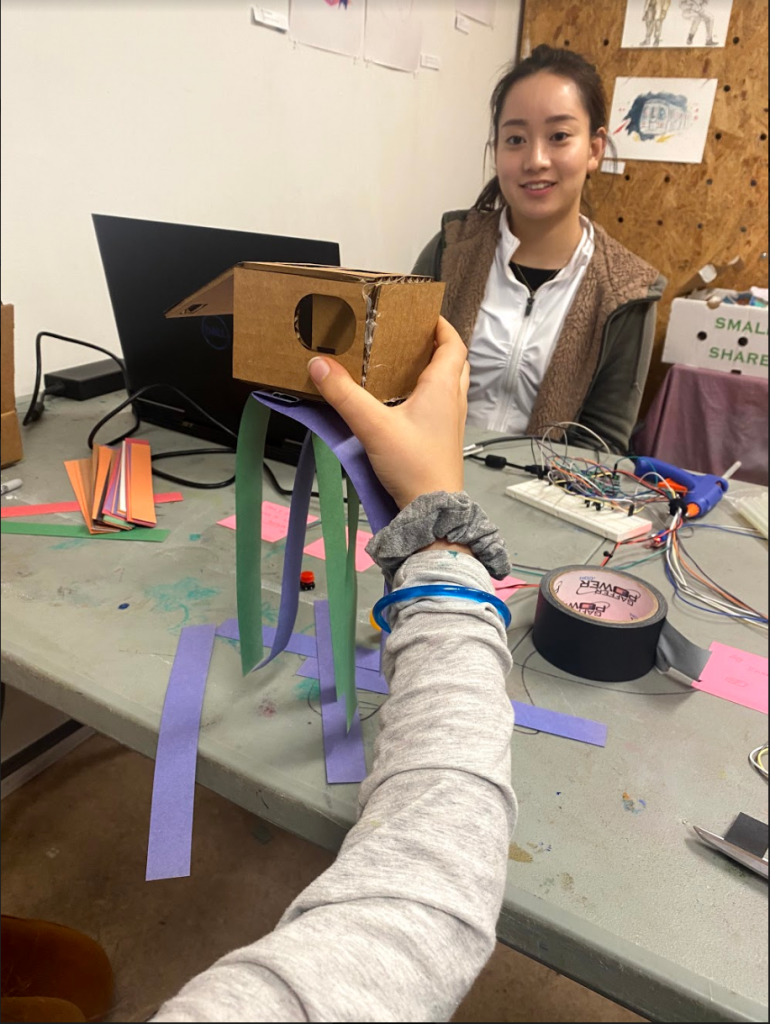
A playtester made her controller into a jellyfish 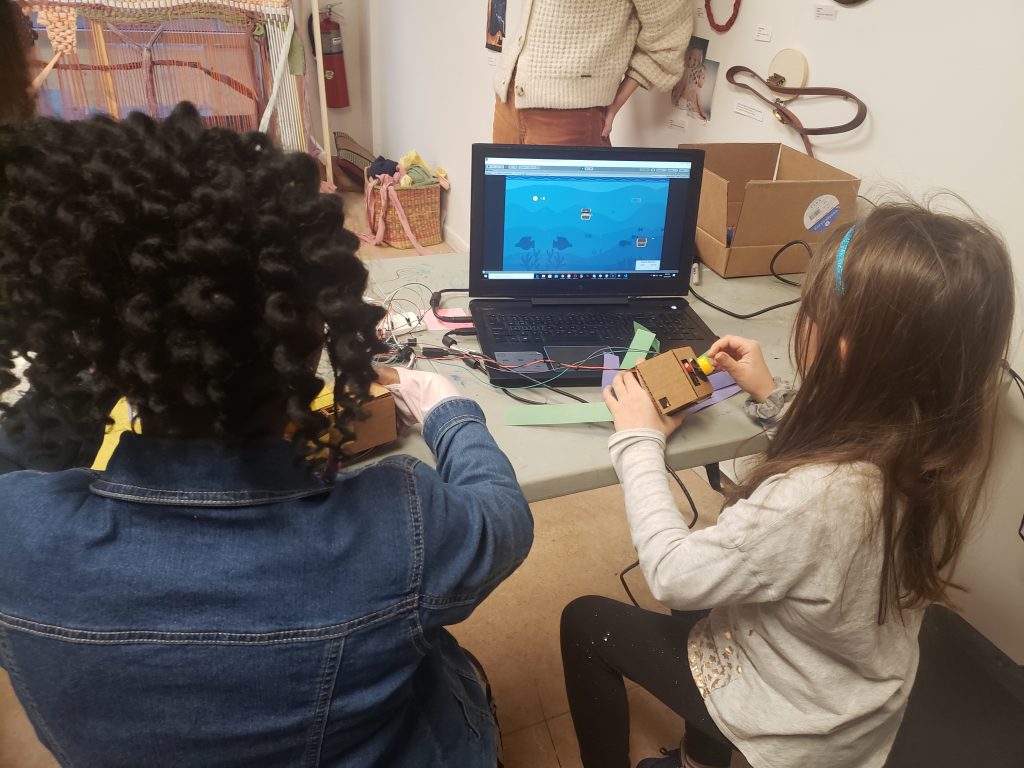
Playtesters using controllers they created 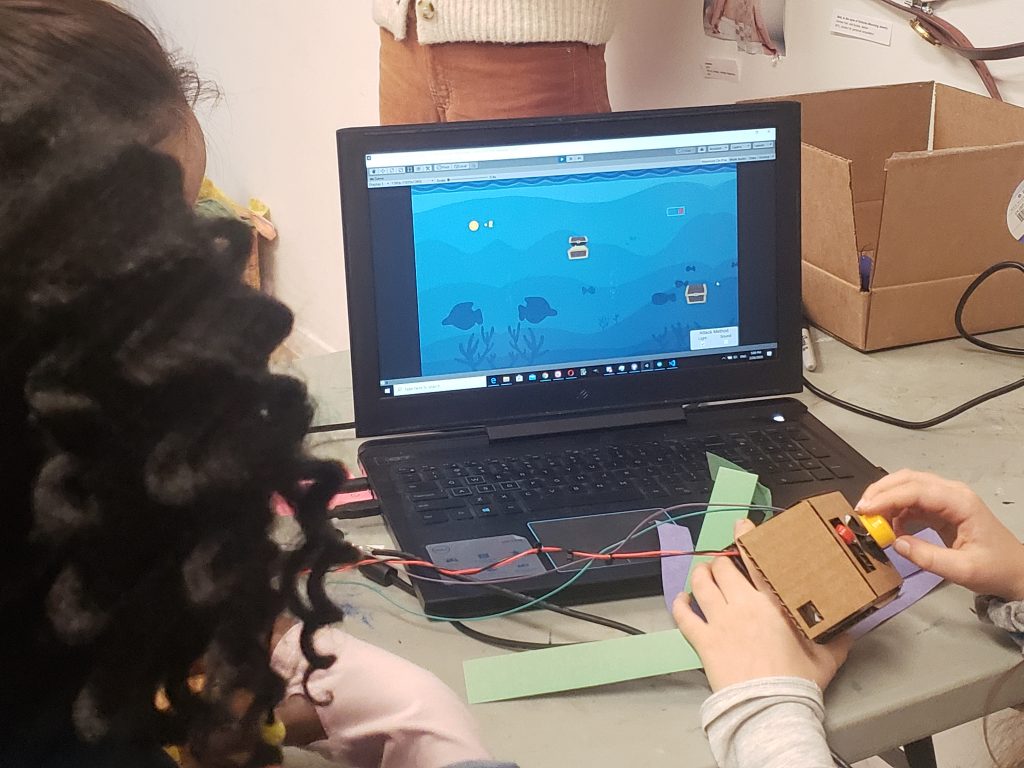
Playtesters using controllers they created 
The Team setting up for our second playtest at Assemble 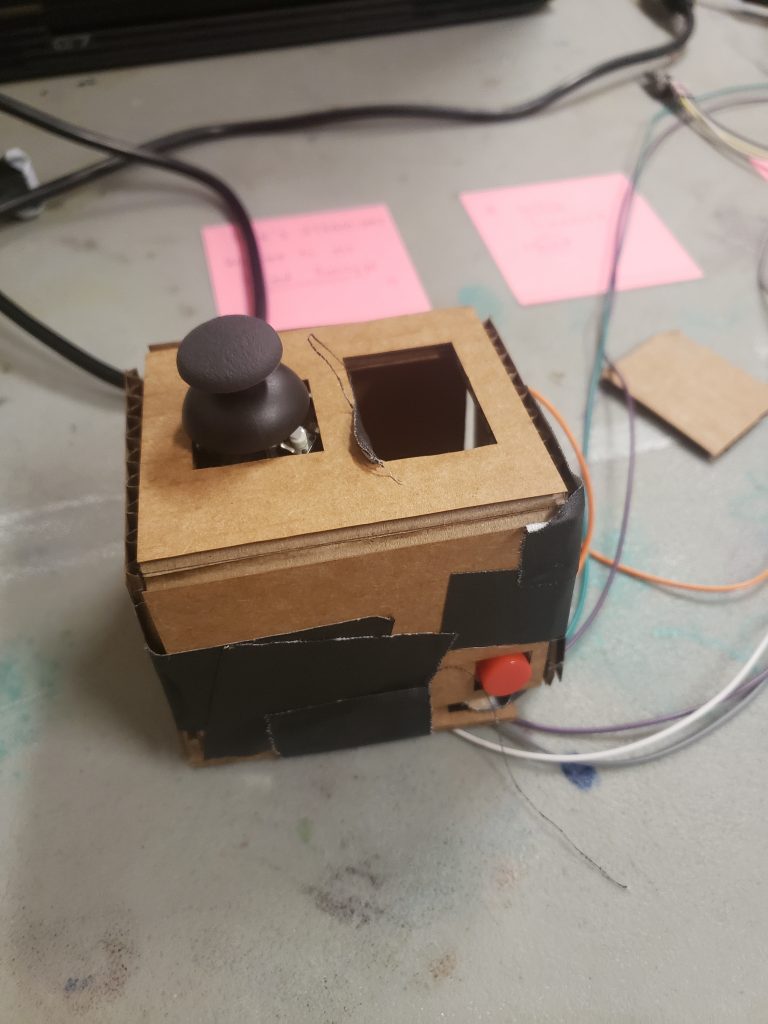
A controller created by a playtester 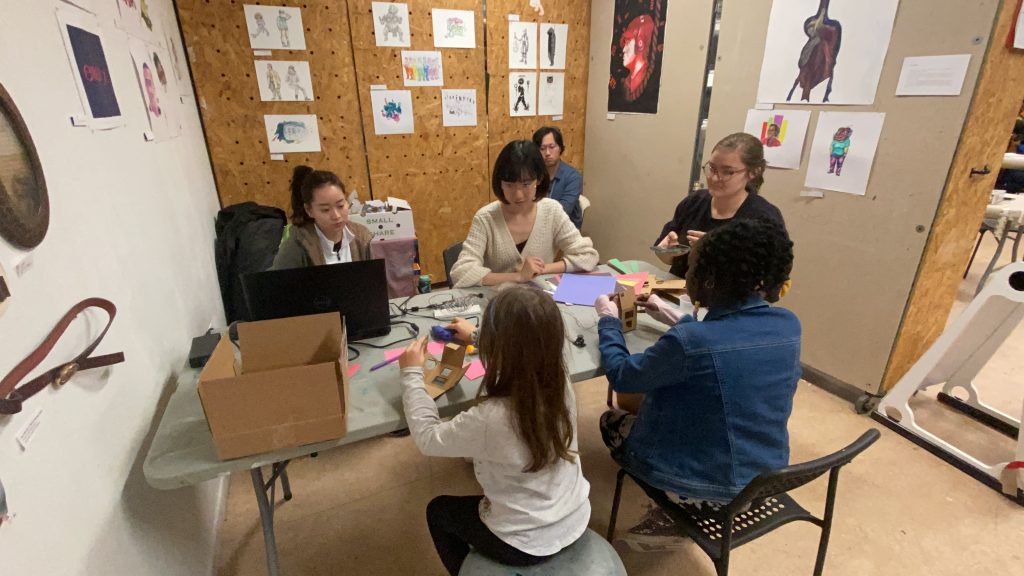
Mimi and Isabel facilitating playtesting 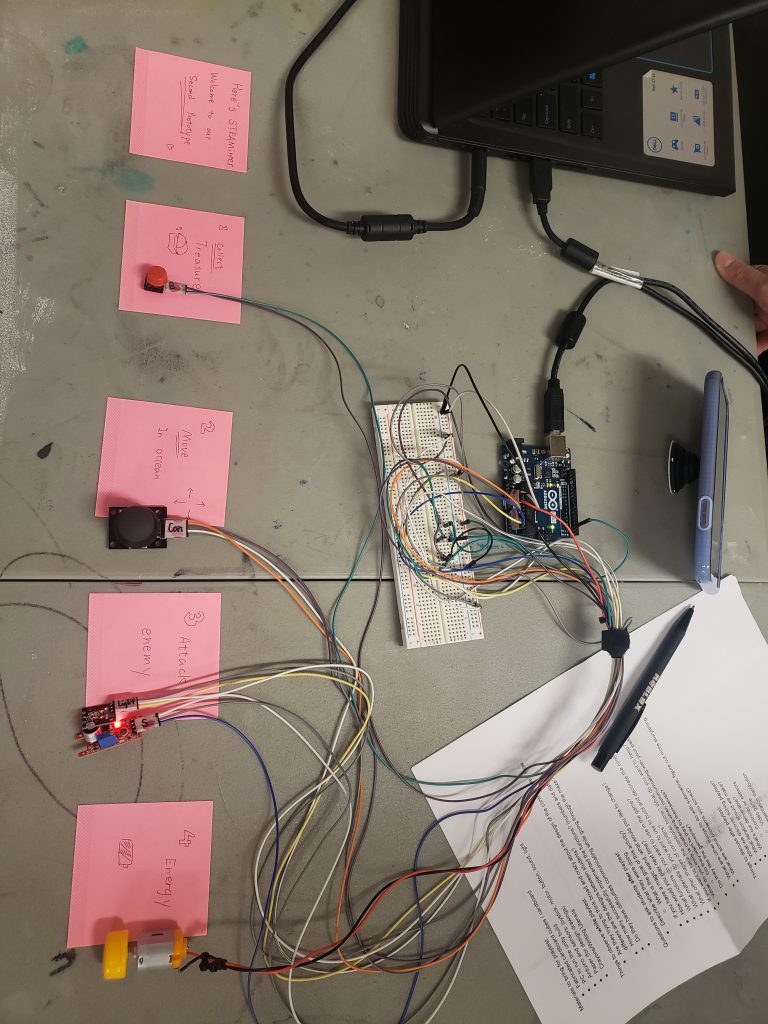
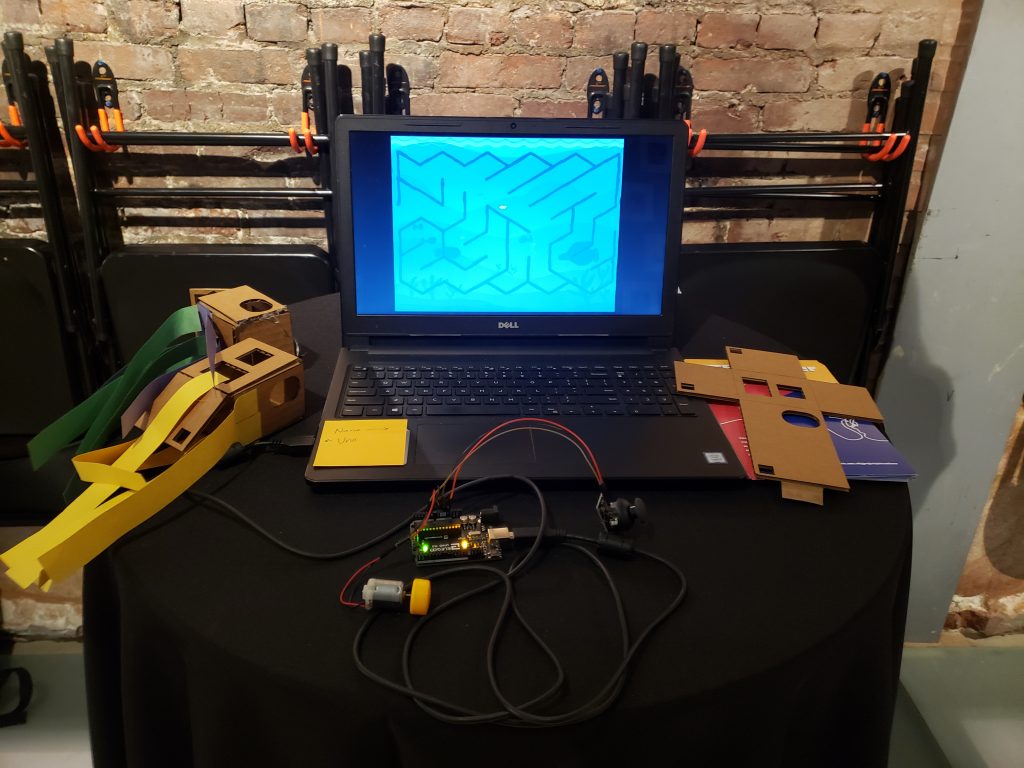
The Arduino Inputs used for our second playtest 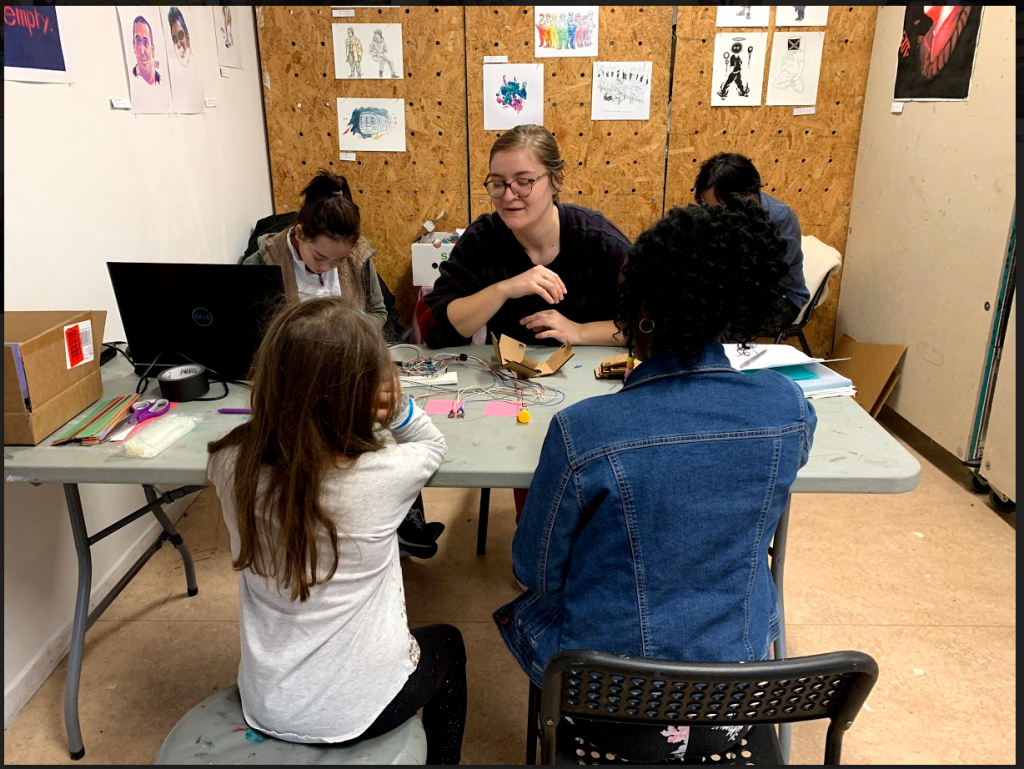
Marissa facilitating a playtest 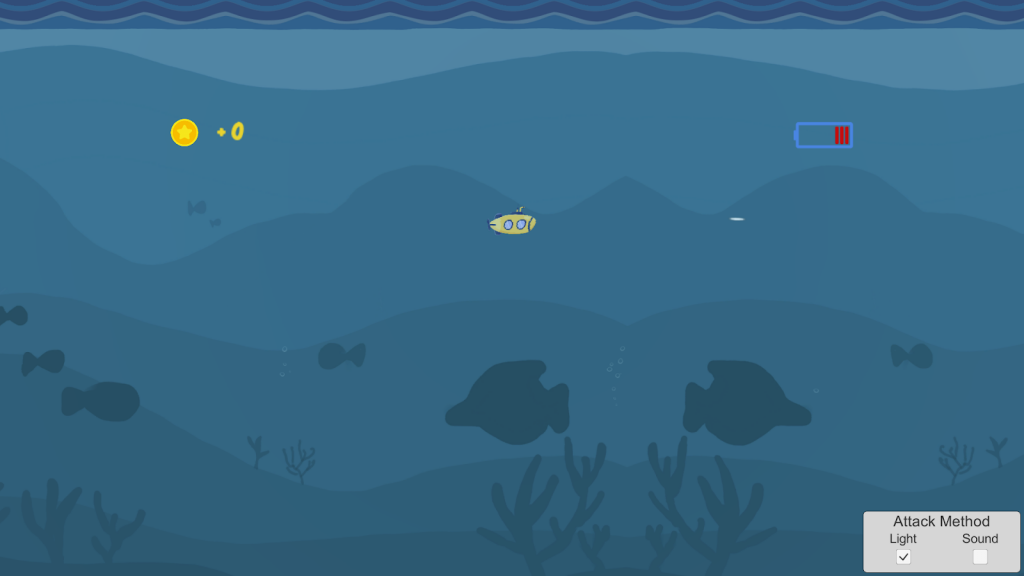
Gameplay screen from the second playtest 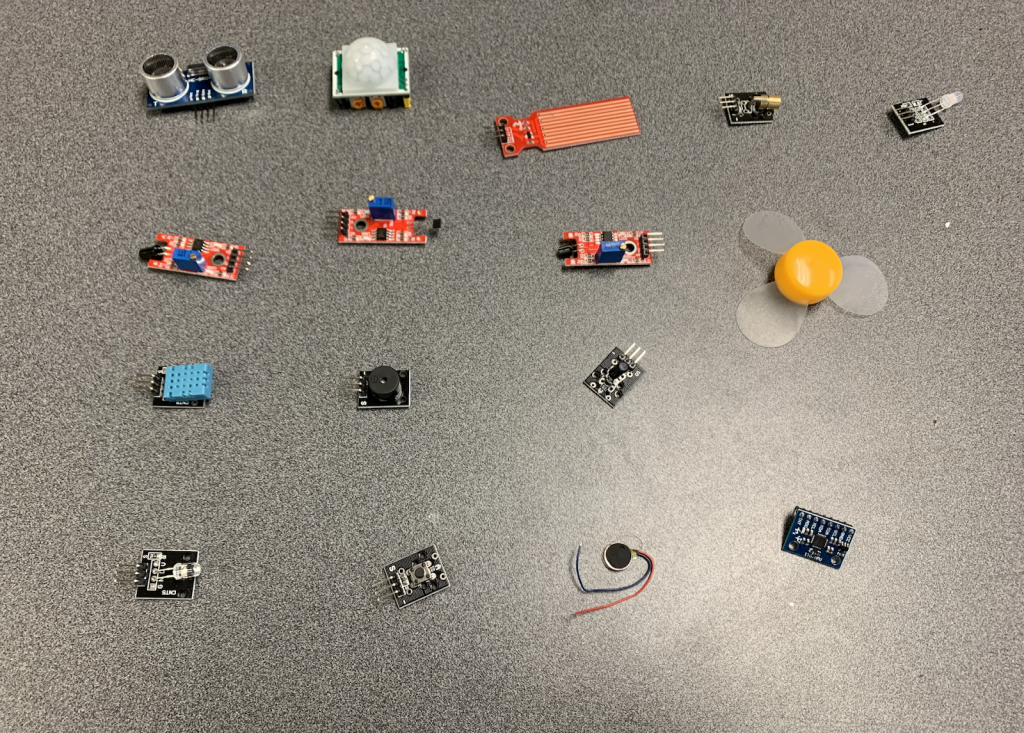
Aduino inputs tested for interactions 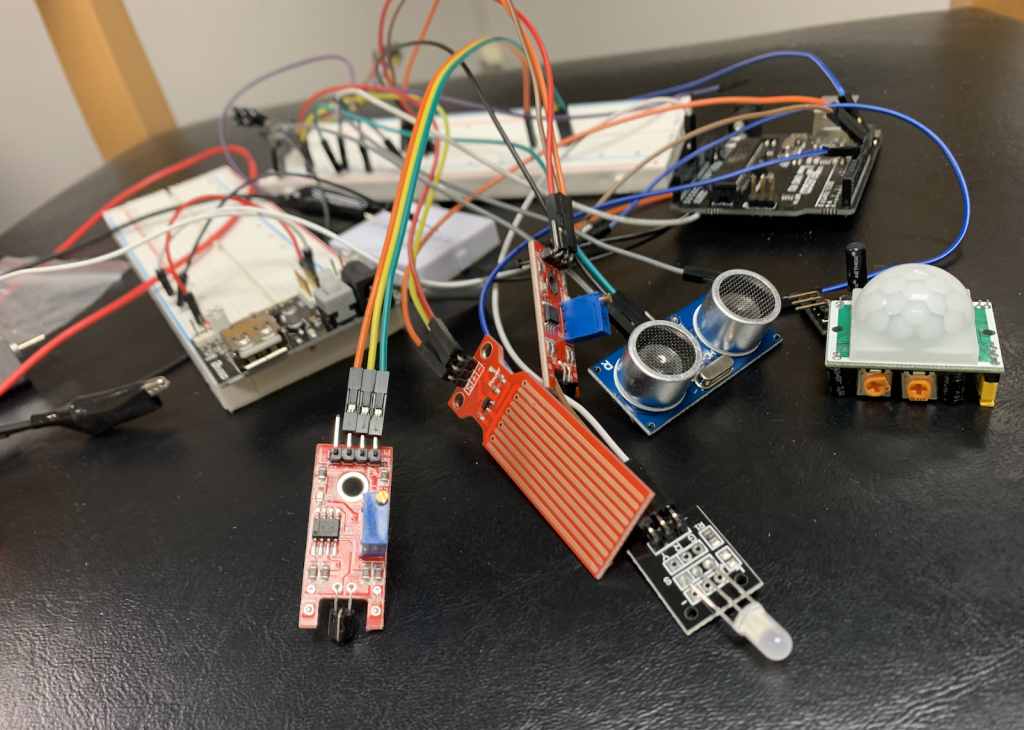
Arduino inputs connected to the Arduino 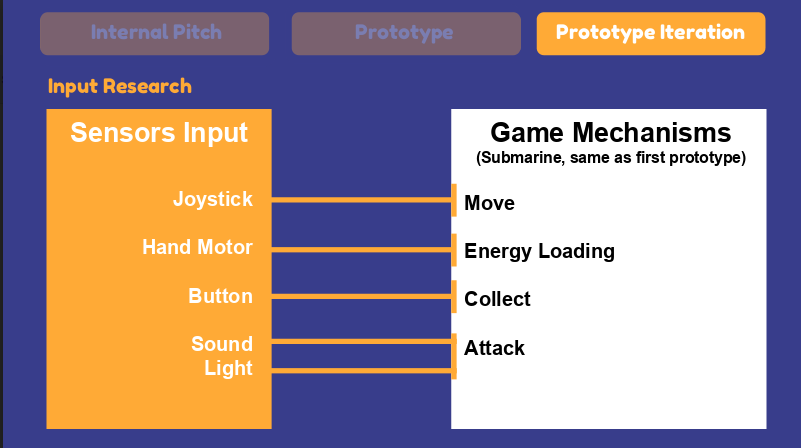
Listing of Arduino input options for game mechanisms used in the second playtest
Week 8
Week 9
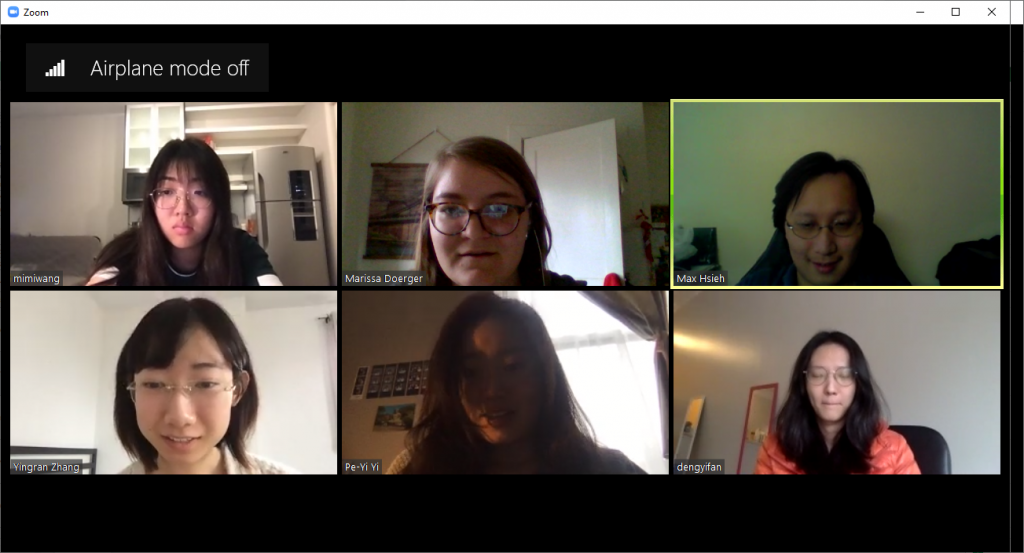
STEAMineer’s first Zoom Meeting 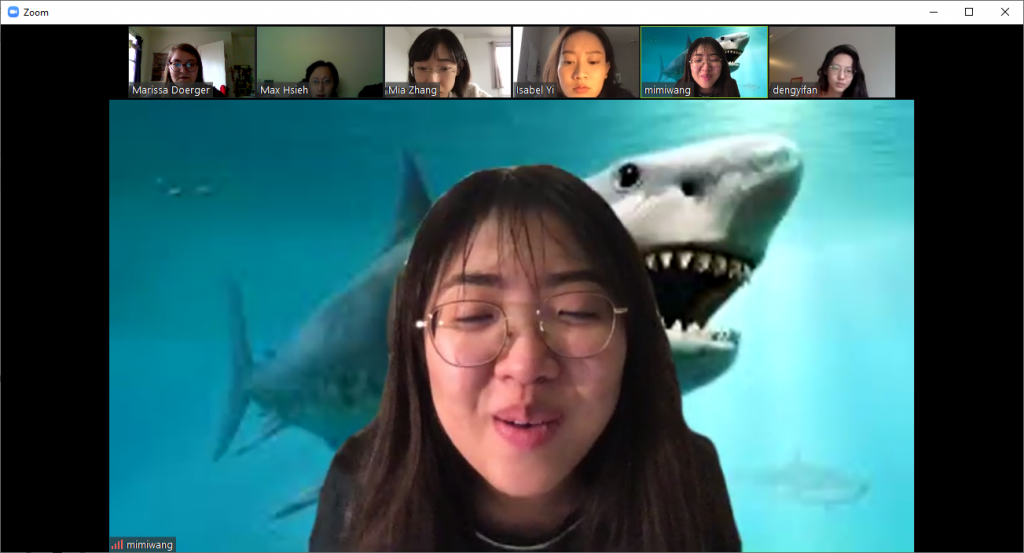
Mimi, swimming with sharks 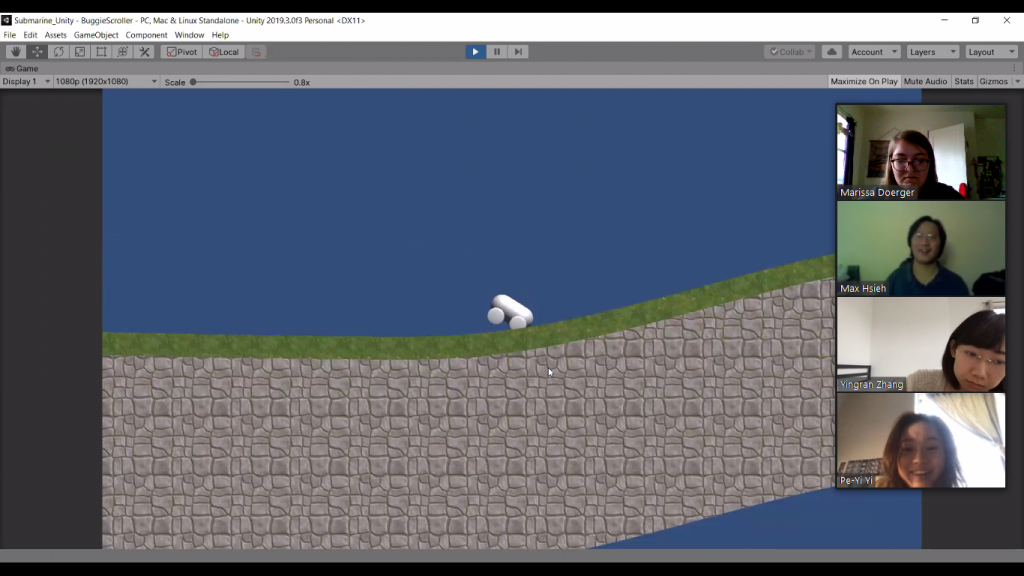
Screenshare of a driving interaction Max developed 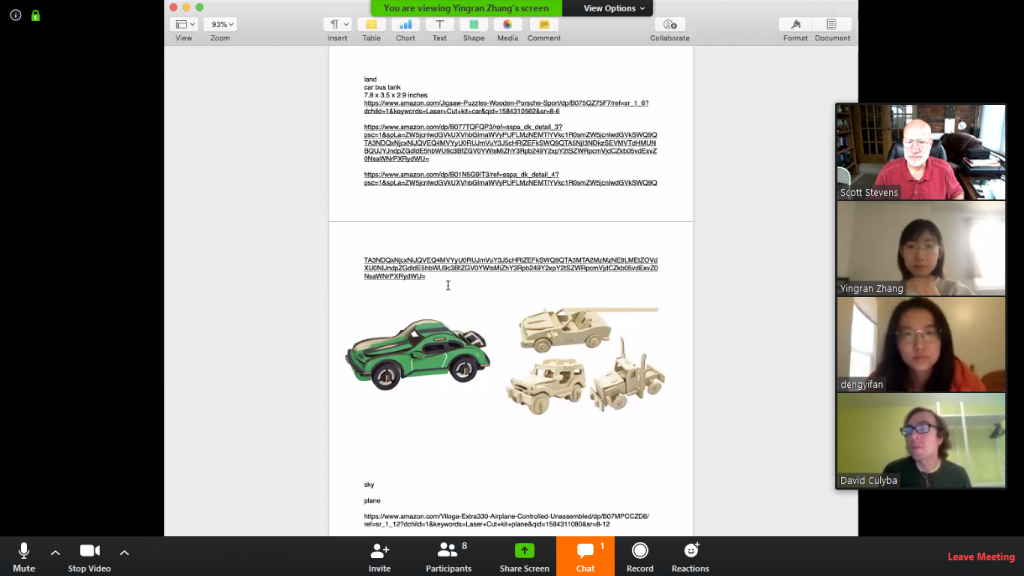
Screenshare of new fabrication materials 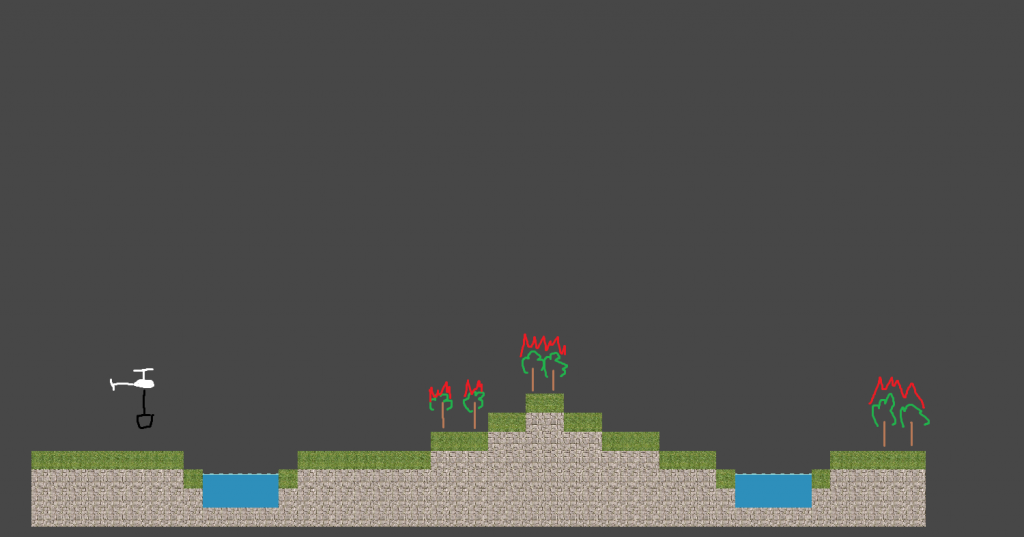
Concept art for a helicopter interaction 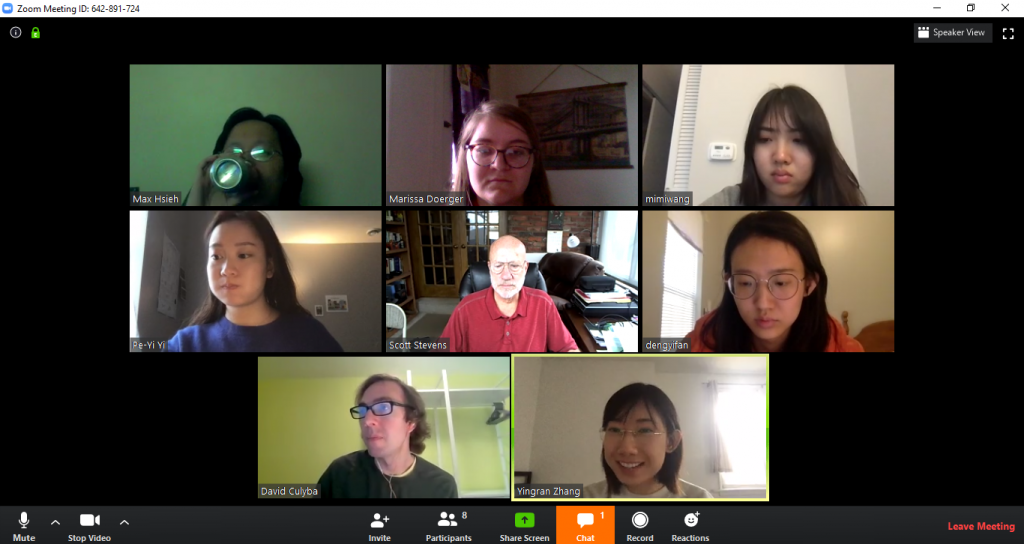
STEAMineer Faculty Meetings via Zoom 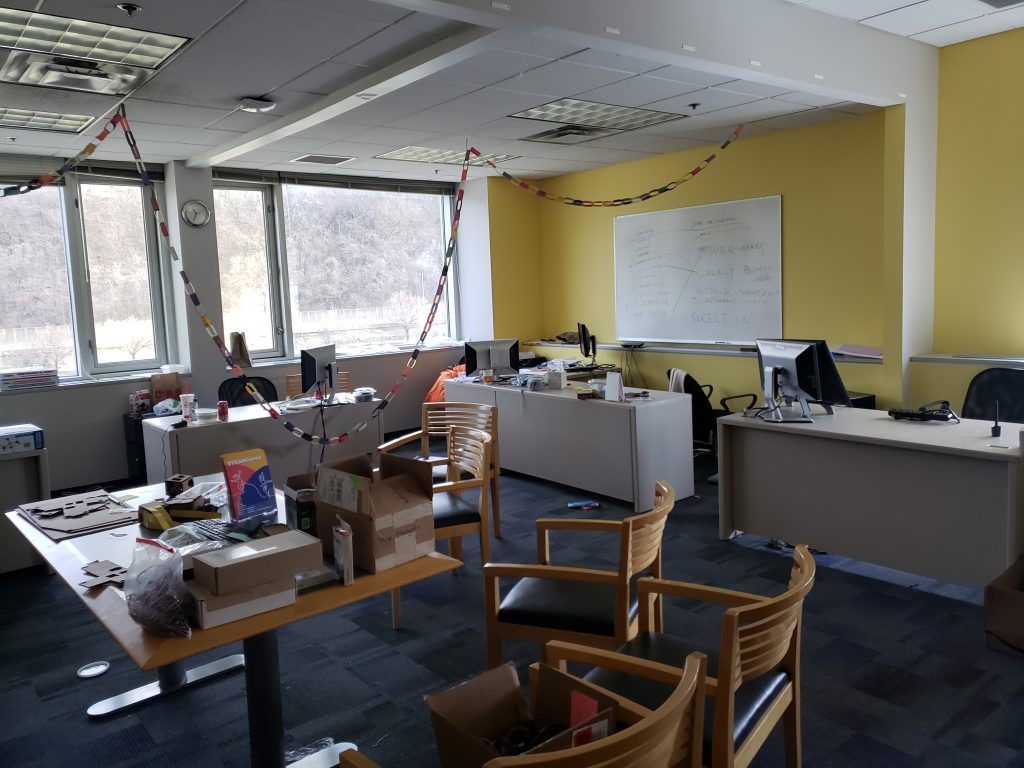
Last look at our project room (the streamer fell over the break) 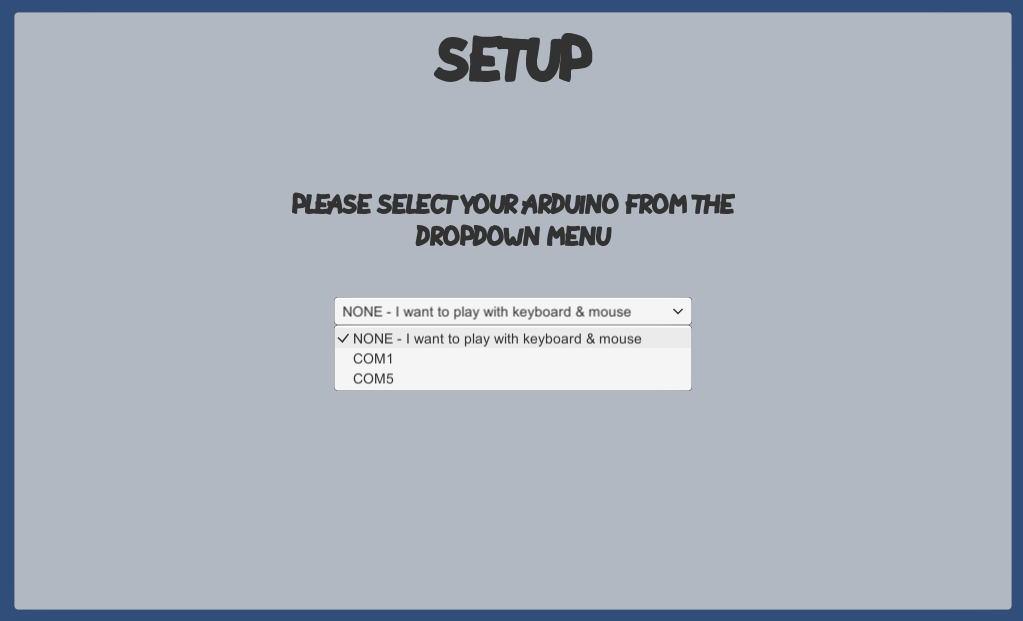
Set-up Menu for our keyboard -based interaction for playtesting 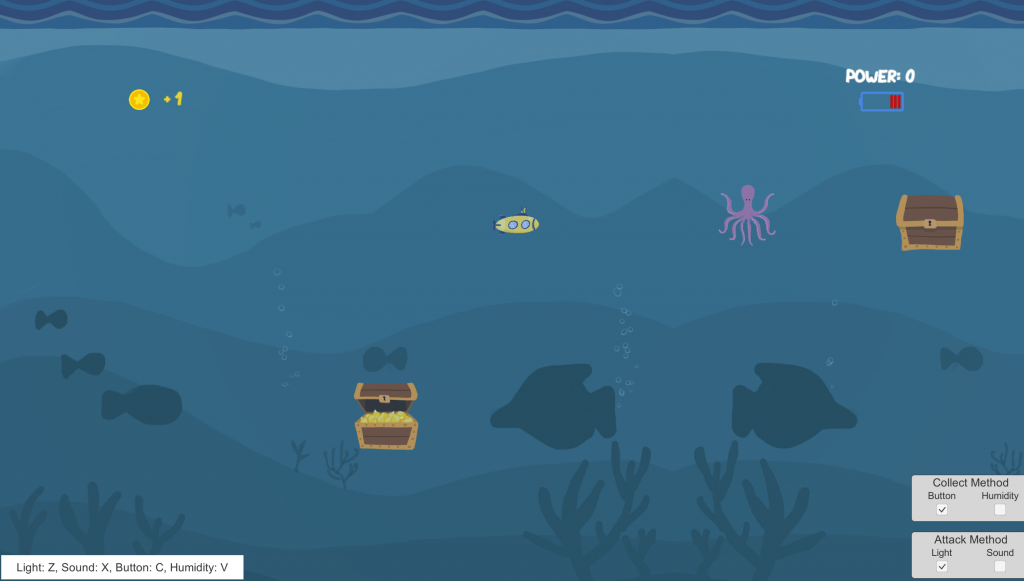
Gameplay screen complete with gold coins, an octopus, and keyboard input controls
Week 10
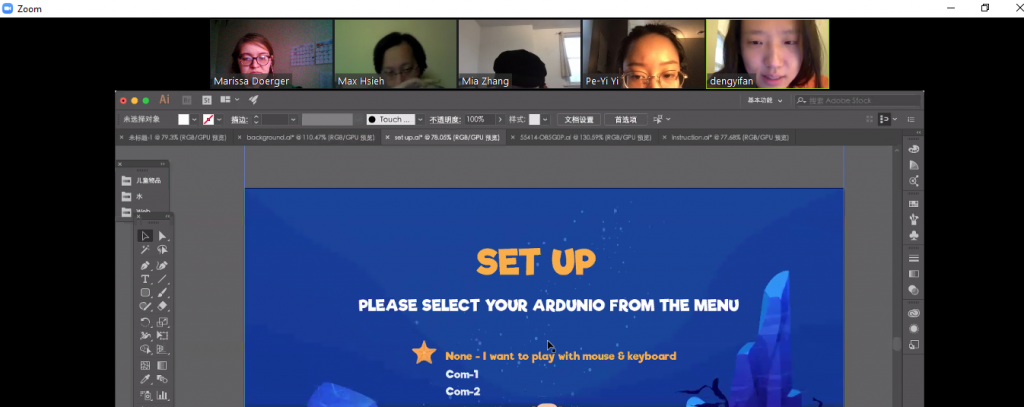
Monday SCRUM Meeting 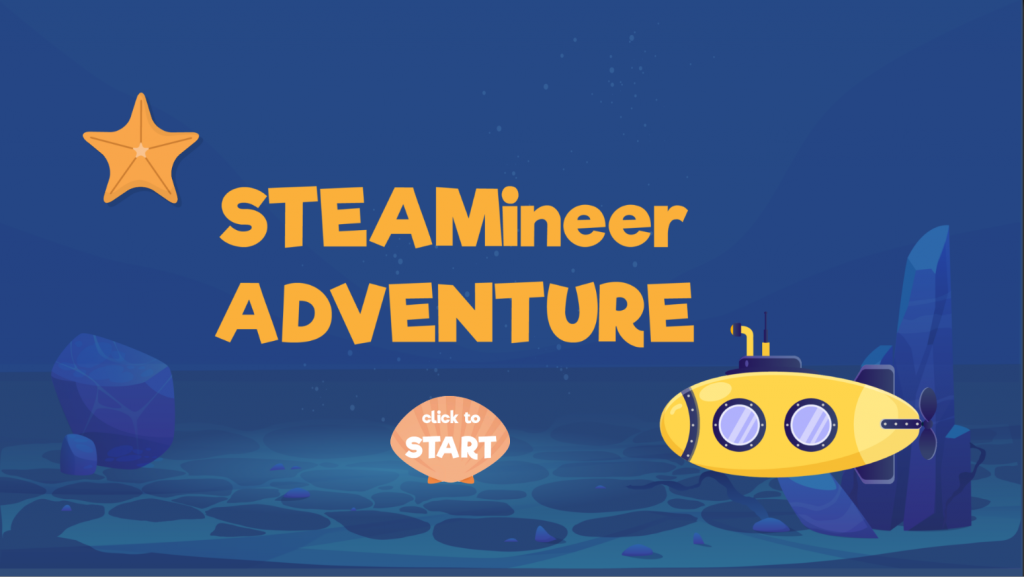
Game Title Screen 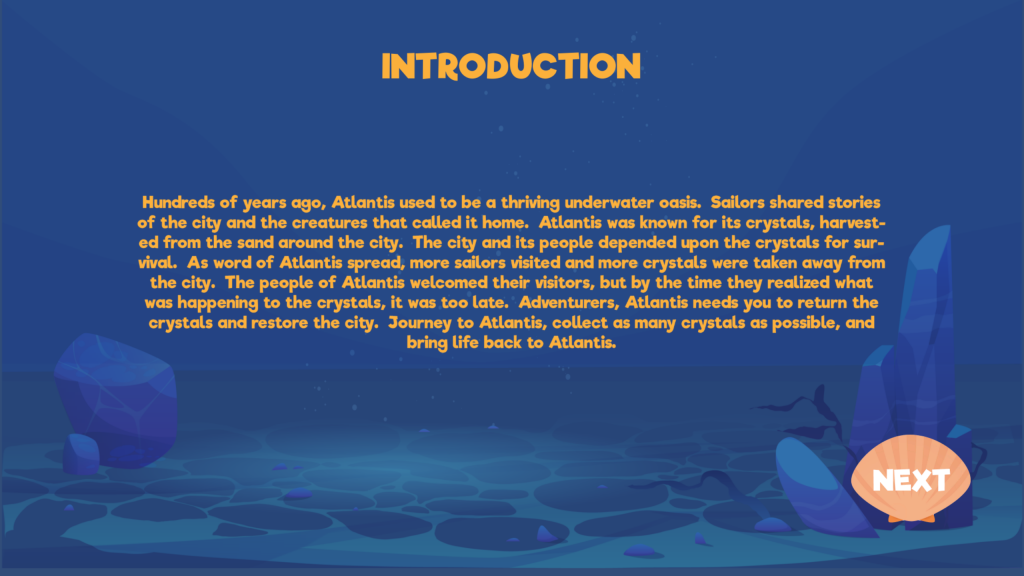
Game Story Screen 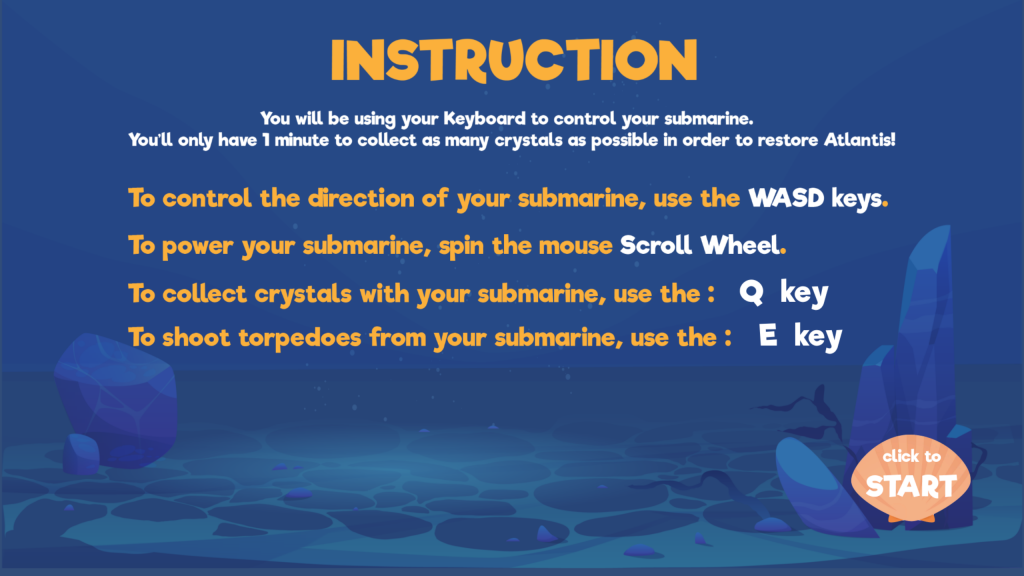
Game Instruction Screen 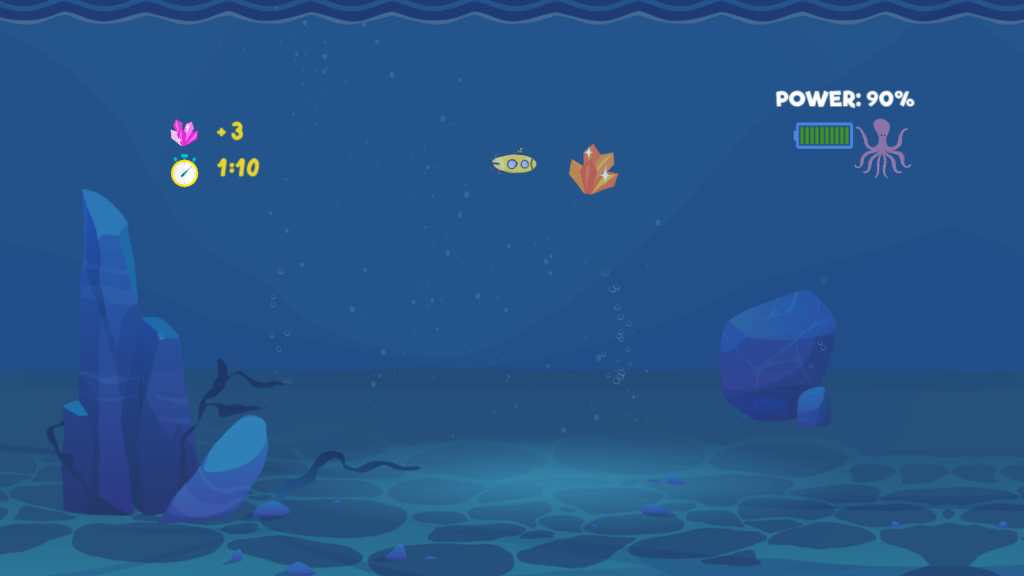
Gameplay Screen 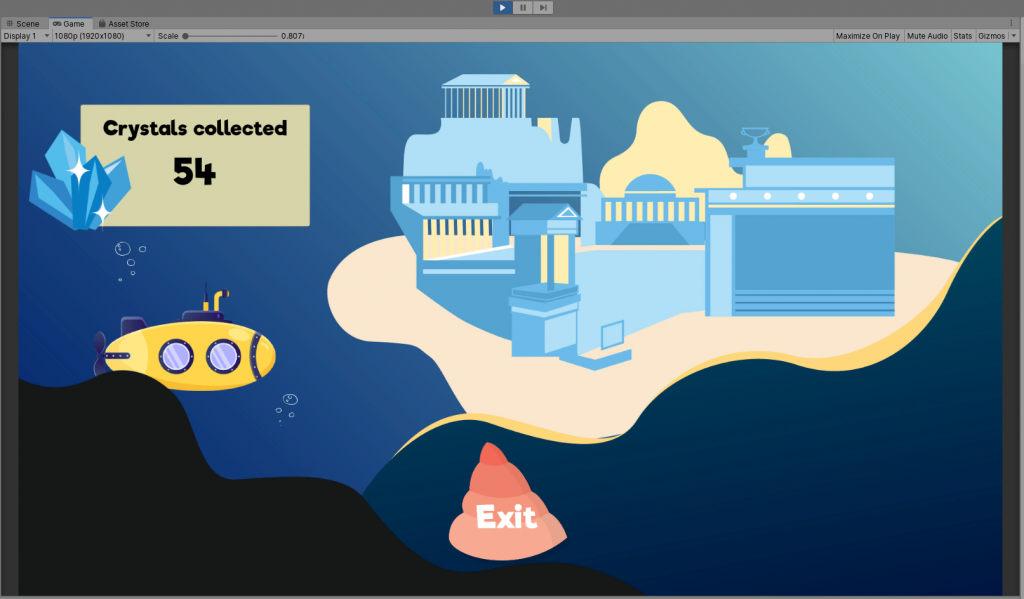
Final Scene Screen 
Mia explaining her cardboard gears 
Mia explaining her cardboard gears 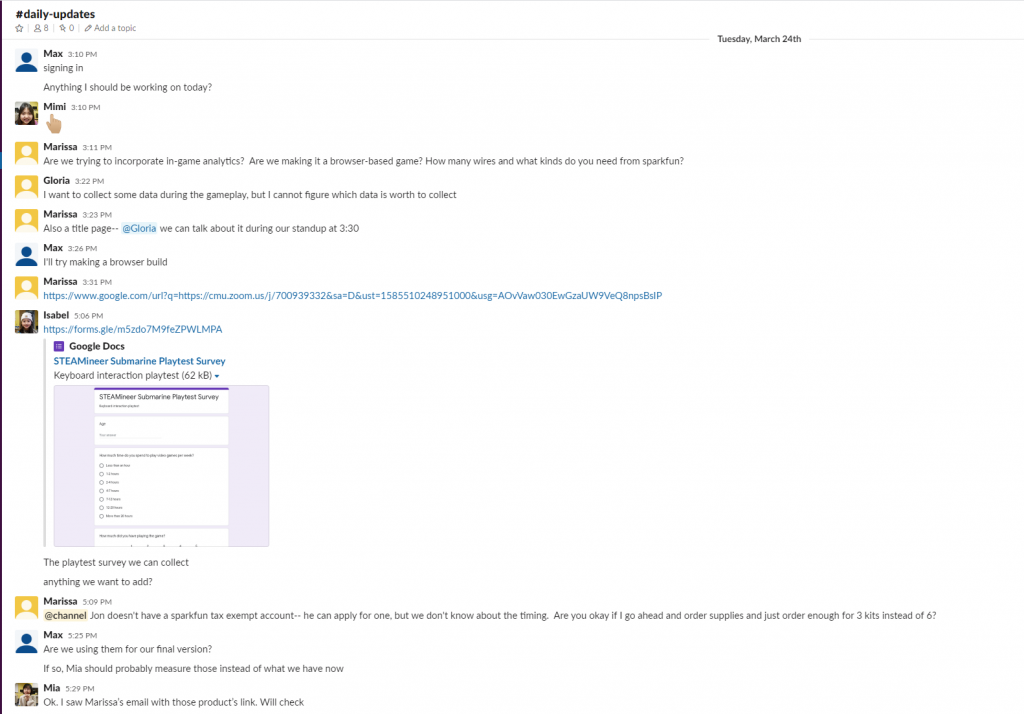
Slack Chat to keep each other up to date 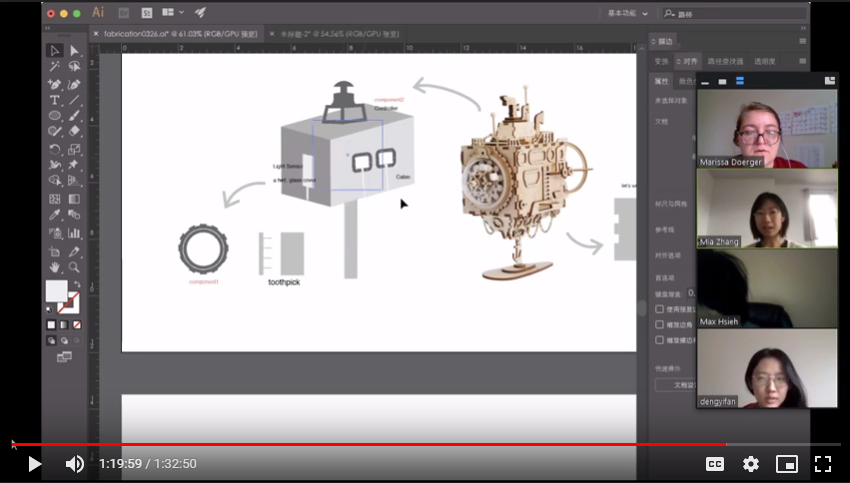
Fabrication plans for the Amazon Kits 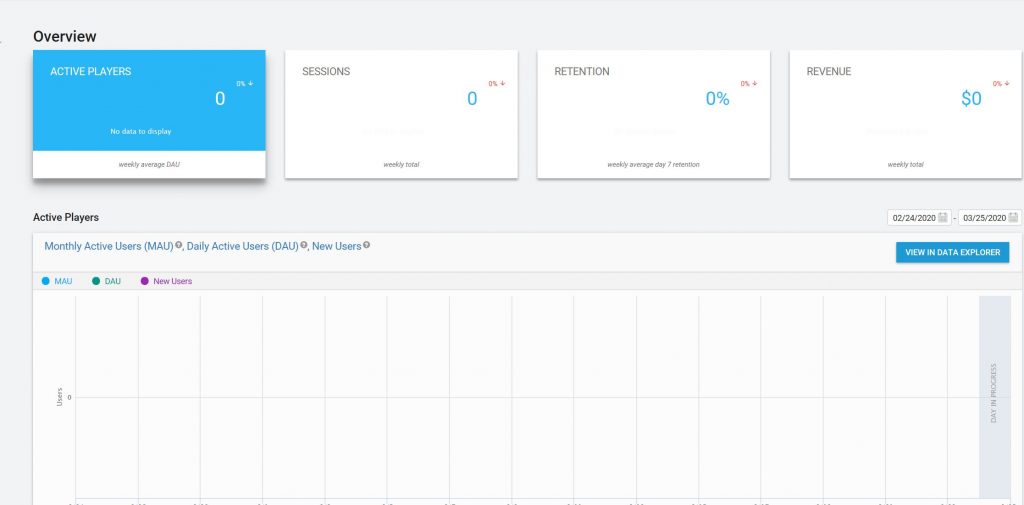
Potential set-up for in-game analytics 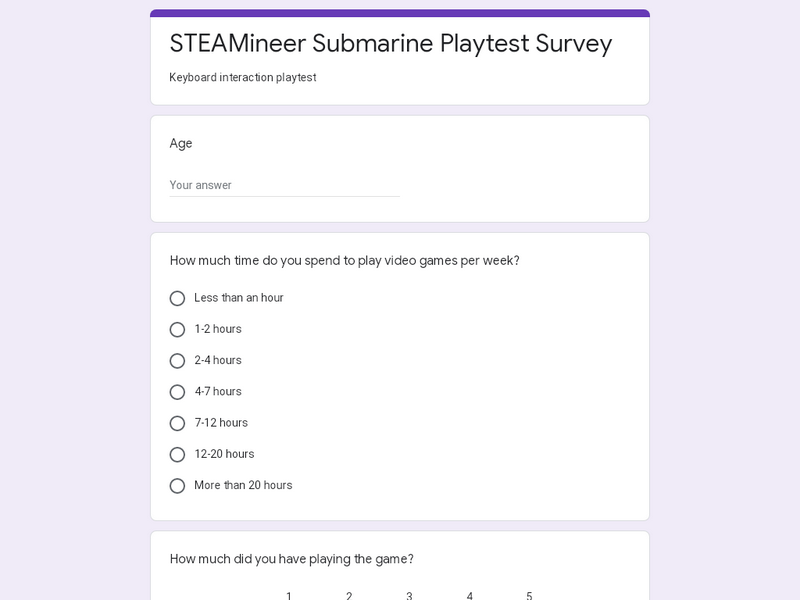
Developing Playtesting Surveys 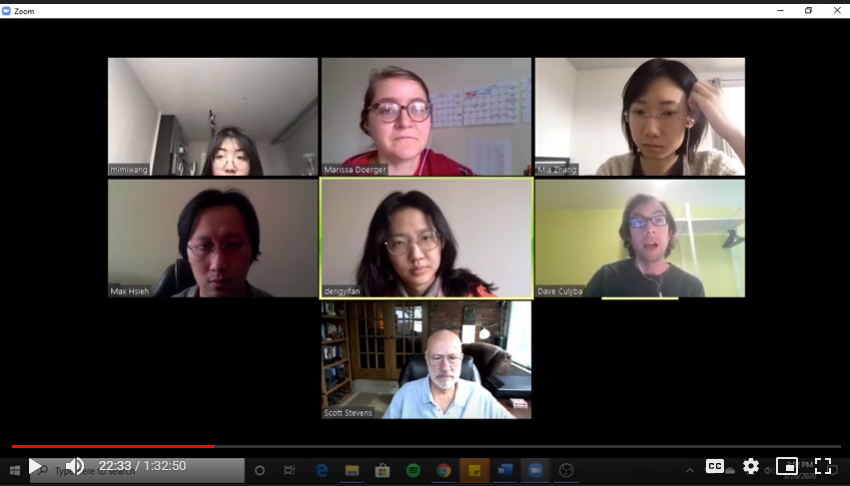
Faculty Meetings via Zoom
Week 11
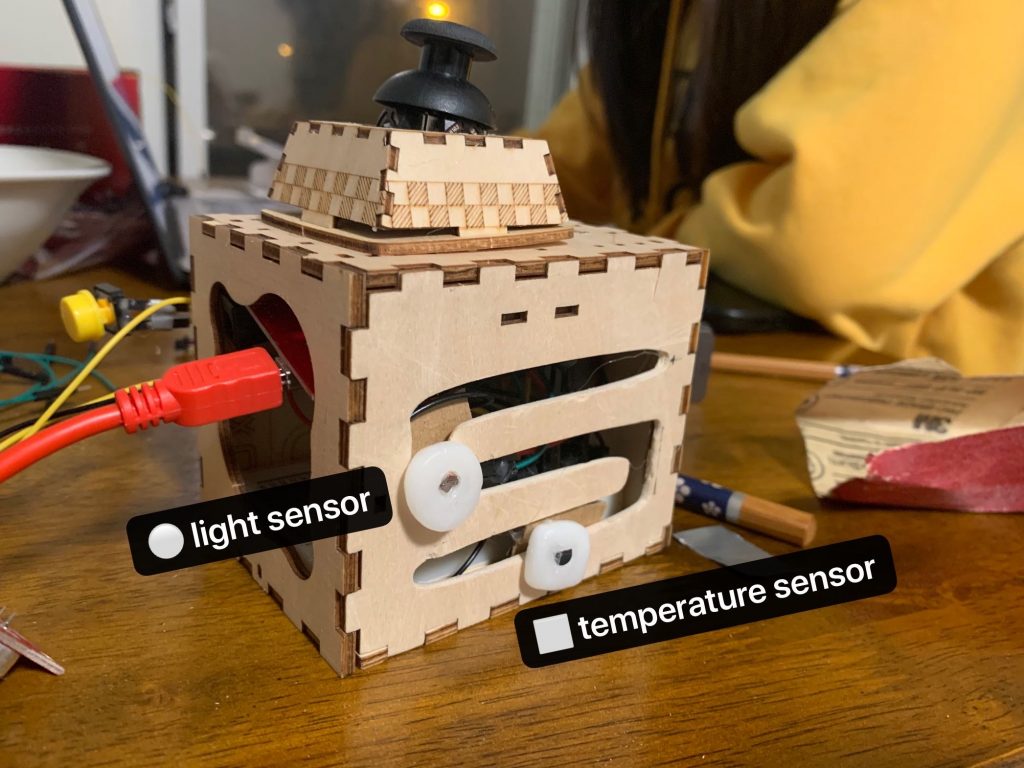
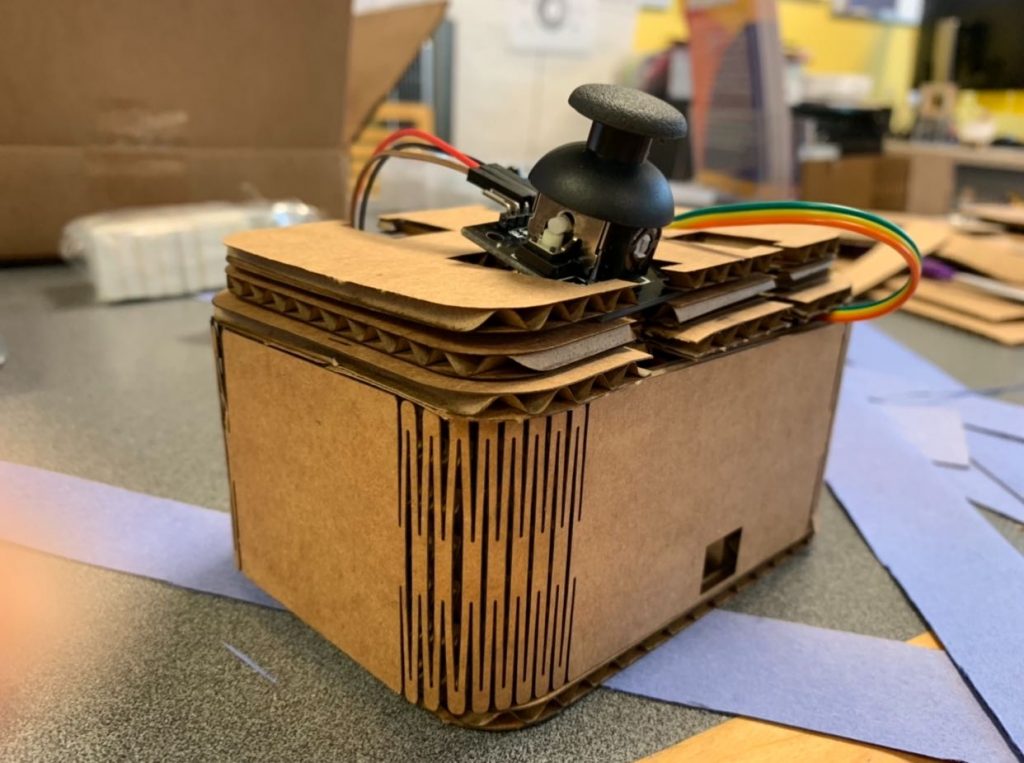
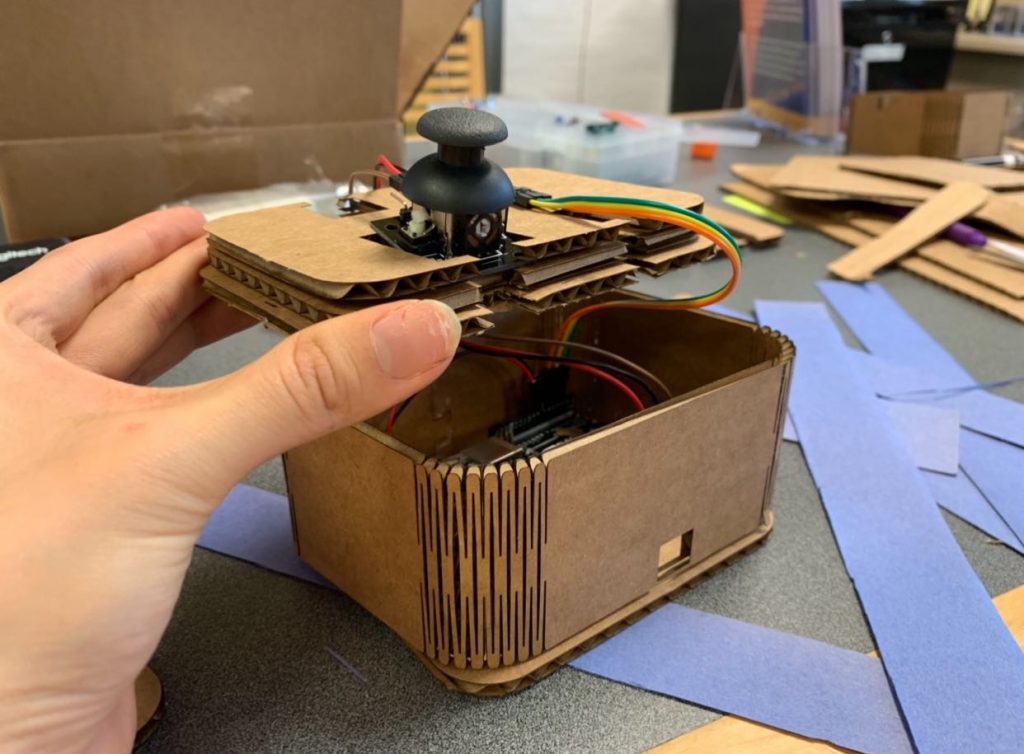
Latest iteration of the game controller 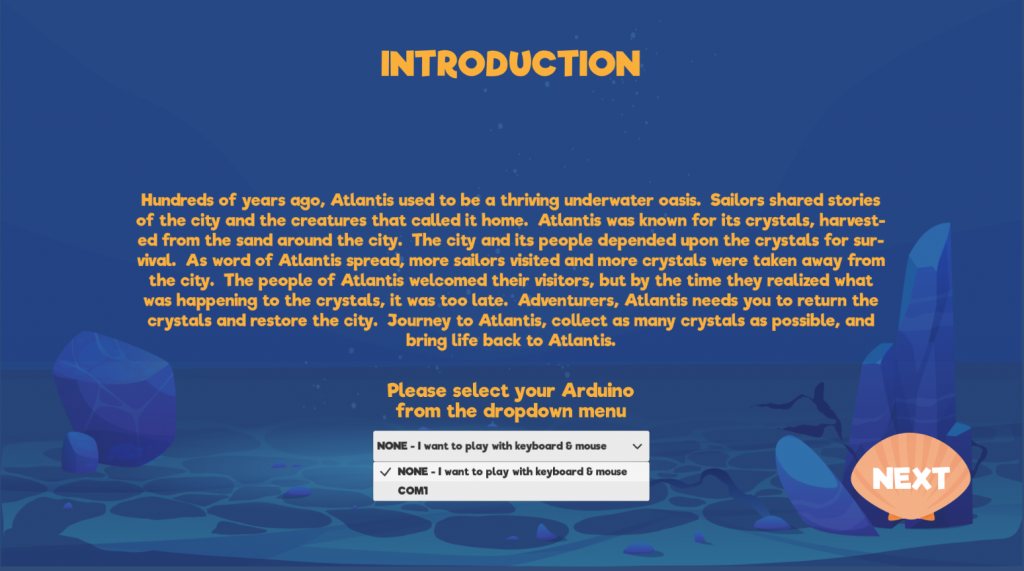
UI showing the program’s recognition of Arduino connection 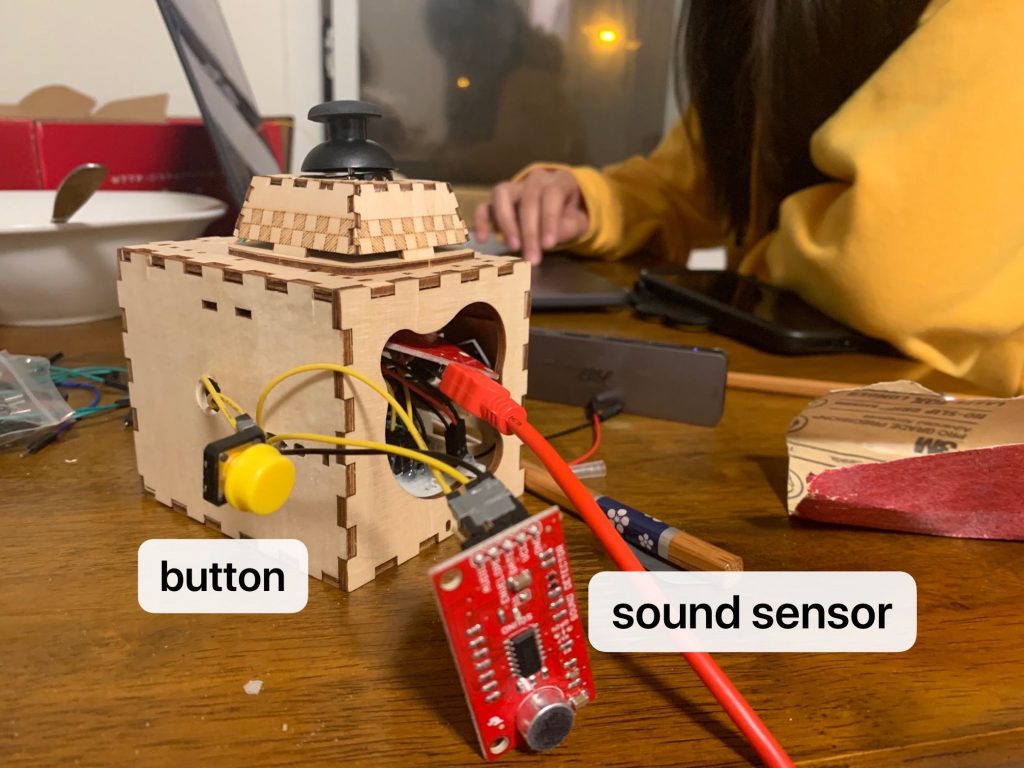
Latest iteration of the game controller 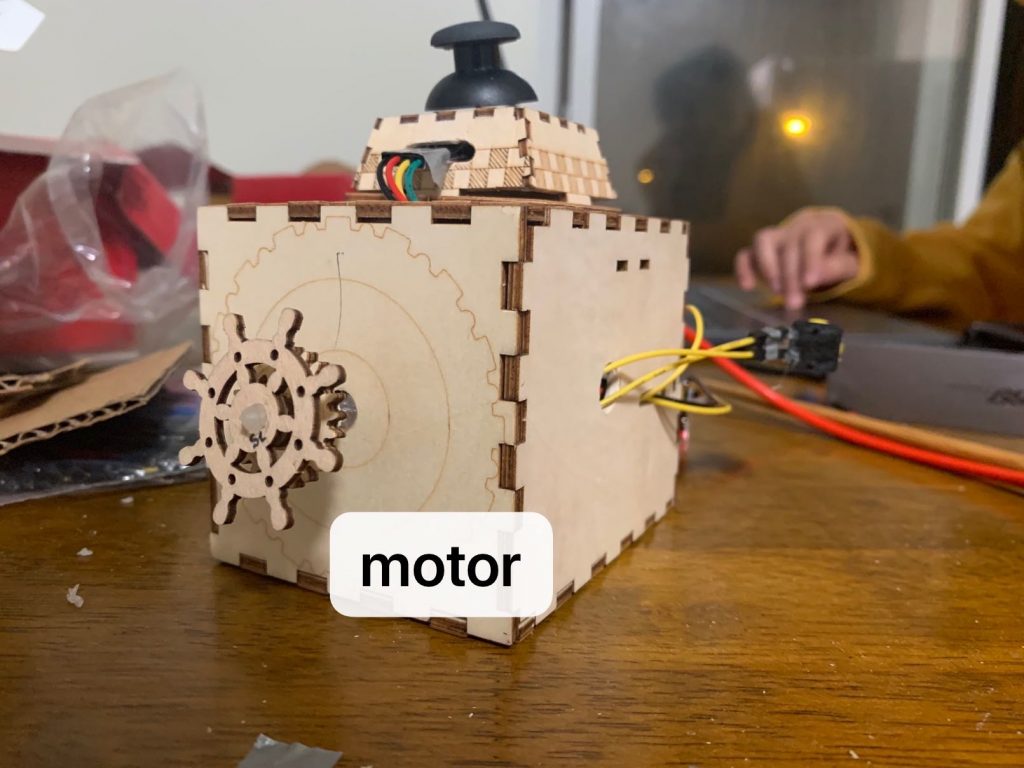
Latest iteration of the game controller 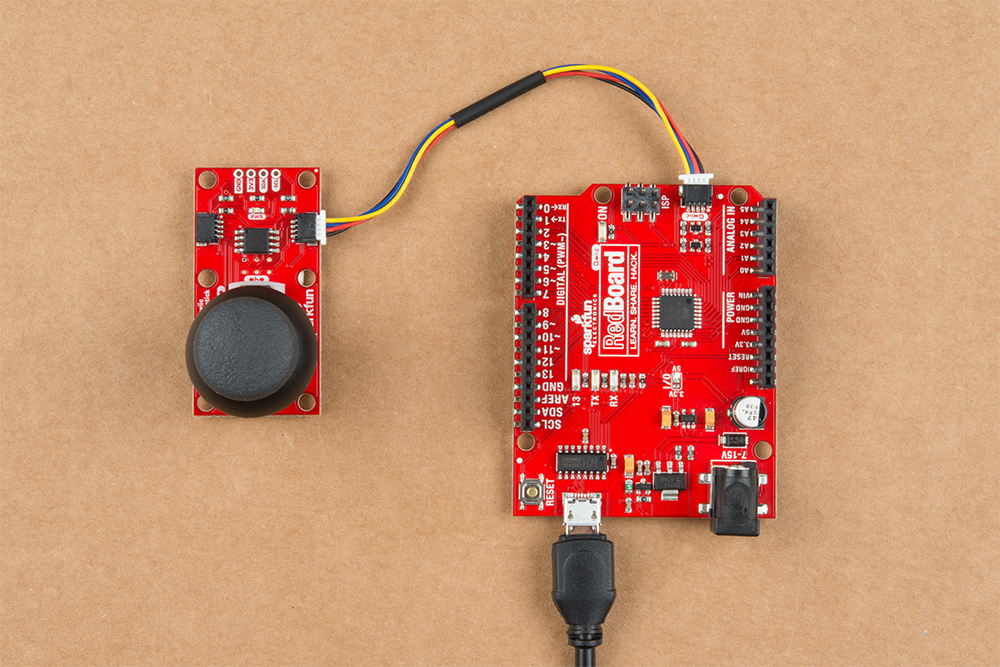
Reference image showing connection between joystick input and microcontroller 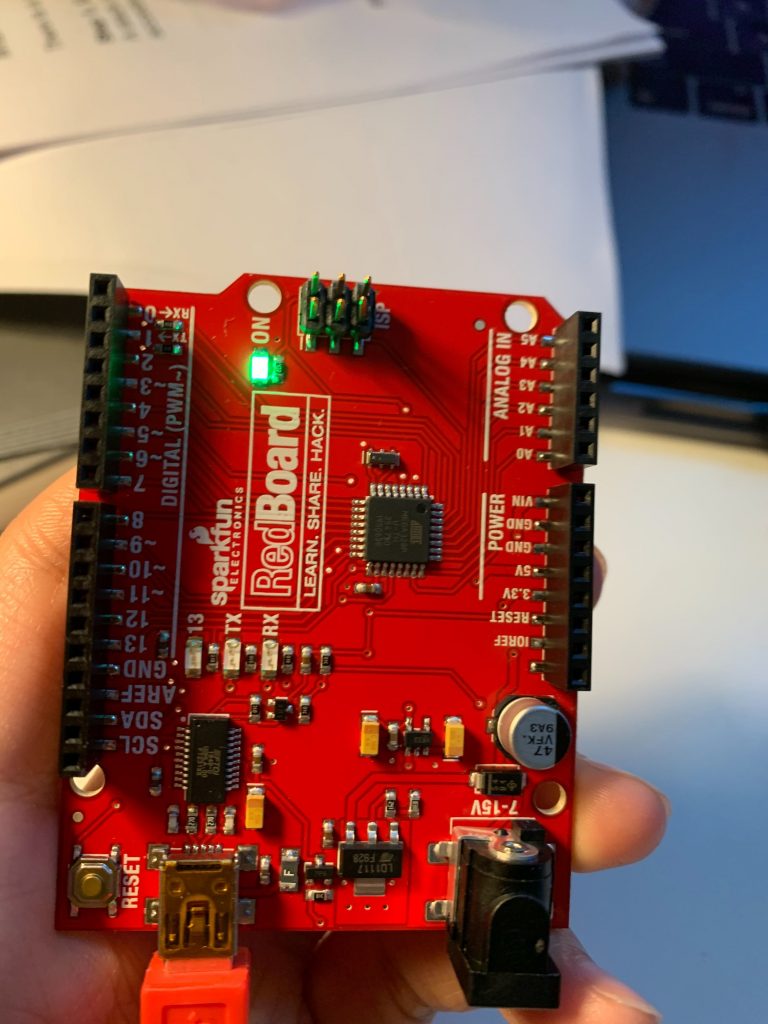
Microcontrollers we ordered without the connection for the joystick input 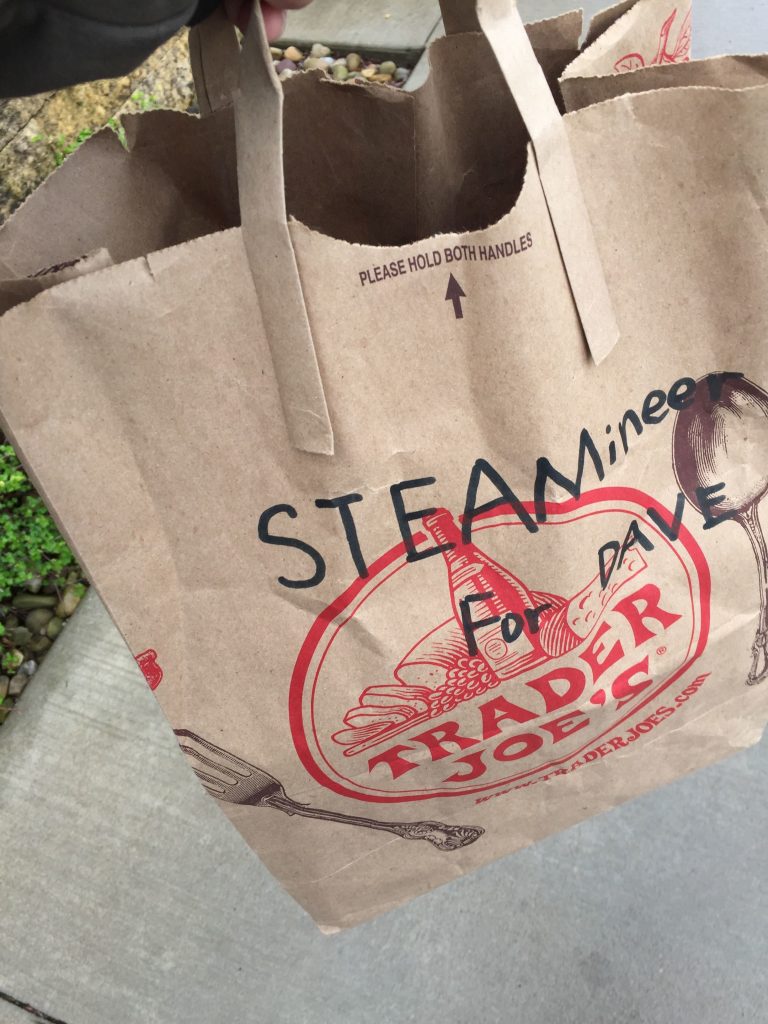
Arduino activity kit for Culyba playtest 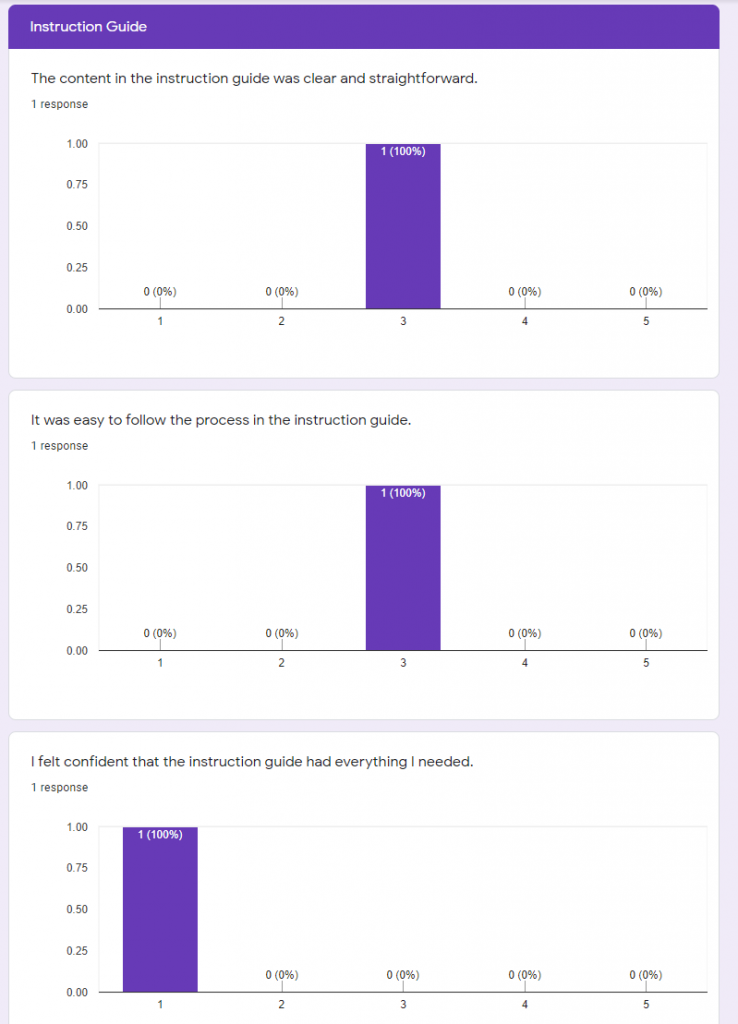
Feedback from Culyba playtest 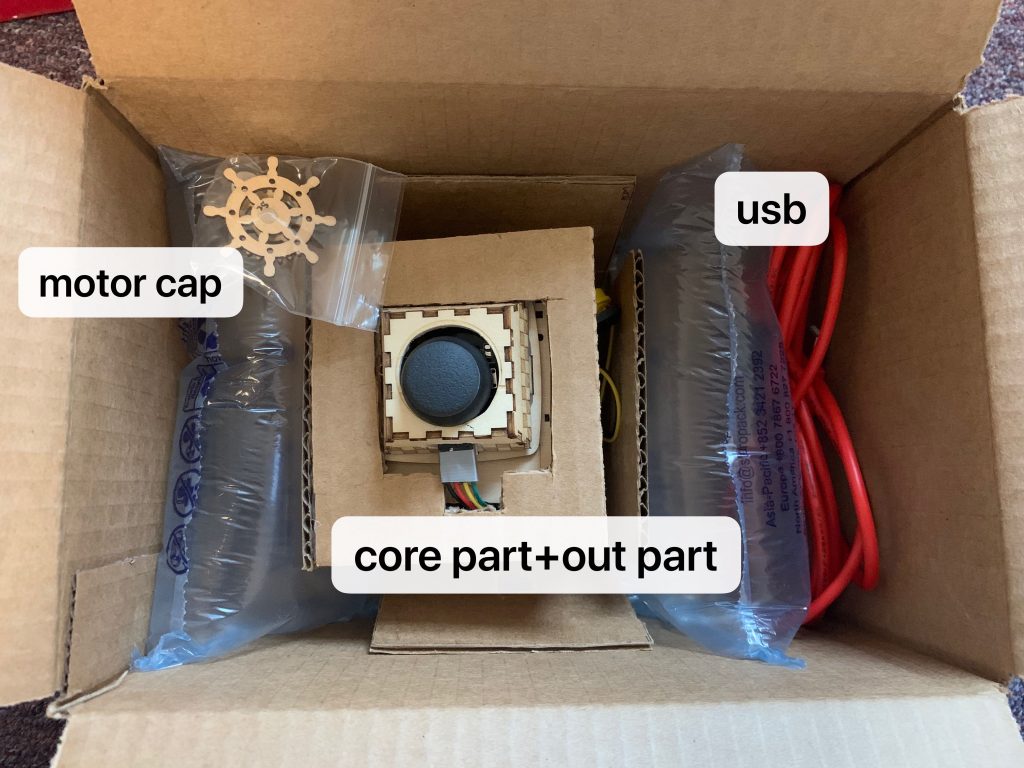
Arduino activity kit contents 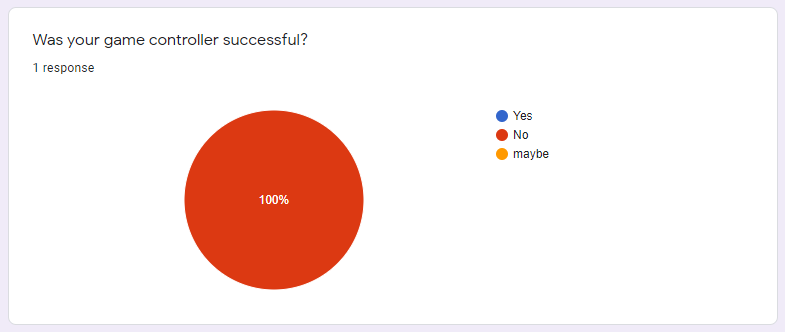
Feedback from Culyba playtest 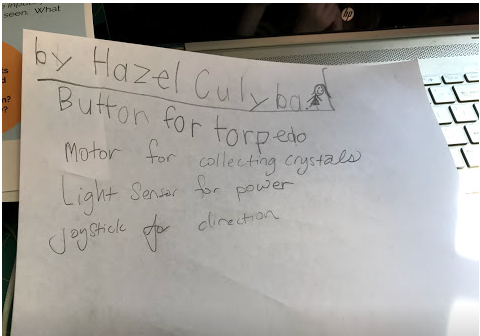
Hazel’s plan for input functions 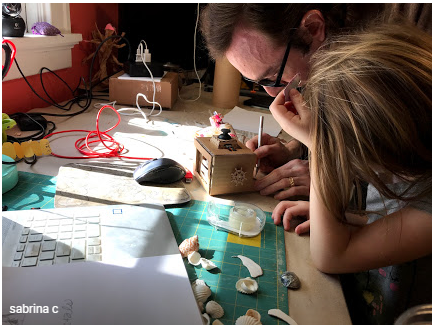
Hazel and Dave working on her controller 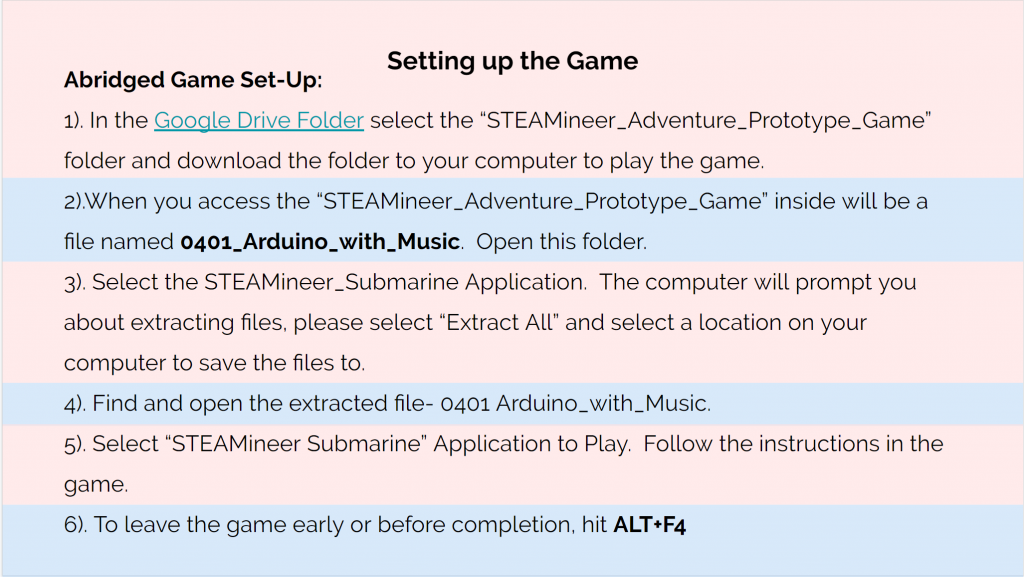
Instruction guide game set-up page 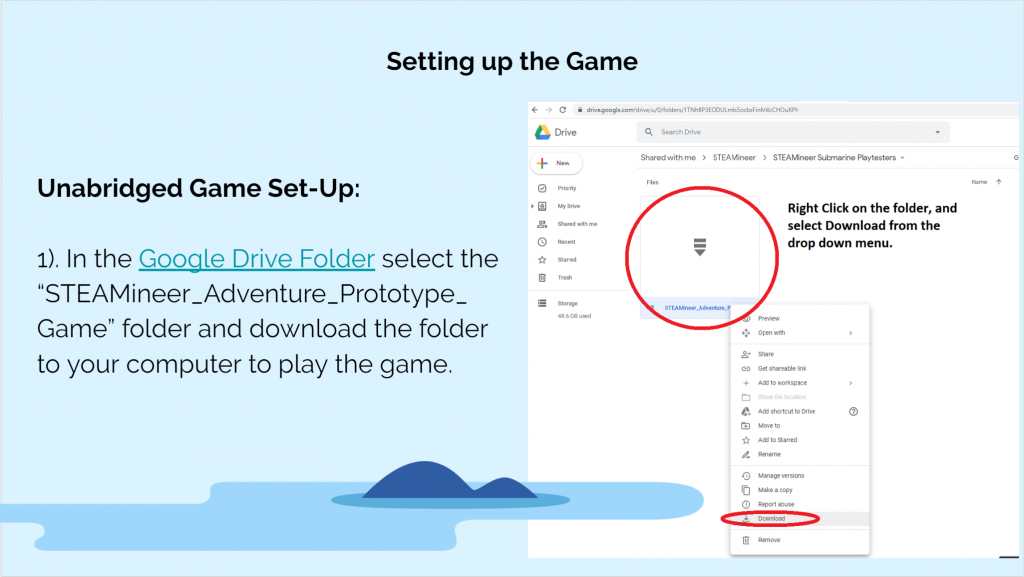
instruction guide game set-up page 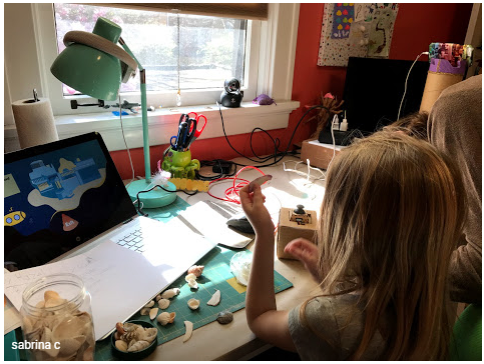
Hazel working on her controller during a playtest of the activity
Week 12
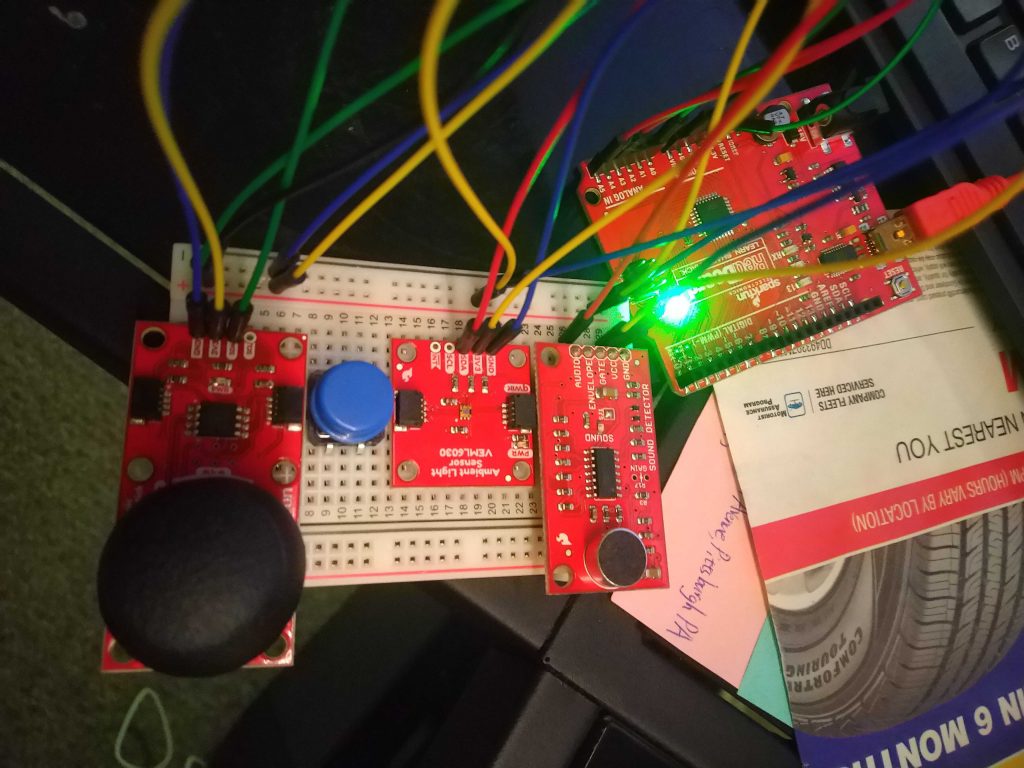
Max demonstrating his modified approach for connecting inputs 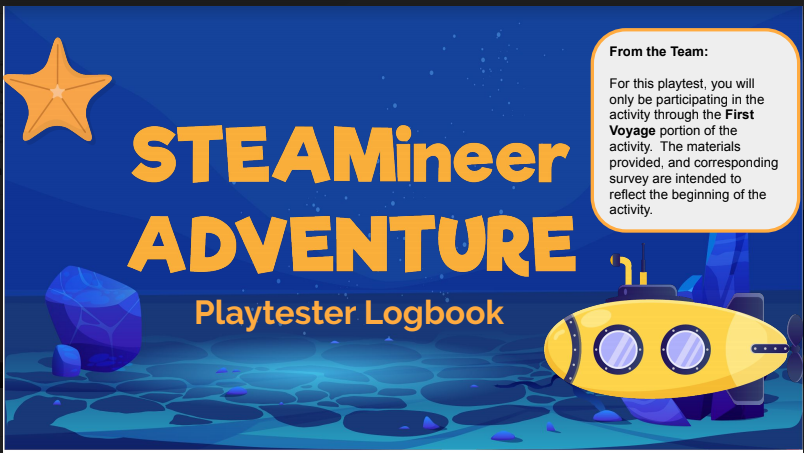
Cover page from instruction guide for Remote Playtest Day Instructions 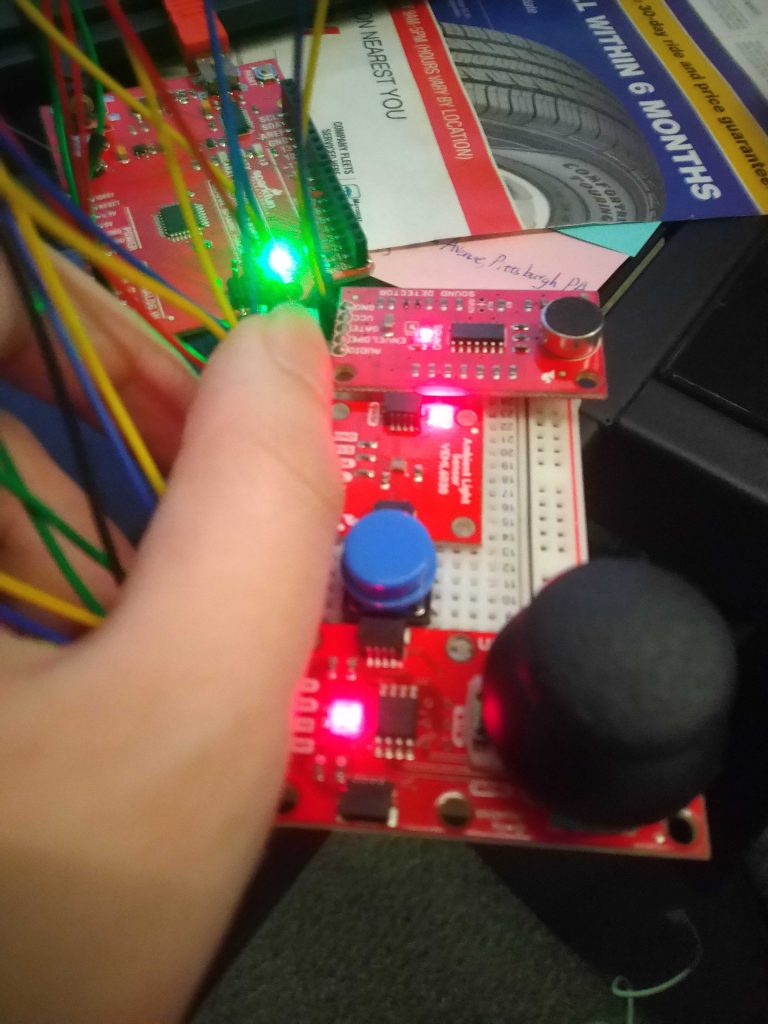
Max demonstrating his modified approach for connecting inputs 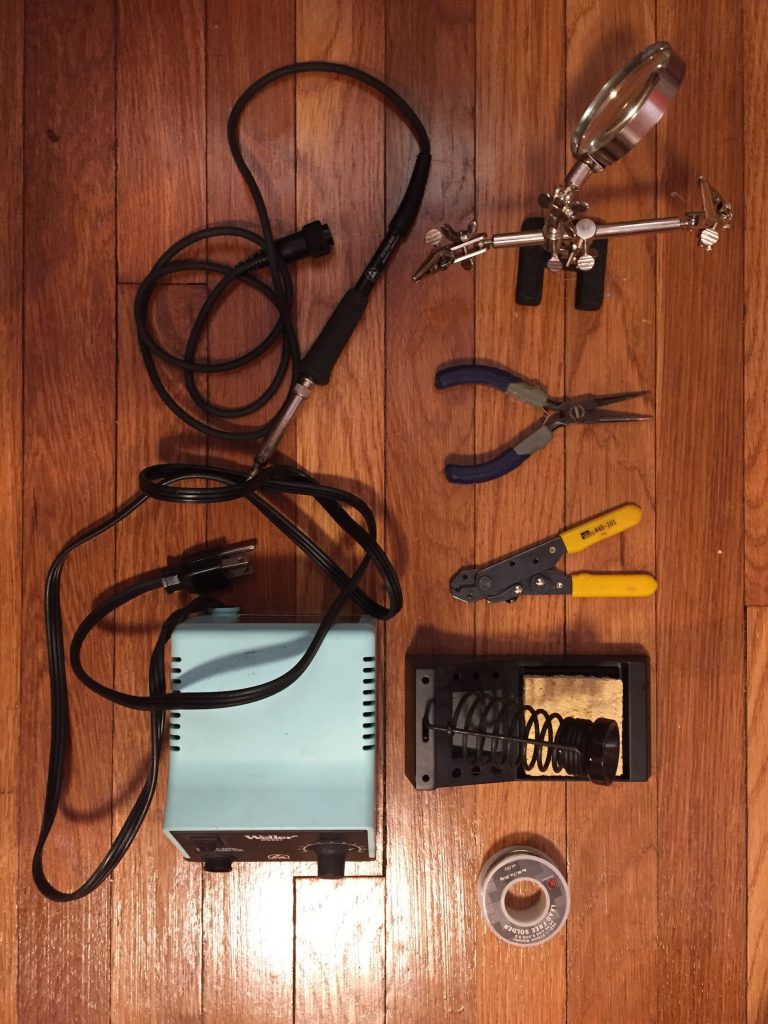
The soldering kit Dave shared with the team 
New layout/theming for the instructions 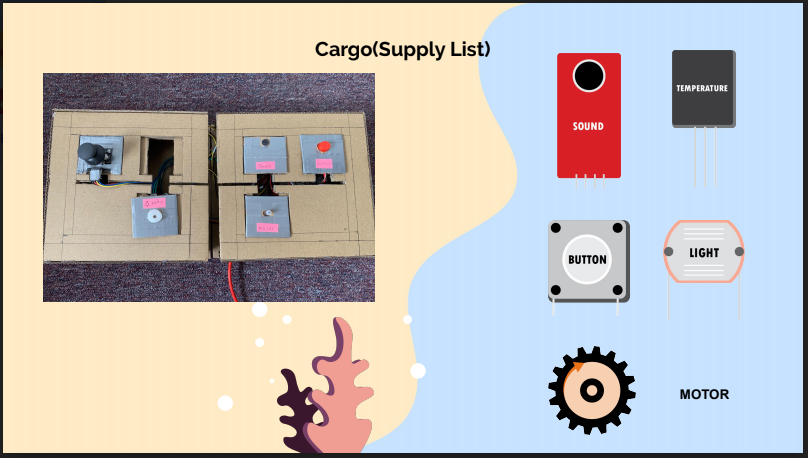
New layout/theming for instructions 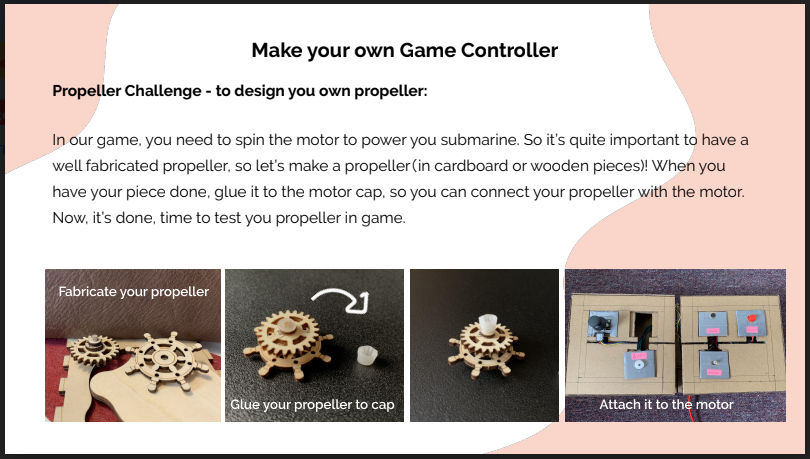
New motor modification page in instructions 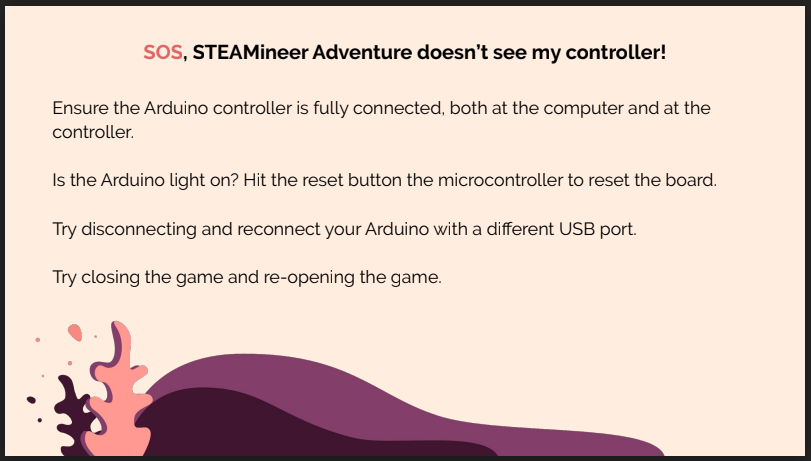
Arduino troubleshooting page in instructions 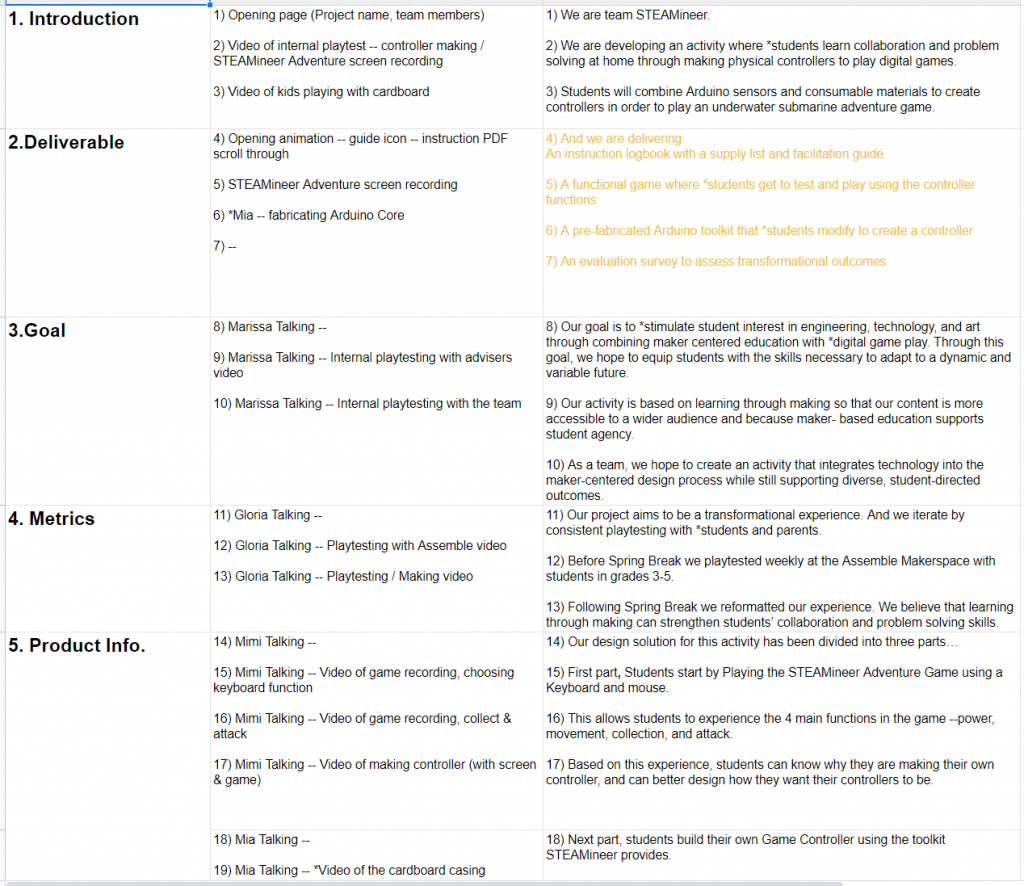
Script for our Project Trailer 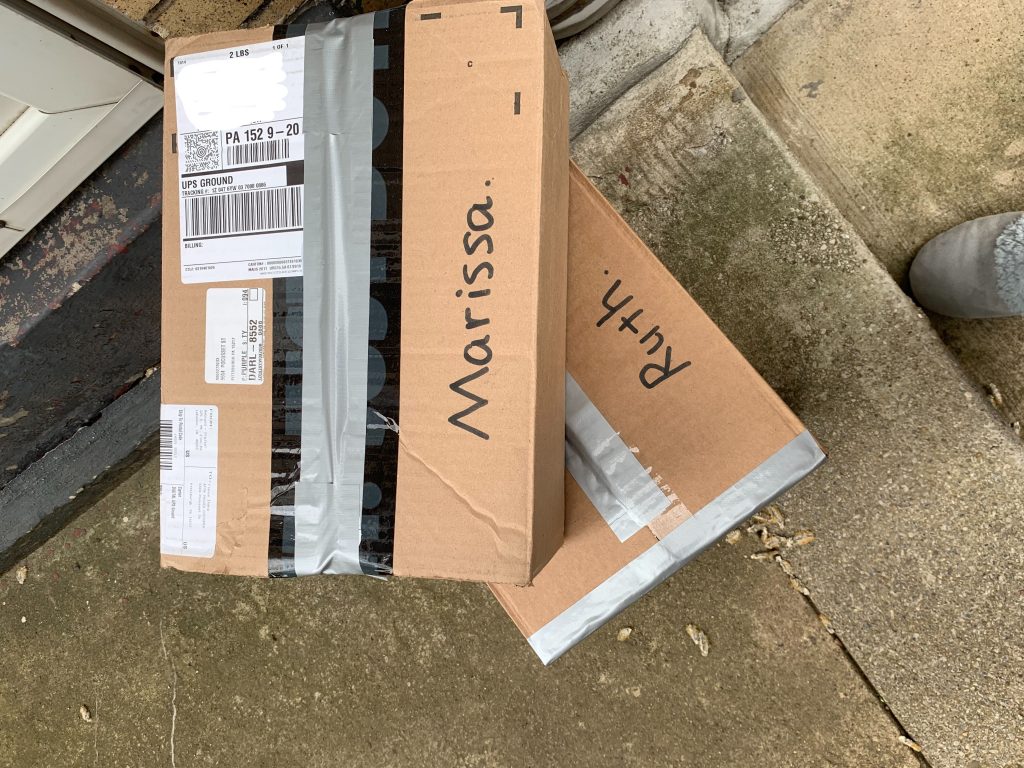
Arduino activity kit packed up for Ruth’s playtest 
Team interview for trailer 
Team interview for Trailer 
Team interview for trailer 
Team interview for Trailer 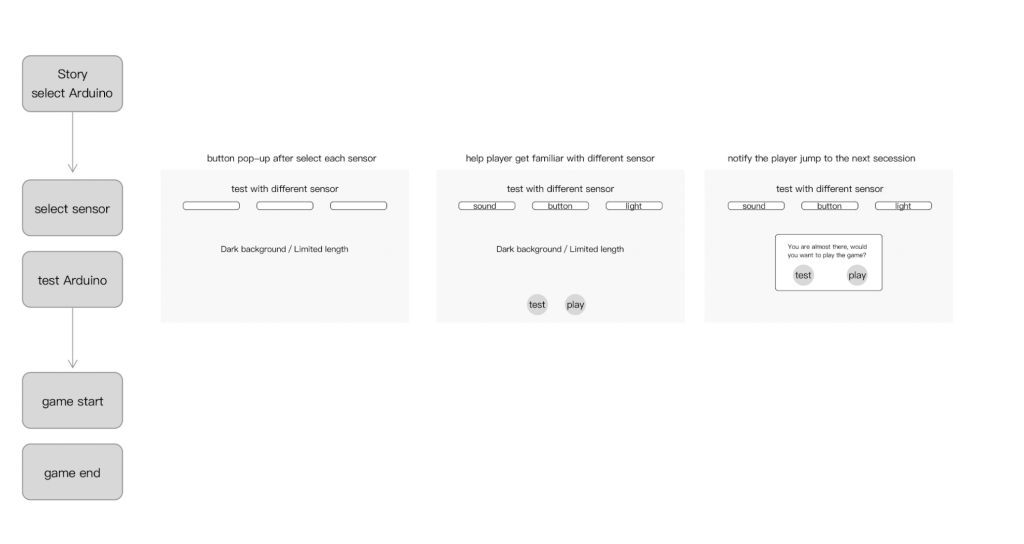
Player experience plan for controller input test space 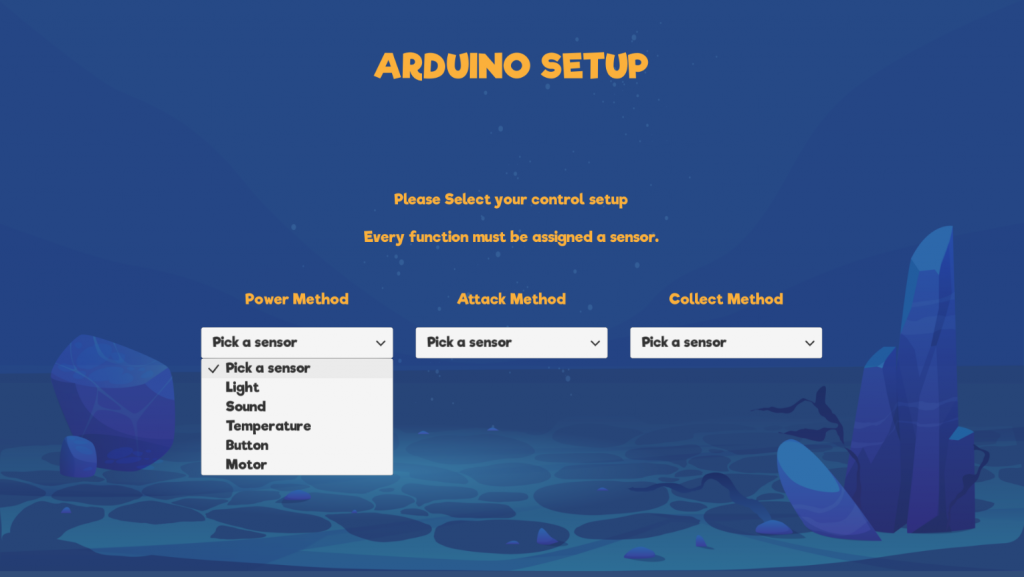
Iteration of test space input selection screen 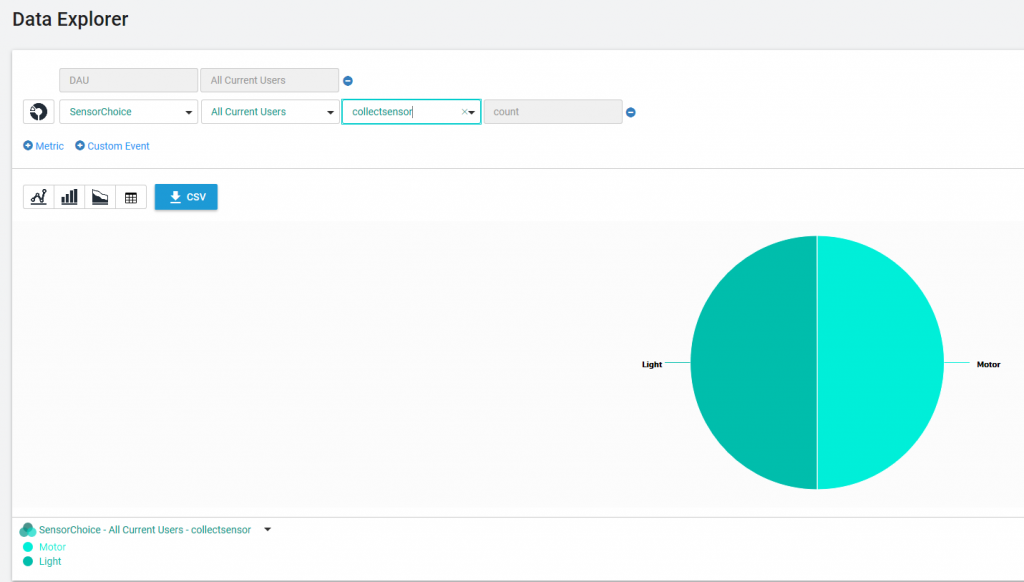
Results of first successful in-game analytics test 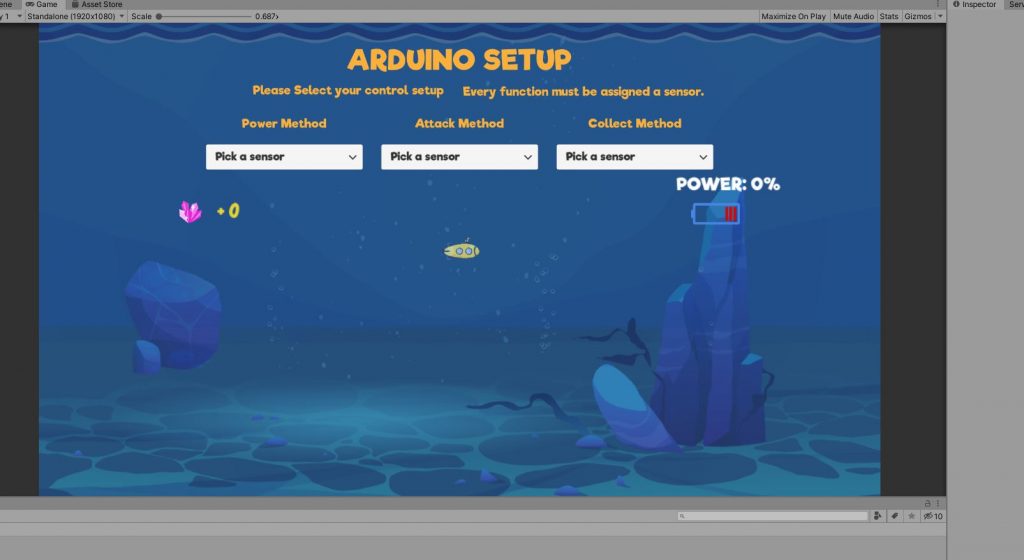
Iteration of test space with input selection in the same frame as the test submarine 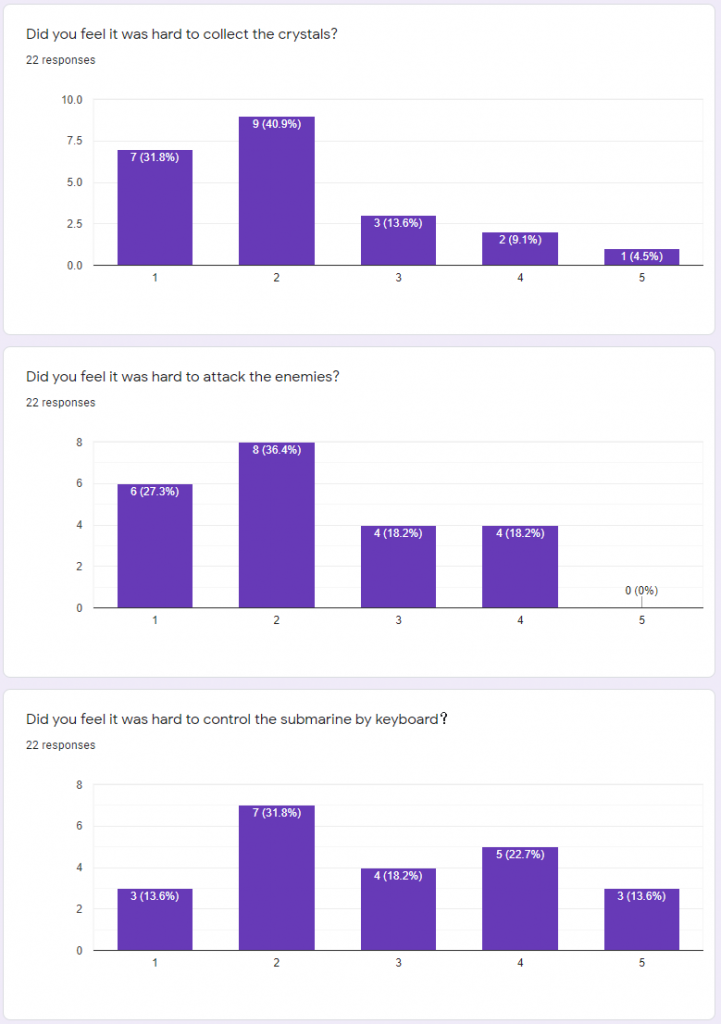
Feedback Data from Remote Playtest Day 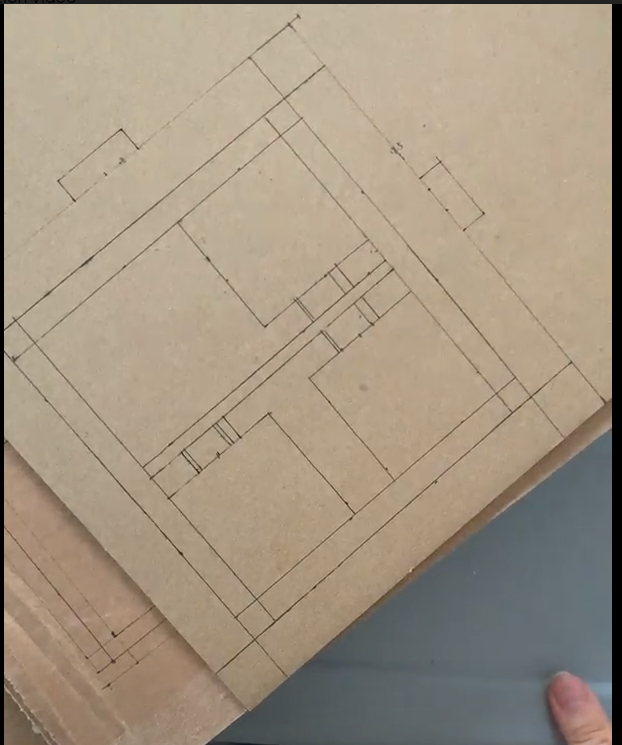
Drawing of controller design before cut out 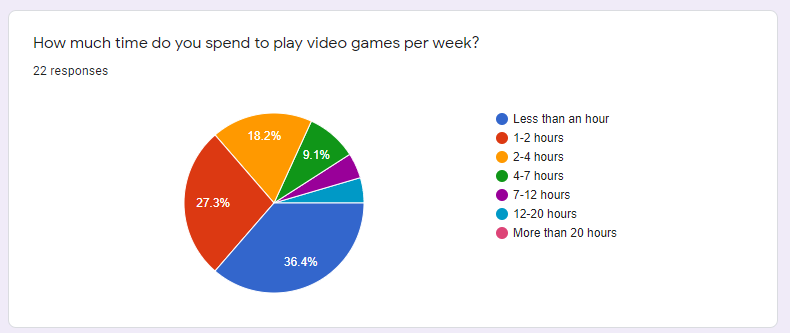
Feedback Data from Remote Playtest Day 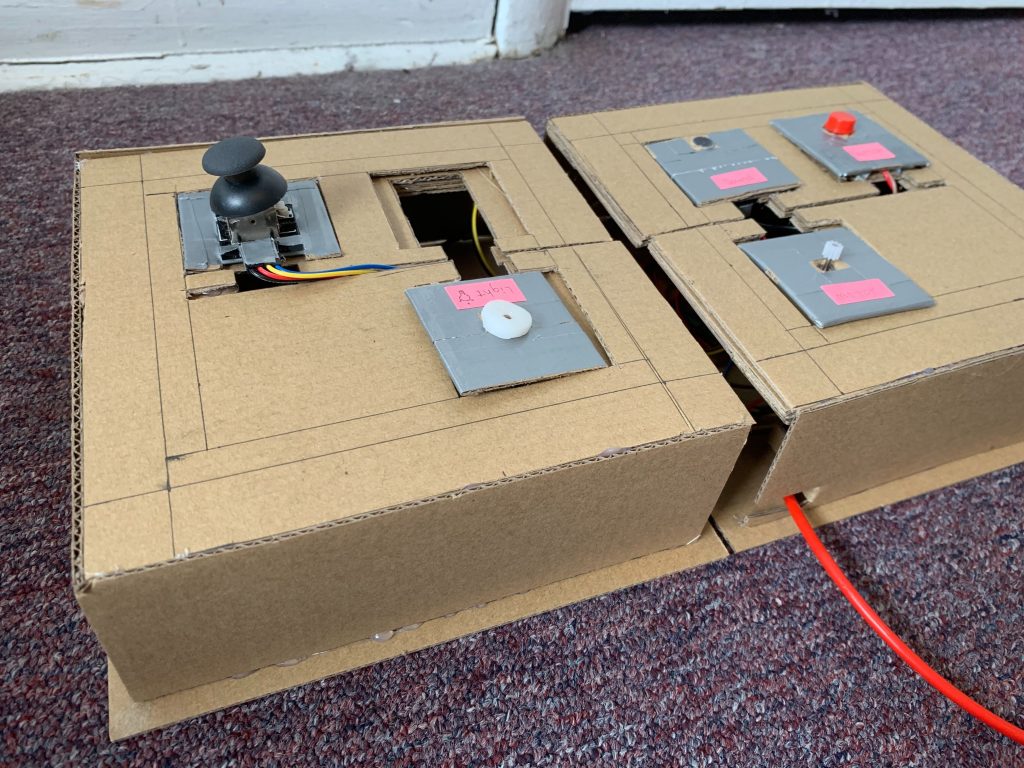
Latest Iteration of controller design for multiplayer interaction 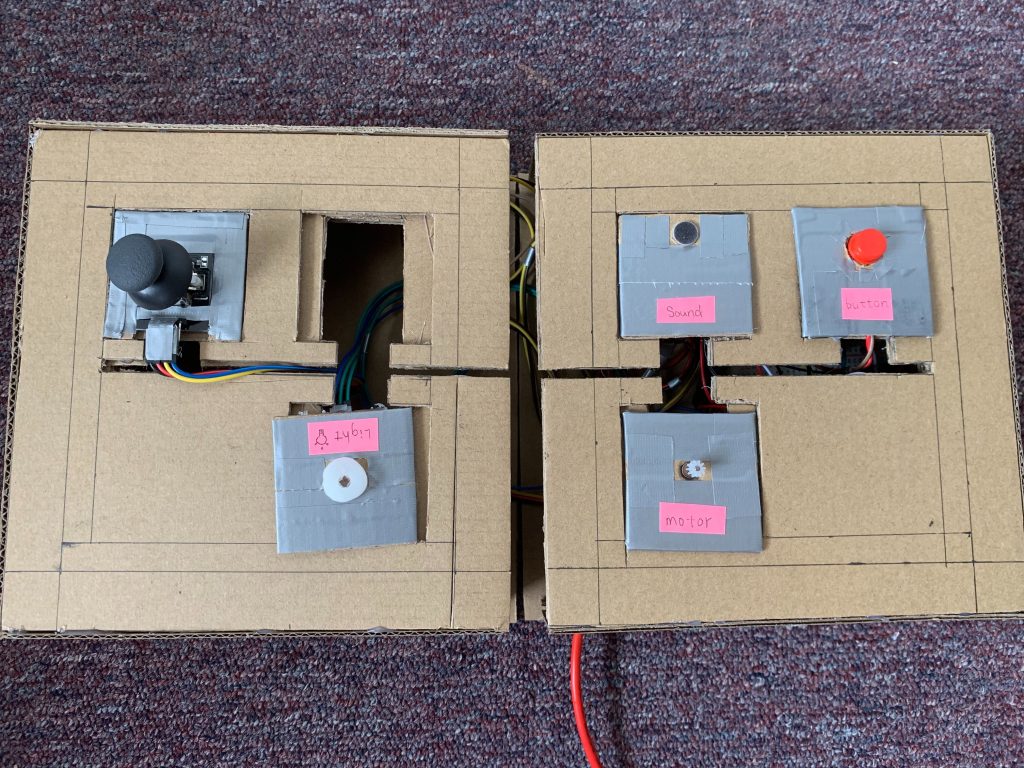
Latest iteration of controller design for multiplayer interaction
Week 13
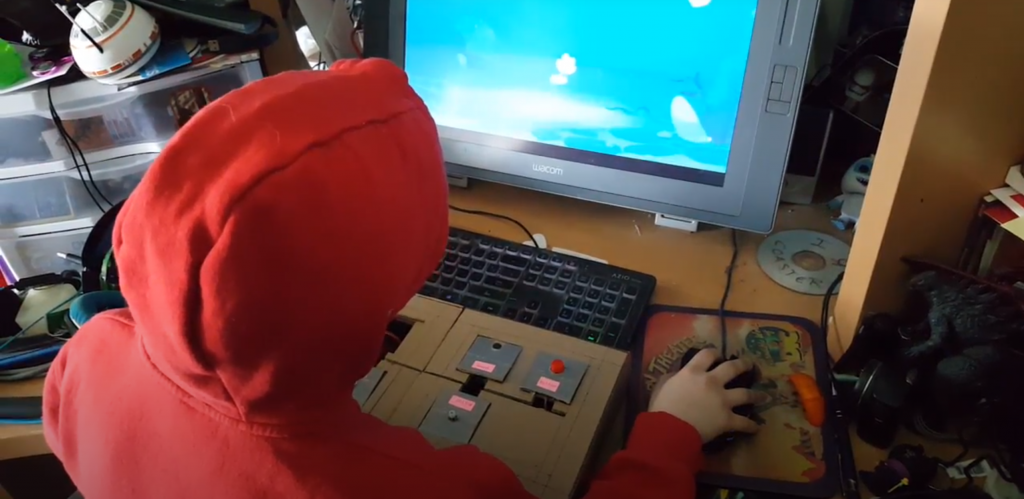
Remote Playtest #2 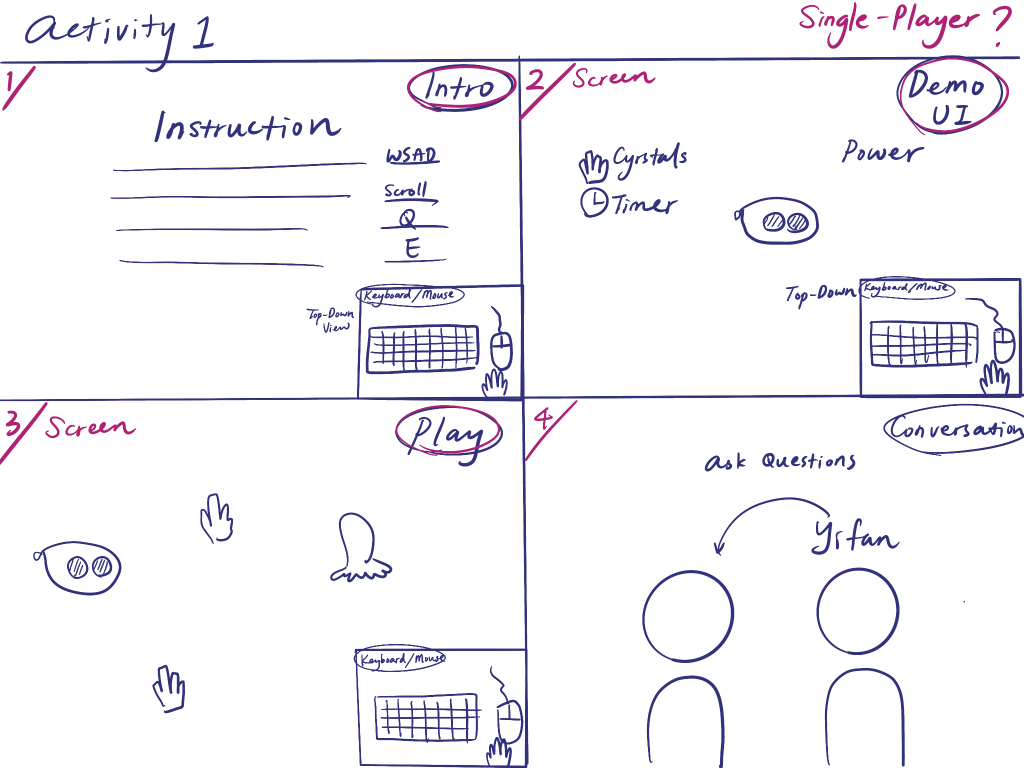
Storyboard for Softs Strategy 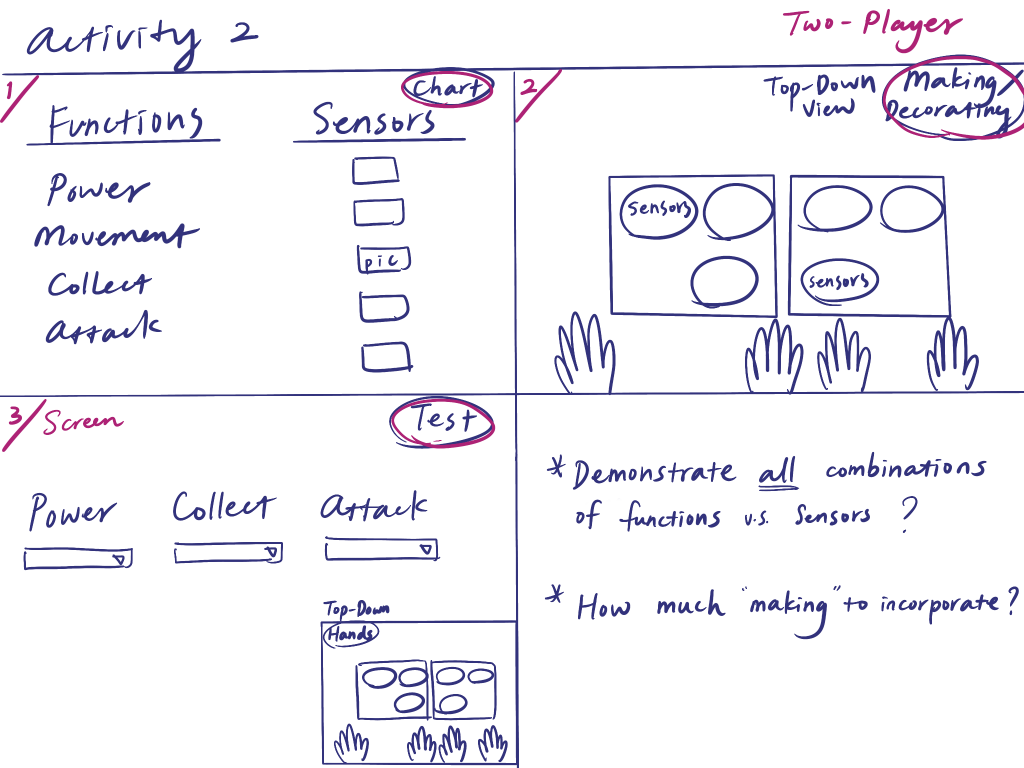
Storyboard for Softs Strategy 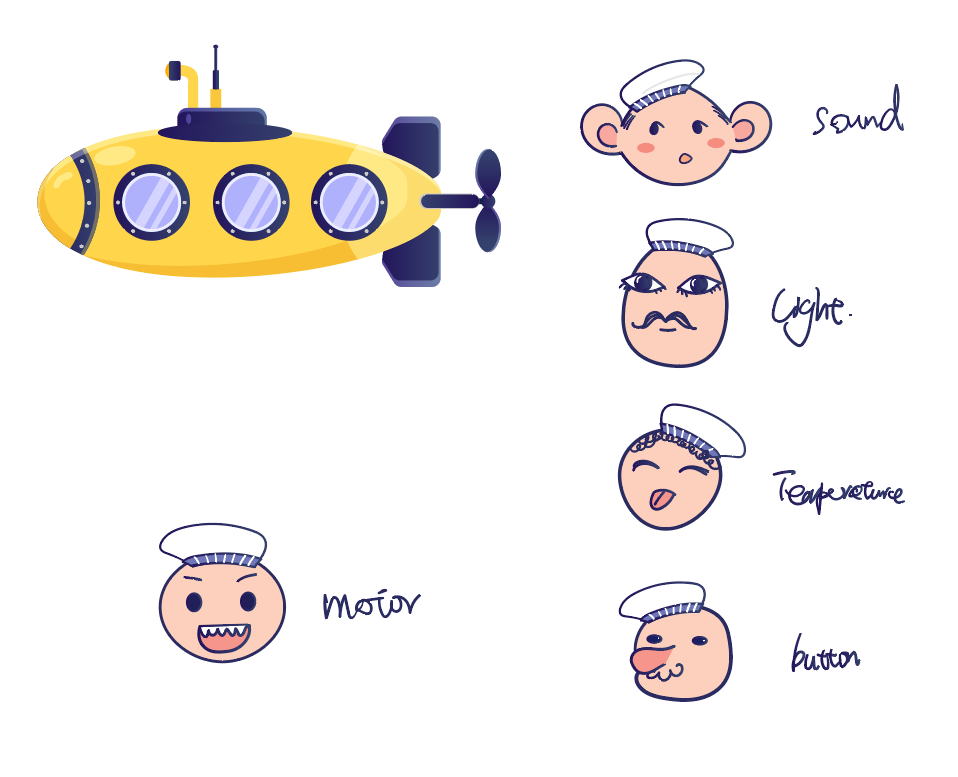
Sailor characters for Arduino Inputs 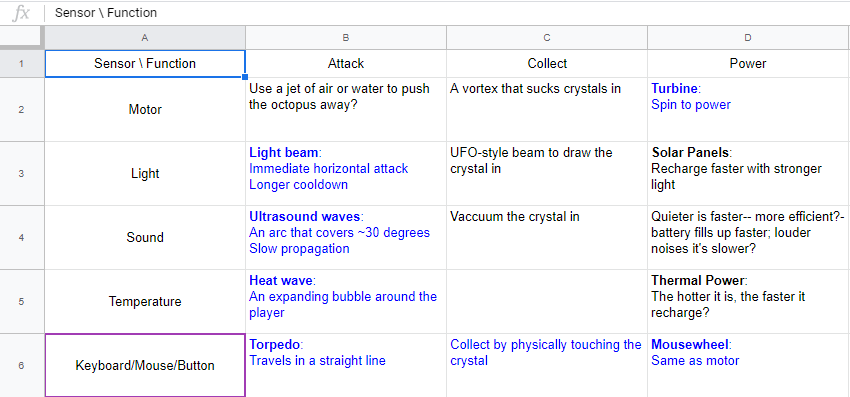
Chart of Effects for Different Input and Function Combinations 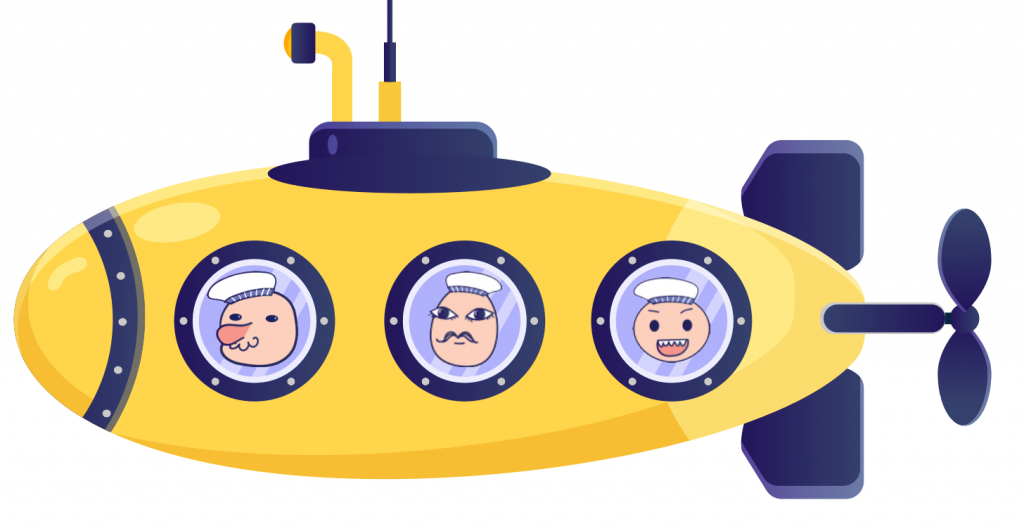
Submarine with Sailors inside 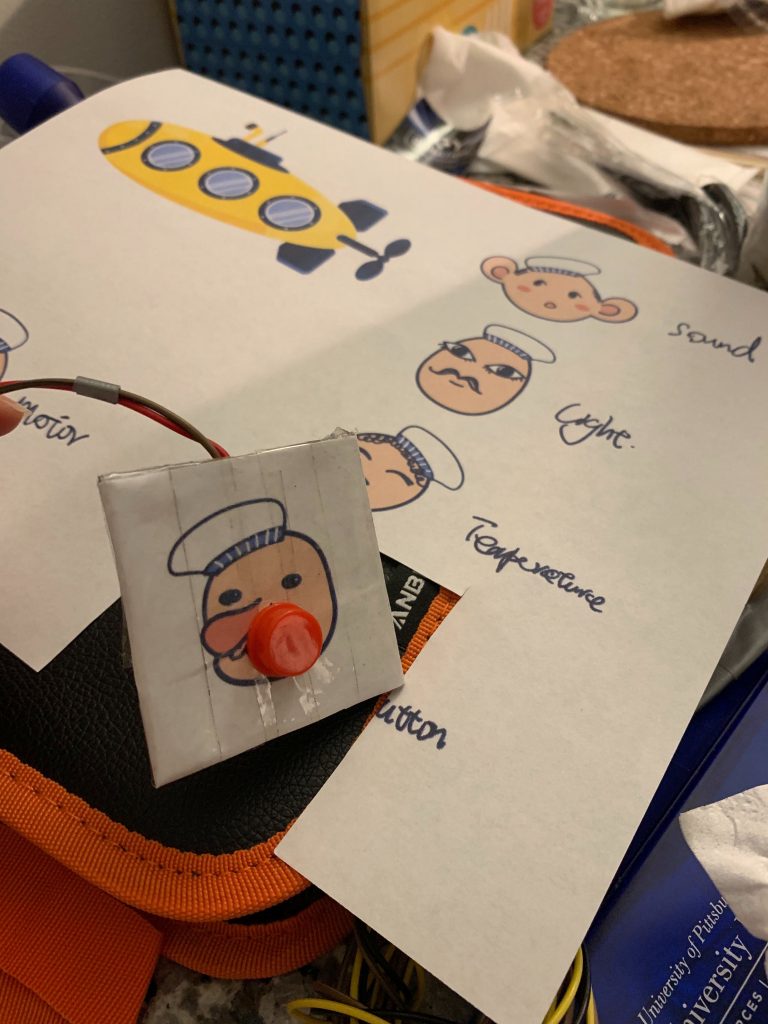
Sailor Graphics on the Controller INputs 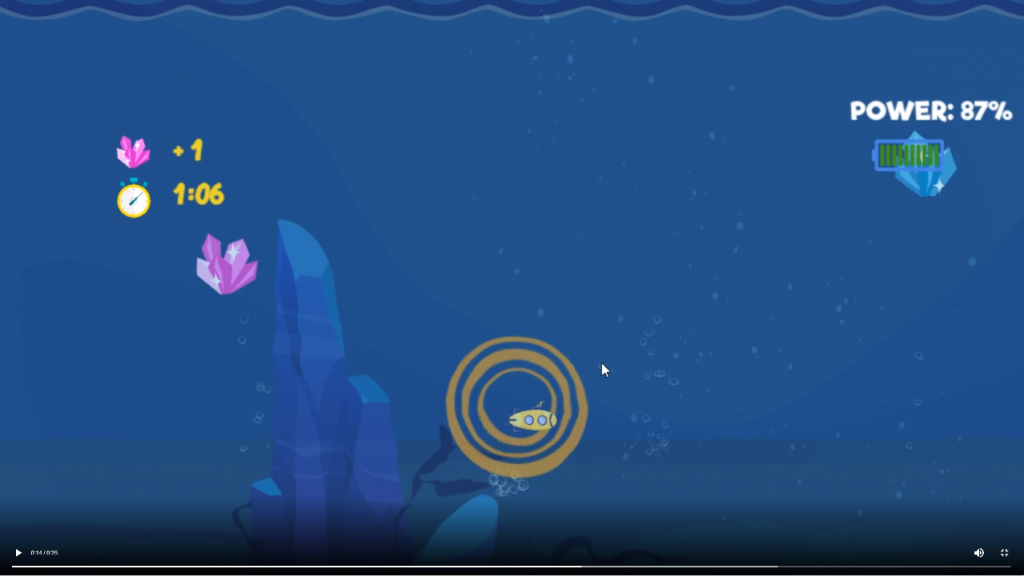
Heat wave Arduino Effect from heat sensor for attack 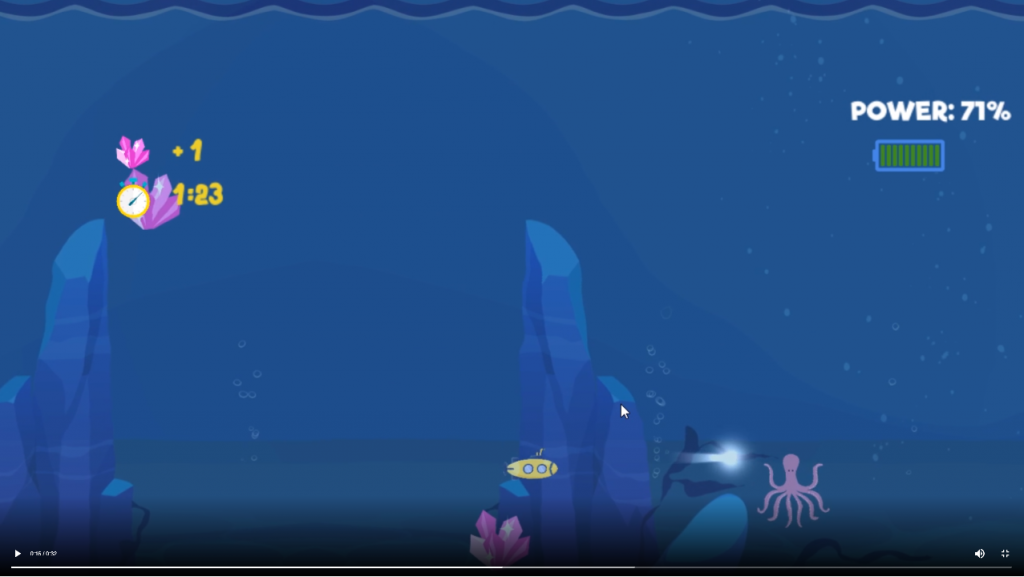
Light Beam Arduino Effect from light sensor for attack 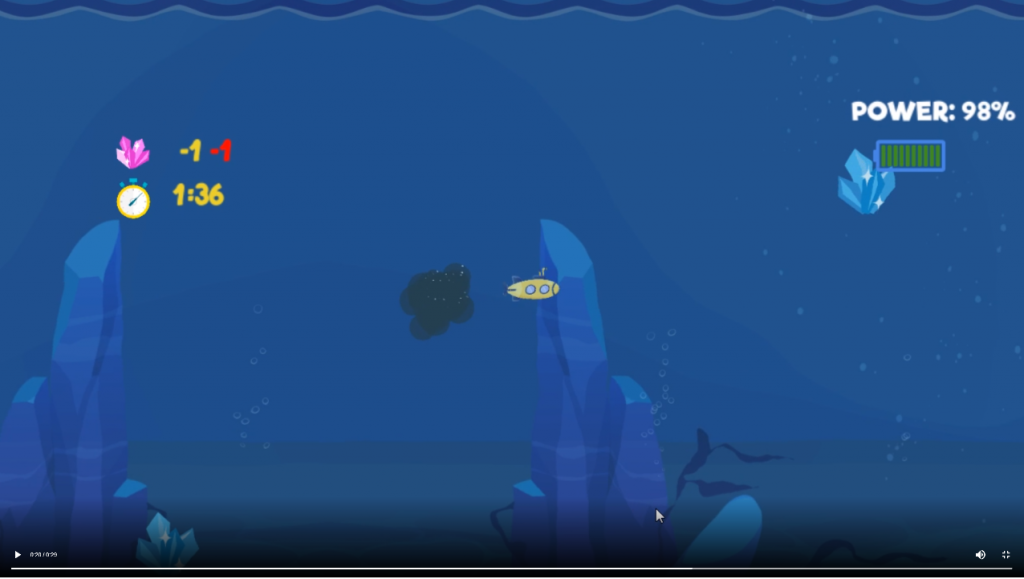
Visual indication of score-change 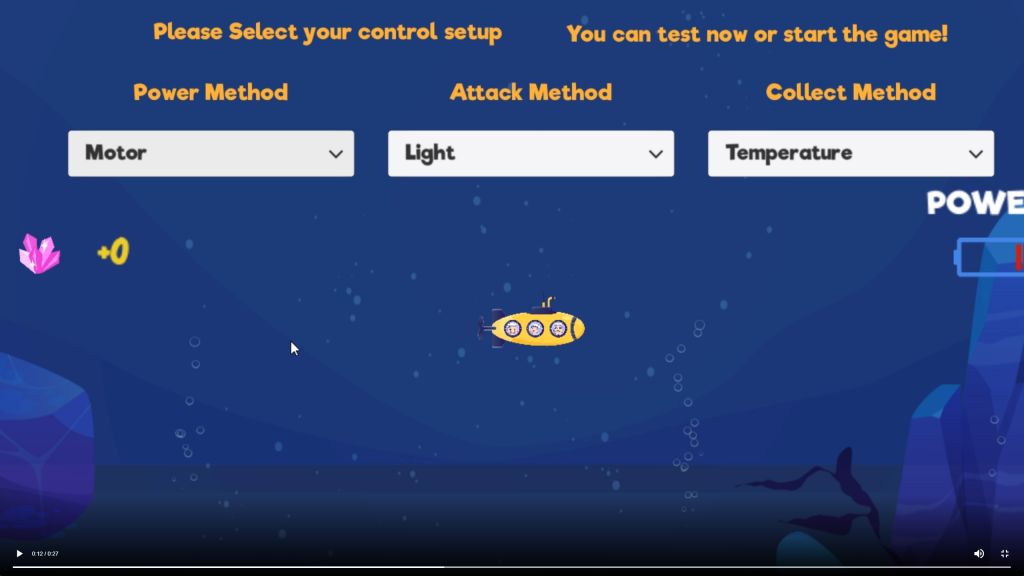
Sailors in the submarine in the test space of the Arduino Game
Week 14
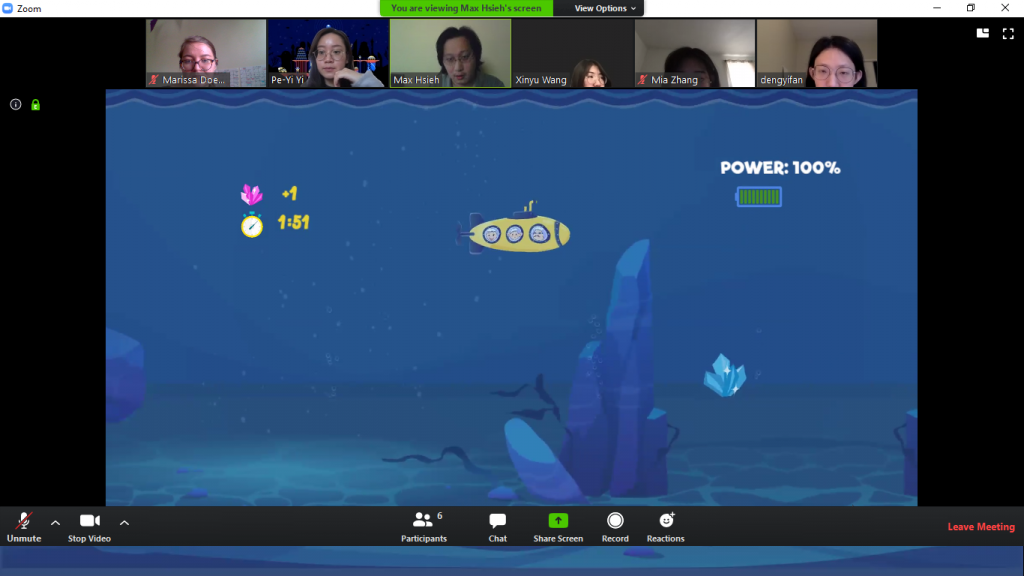
Team STEAMineer preparing for Softs 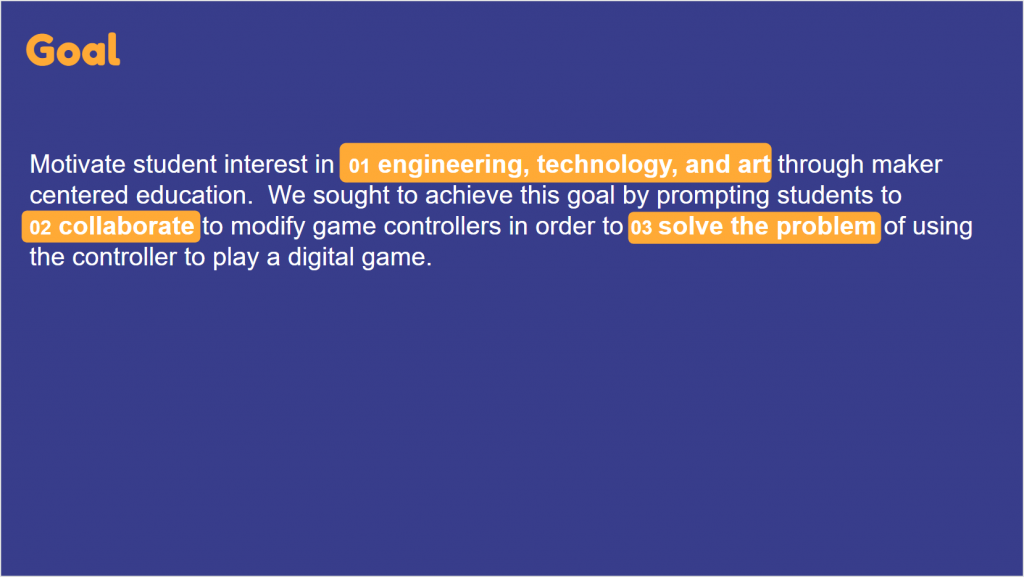
Goal Slide from Softs 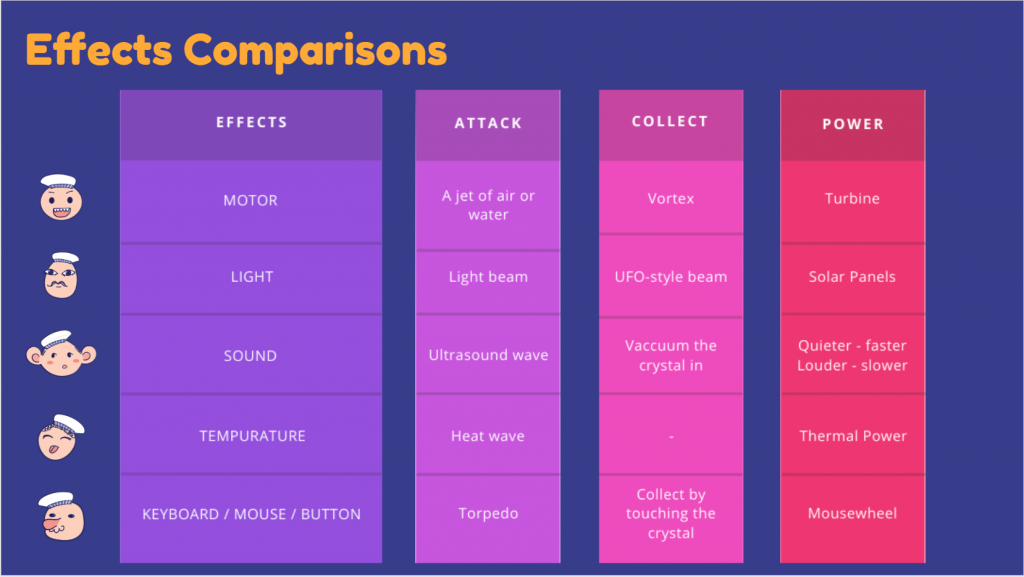
Summary of Input Effects 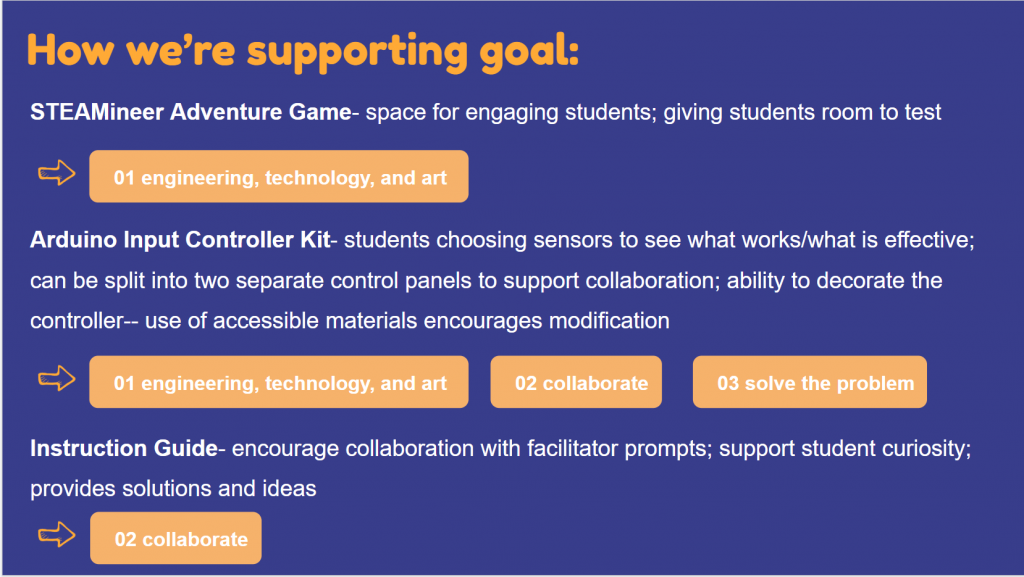
Deliverables Slide for Softs 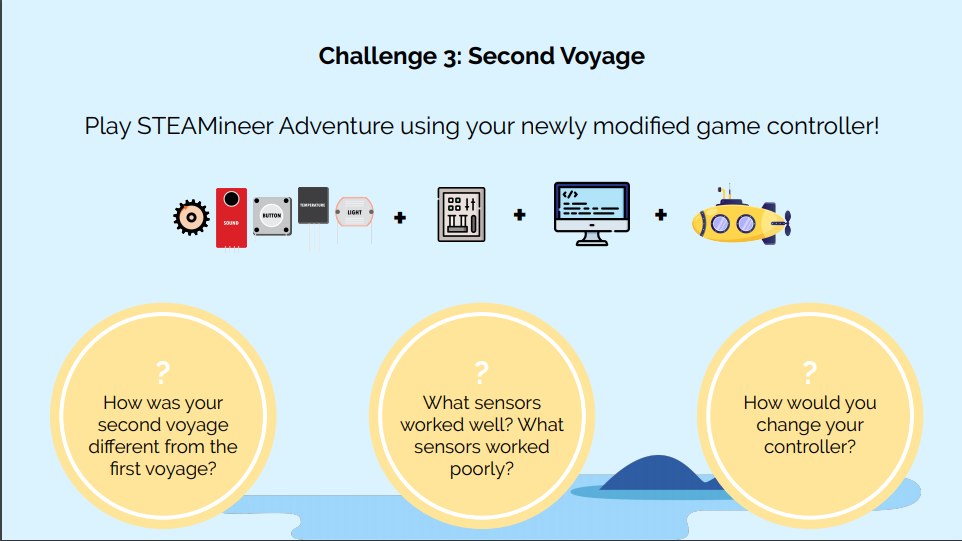
Challenge Page from Updated Instructions 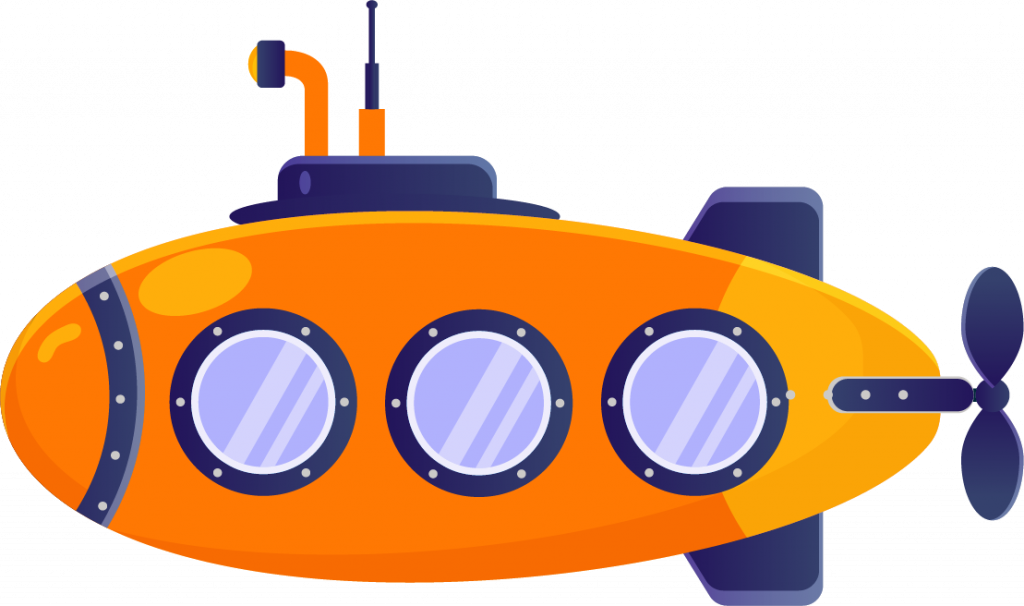
Orange Submarine for Crystal Effect 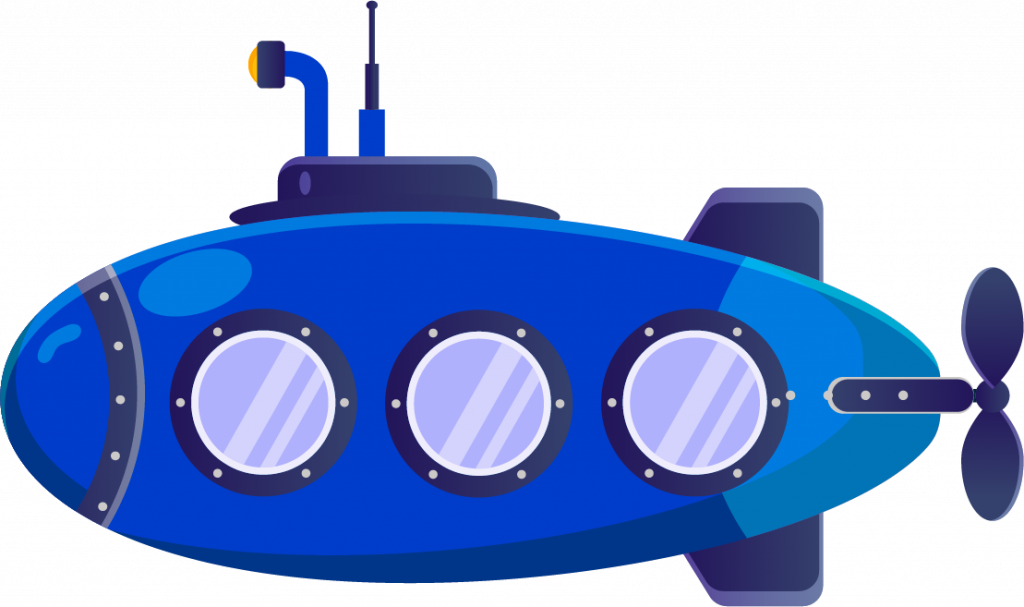
Blue Submarine for Crystal Effect 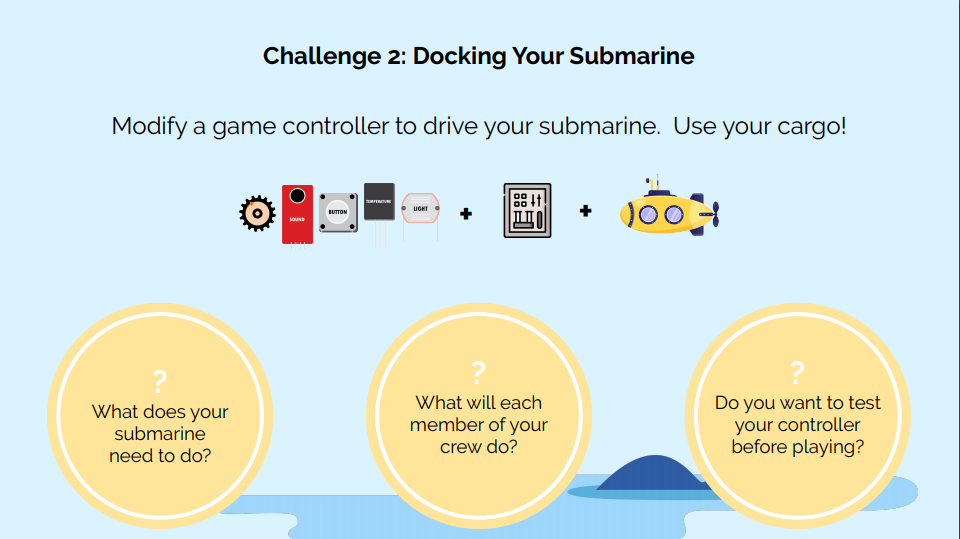
Challenge Page from Updated Instructions 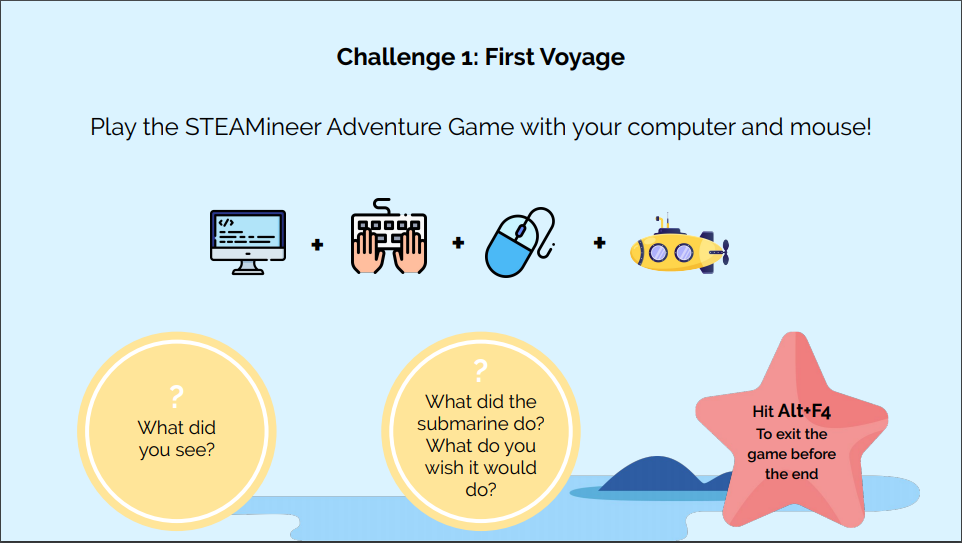
Challenge Page from Updated Instructions 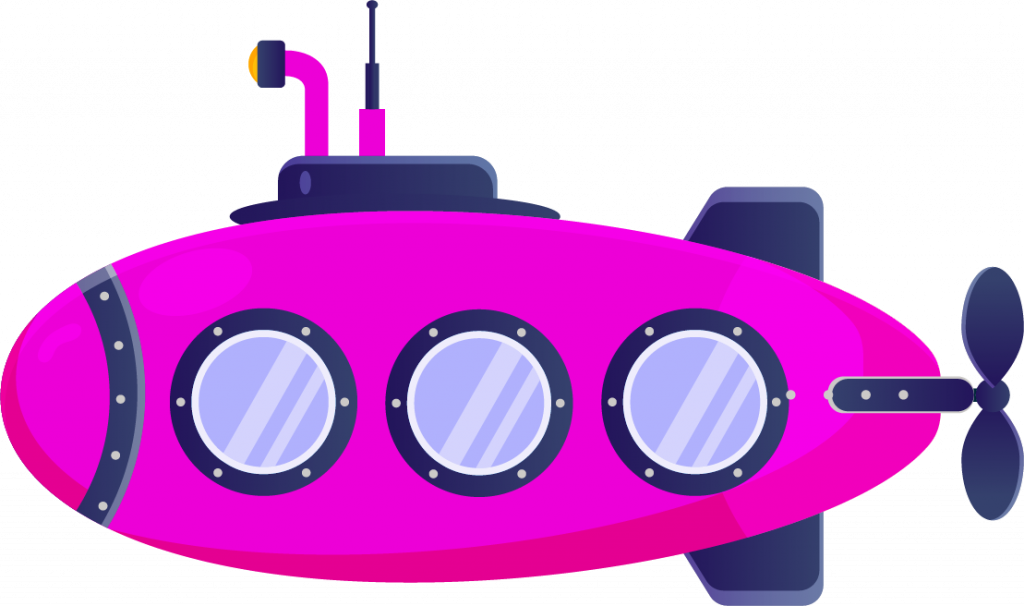
Pink Submarine for Crystal Effect 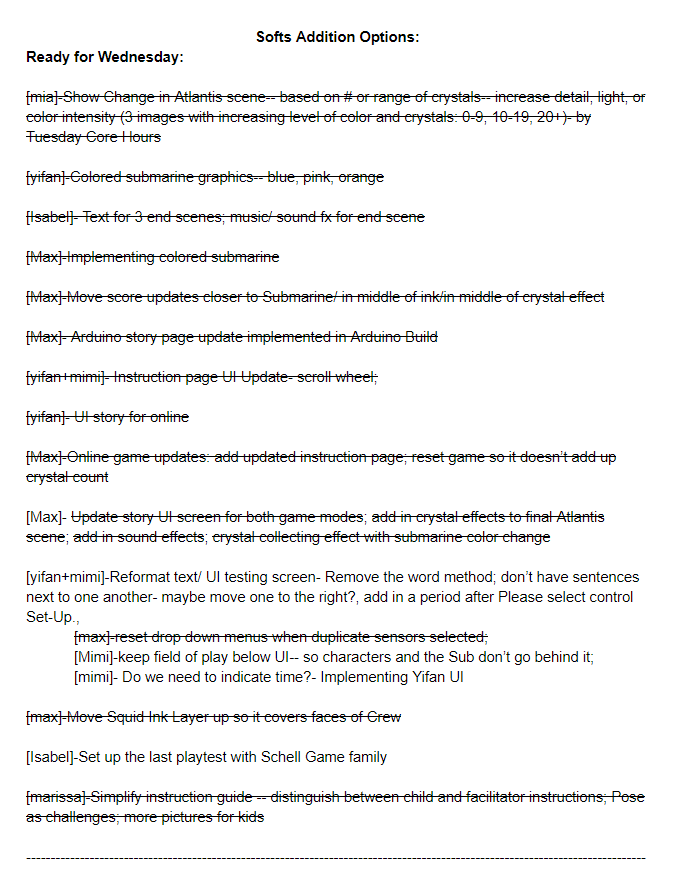
List of Objectives Based on Softs 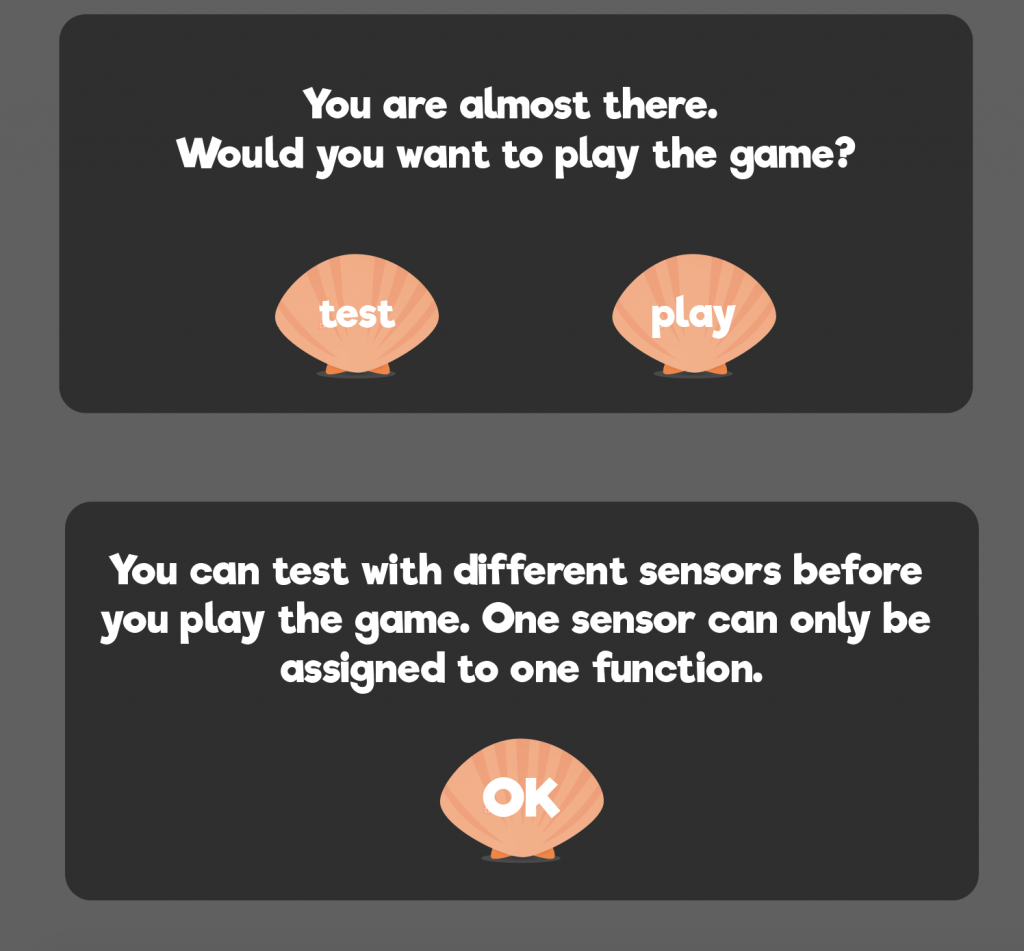
UI Updates for the Testing Space 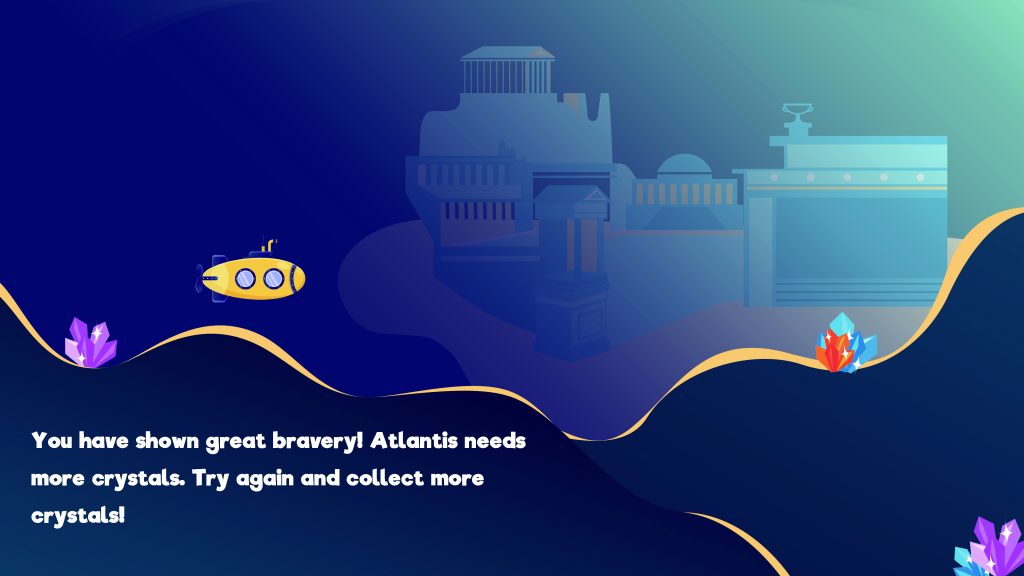
End Scene for collecting 0-9 Crystals 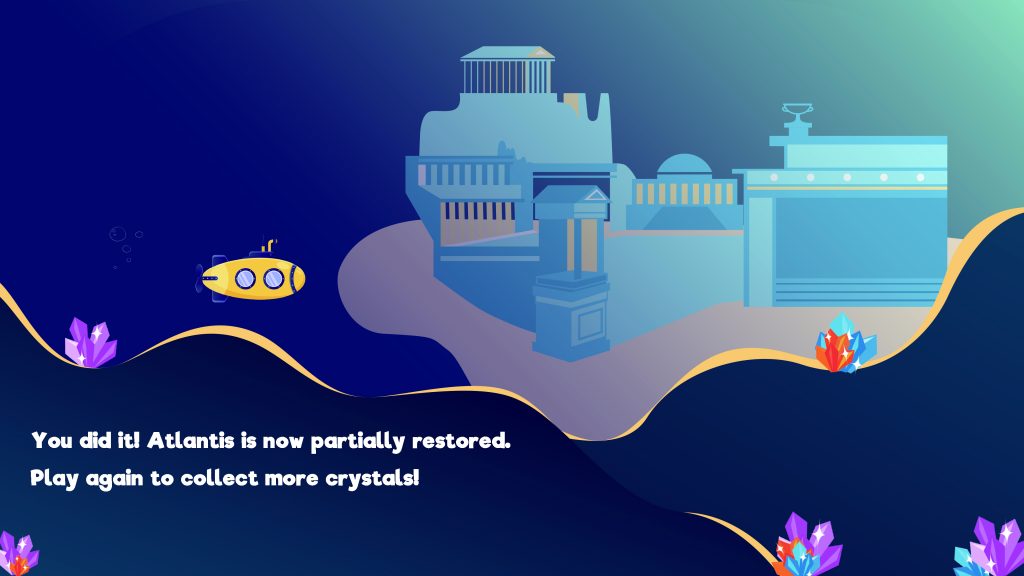
End Scene for collecting 10-19 Crystals 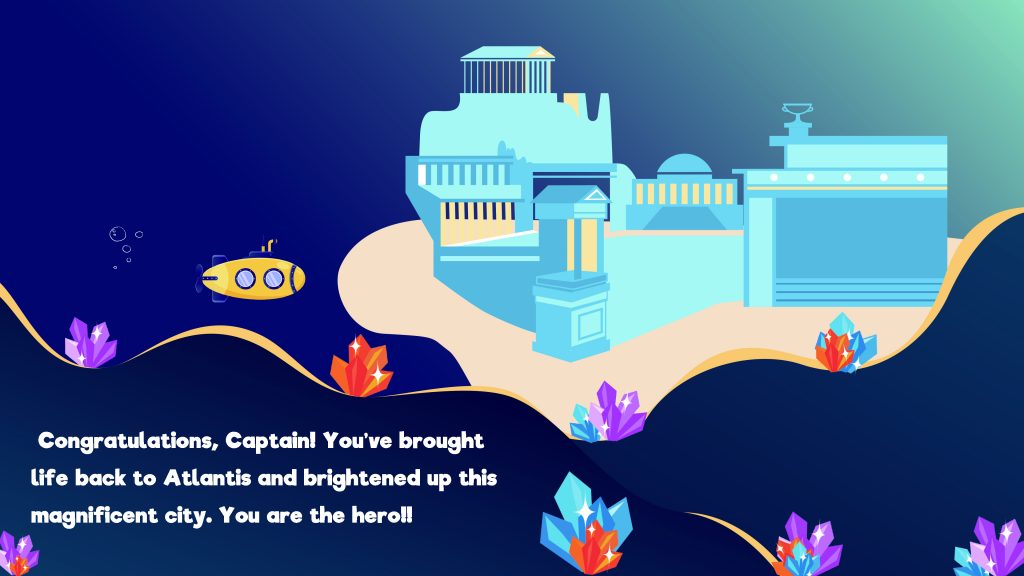
End Scene for Collecting 20+ Crystals
Week 15 & Beyond
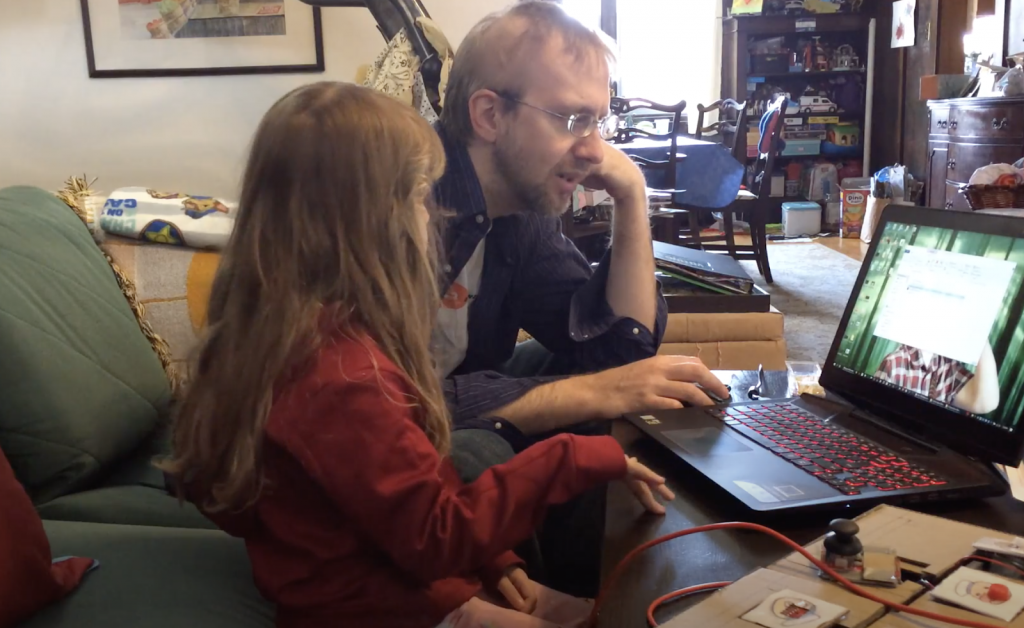
3rd Playtest Family 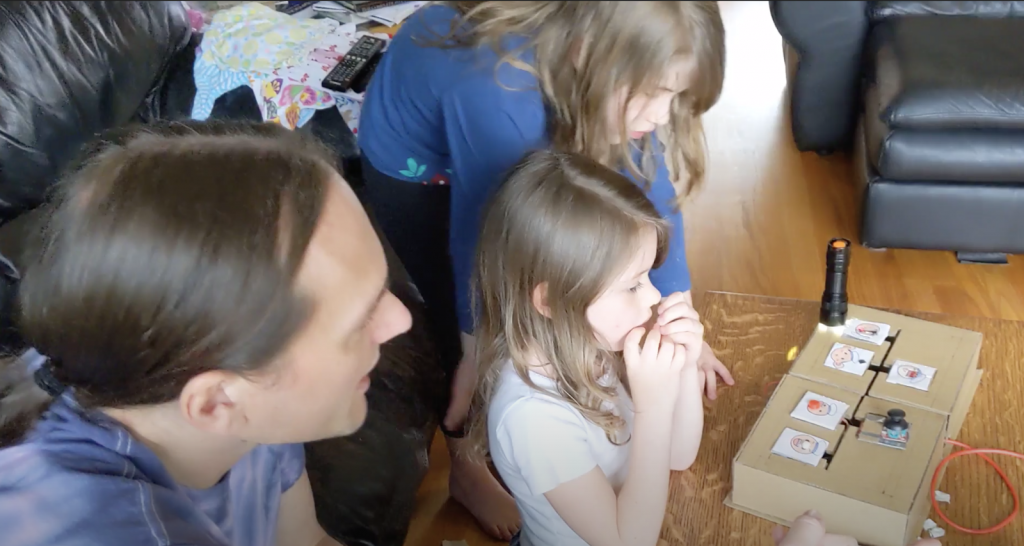
4th Playtest Family 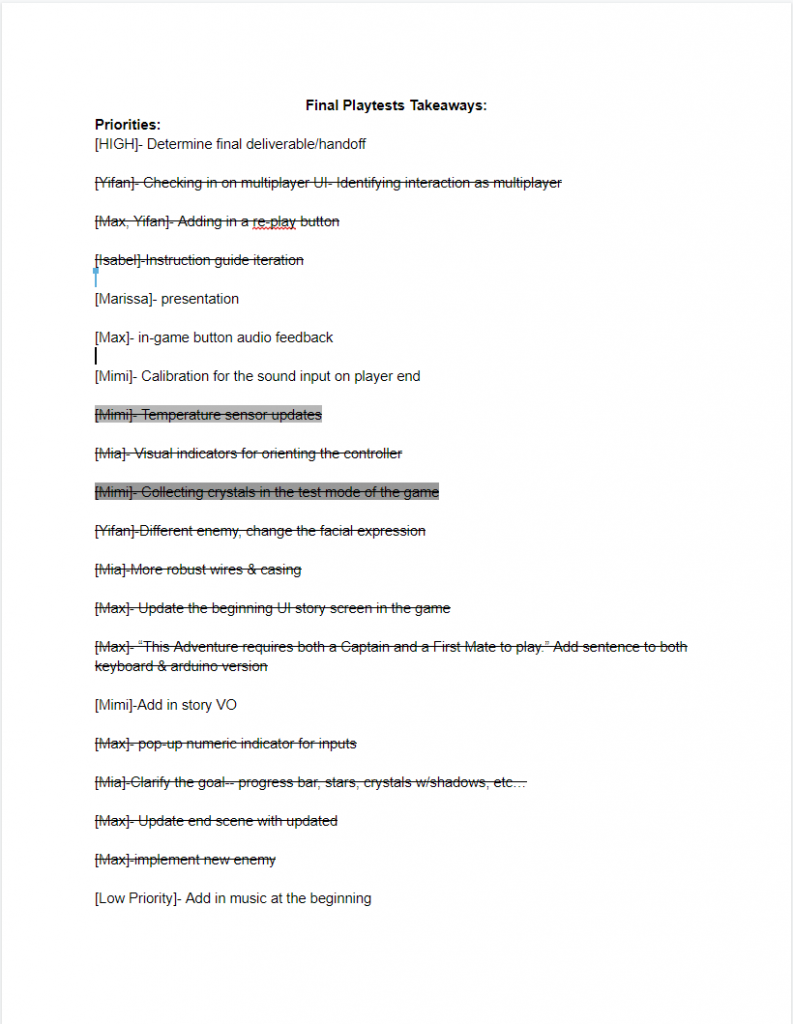
Final task list 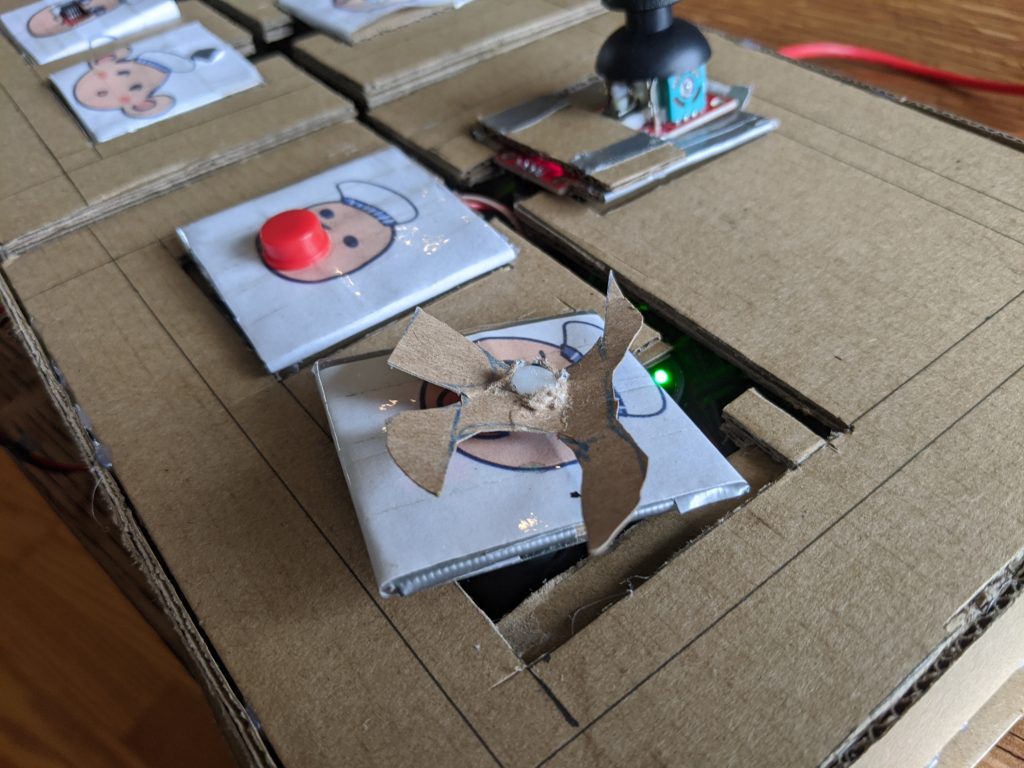
Propeller from our 4th Remote Playtest 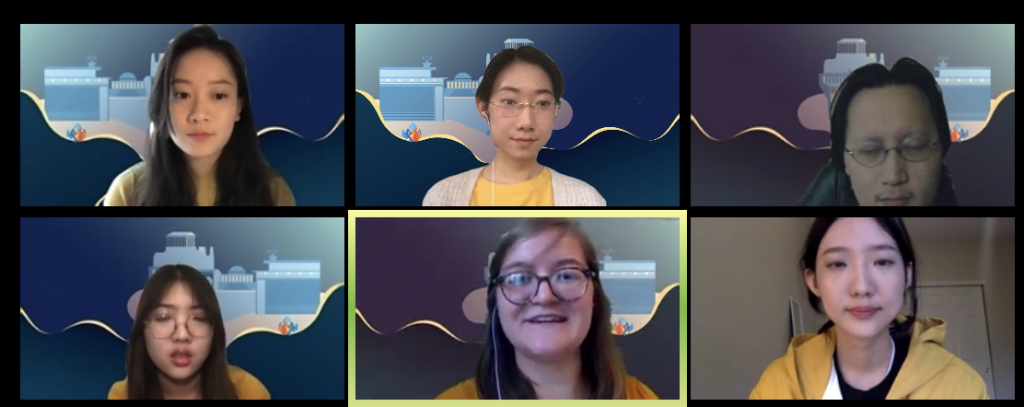
Final Presentation Q&A (via Zoom) 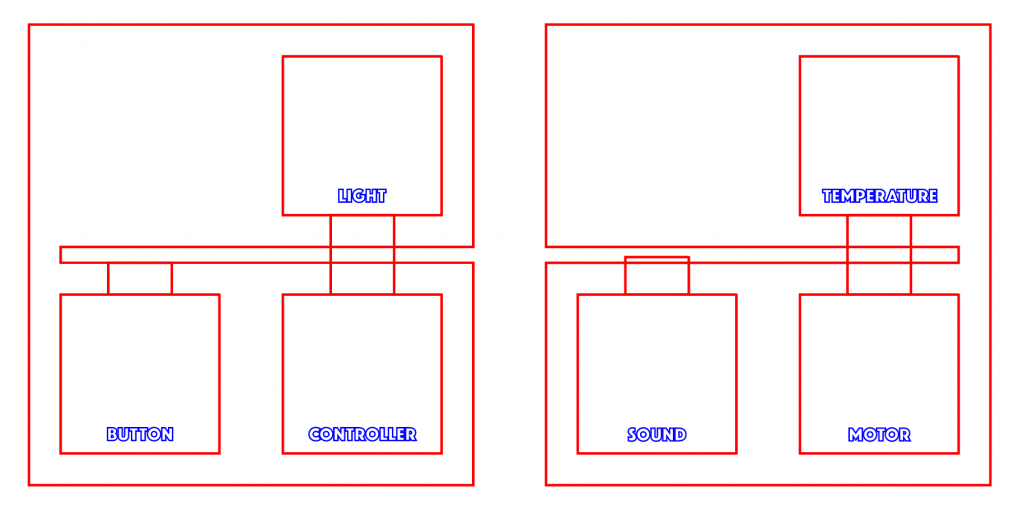
Controller template for laser cutting 
Final Team Meeting & Post Mortem